In the Internet era, Browser Fingerprinting has become a highly covert and widely used tracking technology. Unlike traditional cookies, browser fingerprints cannot be cleared by the browser; they generate a persistent digital identity that tracks users’ online activities. This article provides a comprehensive explanation of how browser fingerprinting works, its collection methods, and protective measures to help you enhance your online privacy and security.
Browser fingerprinting is the process of generating a unique identifier by collecting various pieces of information from a user’s browser and operating system. This information includes but is not limited to:
The combination of these data points creates a digital “fingerprint” with high uniqueness, which is extremely difficult to modify or remove.
Reference: Mozilla Fingerprinting
1. Passive Collection
Passive collection refers to information automatically exposed by the browser, which websites can access without additional scripts:
2. Active Probing
Active probing uses JavaScript or custom scripts to gather more detailed data:
Tip: You can test your browser fingerprint at miunique.org or Cover Your Tracks.
Protection strategies can be divided into Standardization and Randomization.
1. Standardization
Standardizing browsers reduces fingerprint uniqueness by unifying user data:
Representative browsers: Tor Browser, Mullvad Browser
2. Randomization
Randomizing browsers generate a different fingerprint for each visit to confuse trackers:
Representative browser: Brave Browser
3. Third-Party Script Blocking
Studies show third-party scripts generate fingerprints five times more often than first-party scripts. Using ad and tracker blockers significantly reduces risk:
4. Network-Level Protection
BrowserProtection StrategyProsConsTor BrowserStandardizationStrongest anonymitySlower, some sites inaccessibleMullvad BrowserStandardizationEasy to use, good daily usabilitySlightly lower protection than TorBrave BrowserRandomizationSmooth experience, privacy-enhancedSome metrics still detectable
Internal linking suggestion: Link to “Privacy Browser Installation Guide” or “VPN Configuration Guide.”
Advanced Protection Suggestions
Daily Privacy Tips
Although fingerprinting is often used for tracking, it also has positive applications:
Reference Guides: EFF guide and Tor official tutorials
In cross-border e-commerce, social media management, and advertising, browser fingerprinting is a common risk that can allow platforms to detect and link multiple accounts, increasing ban risk. Using MasLogin Fingerprint Browser, you can effectively prevent fingerprint detection. MasLogin provides independent browser environments, deep fingerprint customization, and IP isolation, ensuring each account operates in a completely separate environment, reducing tracking and ban risks while enabling safe multi-account management.
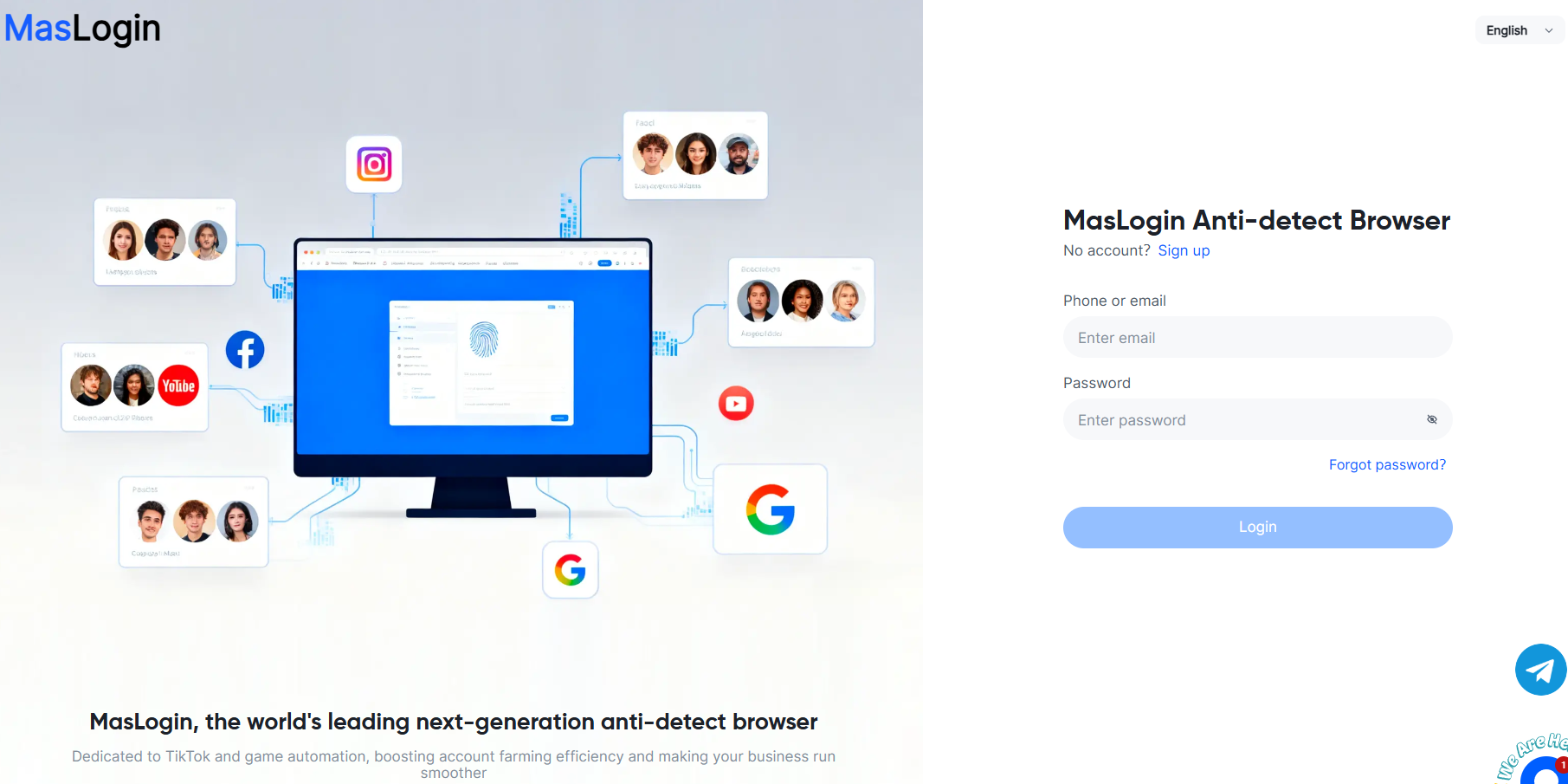
1.Download and Install: Visit the official website and install the MasLogin client.
2.Create Independent Browser Environments: Generate a unique fingerprint environment for each account, including browser type, resolution, language, and time zone.
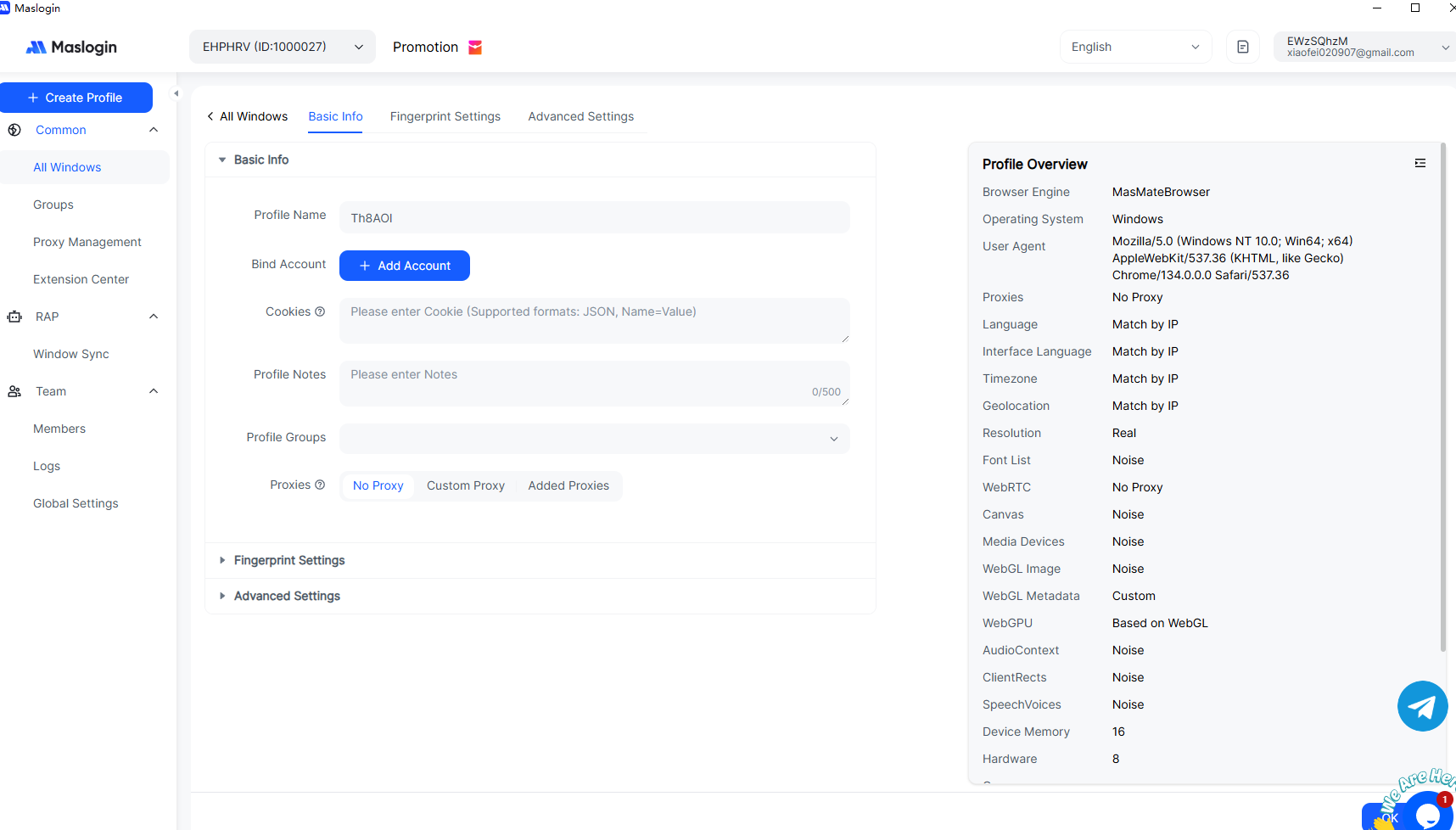
3.Add Accounts and Set Proxies: Import your social media or e-commerce accounts and assign independent IPs to each.

4.Begin Secure Operations: Log in, post content, and run ads in isolated environments.
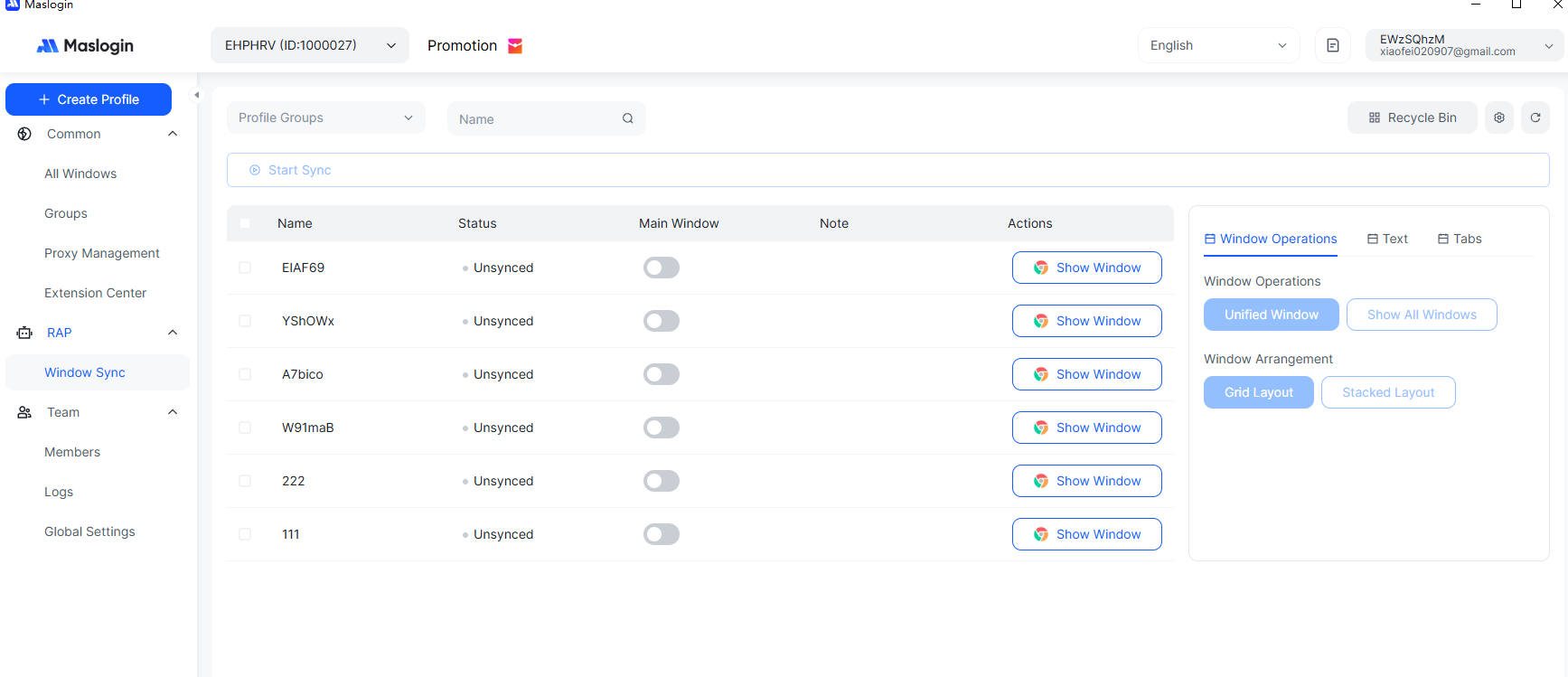
5.Use Automation Features: Enable RPA or API as needed to perform batch operations, data analysis, and multi-window synchronization, improving efficiency.
Q1: What is Browser Fingerprinting?
A1: Browser fingerprinting is a unique identifier generated by collecting device and browser information, used to recognize and track user behavior.
Q2: What are the risks of browser fingerprinting?
A2: Major risks include account association and bans, restricted ad targeting, and privacy breaches, especially in multi-account operations.
Q3: How does MasLogin prevent browser fingerprint detection?
A3: MasLogin provides independent browser environments, deep fingerprint customization, and IP isolation, ensuring each account has a unique identity and preventing platform correlation.
Q4: Can I safely manage multiple accounts on the same device?
A4: Yes. MasLogin supports creating independent browser environments and IPs for each account, enabling secure multi-account management.
Q5: Does MasLogin support automation?
A5: Yes. RPA, API, and window synchronization features allow batch operations, improving efficiency—especially for cross-border e-commerce and social media teams.
Q6: Is MasLogin suitable for beginners?
A6: Absolutely. The interface is intuitive and easy to use; no technical background is required to quickly create independent browser environments and manage multiple accounts.
Outline