



Most people are familiar with Gemini and ChatGPT, and may have even tried Perplexity, but few have heard of Google AI Studio. This very "invisibility" makes it a true secret weapon. Those who master this tool are using it to launch real online businesses.
This article will take you on a deep dive into the powerful features of Google AI Studio and 5 practical business application scenarios.
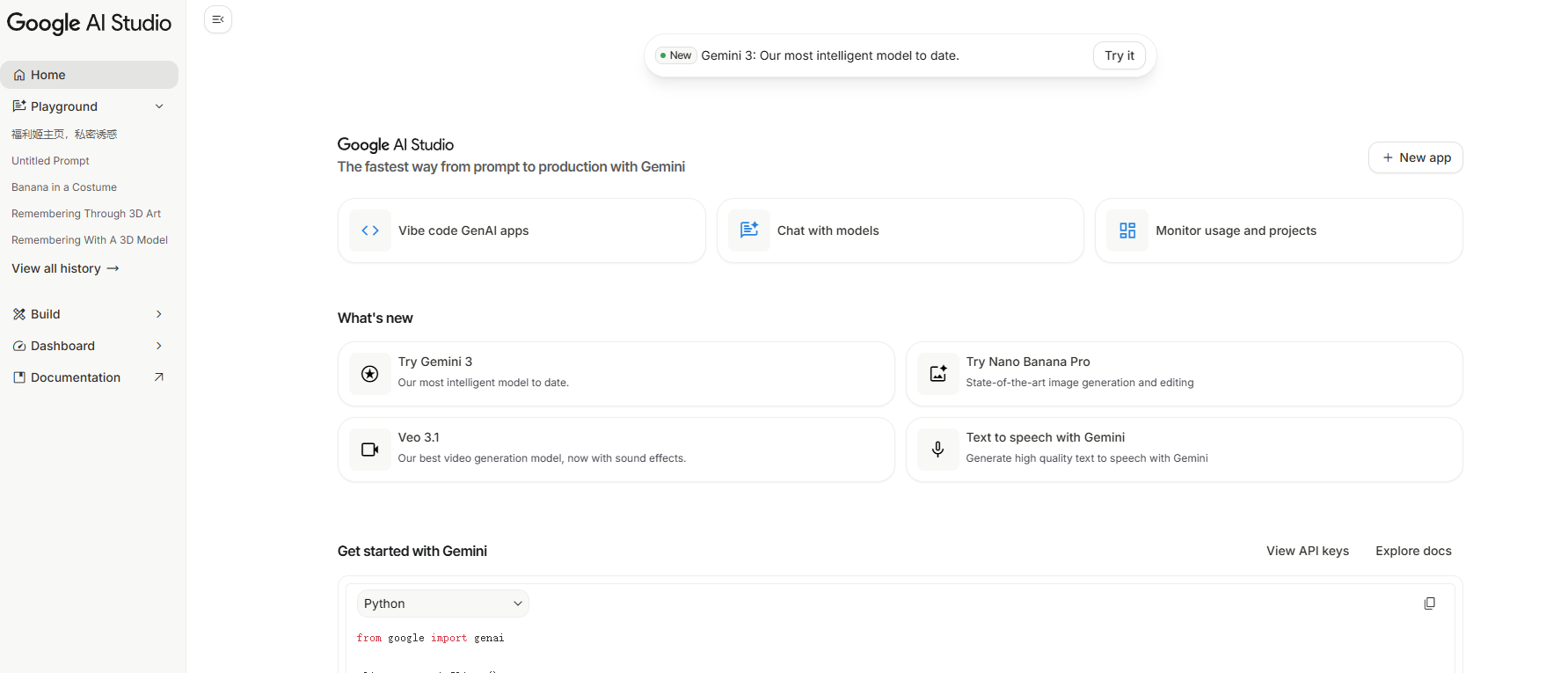
Simply put, Google AI Studio is Google's platform for its suite of AI models. It not only includes all the functionalities of Gemini but also offers more professional tools:
The key point is: most features are completely free.
Many mistakenly believe Google AI Studio is a tool exclusively for developers. In reality, anyone can use it. Just visit studio.google.com, log in with your Google account, and start exploring.
In the "Build" section of Google AI Studio, you can quickly turn your ideas into usable applications.
Let's say you want to develop a retirement planning tool for a financial planning company:
In less than 2 minutes, a fully functional application is generated.
This application can take user inputs (current age, target retirement age, current investment amount, monthly contribution, etc.) and calculate the expected funds upon retirement.
Financial institutions, insurance companies, and consultants may all need such tools. You can proactively reach out to potential clients, present prototypes, and negotiate collaborations.
Also within the "Build" section, Google AI Studio can generate complete website code.
Enter the following into the prompt box:
"Build a beautiful portfolio website for a photographer."
The system will automatically analyze the requirements, optimize technical specifications, and ultimately generate a responsive, interactive website. Users can click on images to view them larger, and the overall visual effect is professional and modern.
Visit local businesses and identify those with outdated websites and poor user experiences (restaurants, clinics, coffee shops, retail stores, etc.). Proactively offer to upgrade their websites.
For small business owners, spending a few hundred to a few thousand dollars for a modern website is much more cost-effective than struggling with it themselves or hiring a development team.
Google AI Studio's Text-to-Speech capability is astonishingly good and supports multi-character dialogues.
Example Scenarios:
Many assume Google AI Studio's image features require a paid API, but in reality, the free version of the Imagen model is powerful enough.
For example:
"Generate a dog wearing a banana costume."
Even without an API key, the system will generate the image normally.
You can have Google AI Studio build an "AI Pet Portrait to Masterpiece" application for you:
Tools like these are extremely popular on social media (e.g., AI avatars, anime style conversion, toy packaging mockups, etc.), and many people are willing to pay for them.
Business Applications:
Using MasLogin Anti-Detect Browser to manage multiple creative service accounts can make operating such businesses more efficient and avoid account association risks.
Google AI Studio provides users with free access to the latest preview versions of Gemini models, which are often only available in the paid version of Gemini.
Imagine you ghostwrite content for business executives (emails, social media posts, press releases, etc.) and need to maintain their tone and style.
Steps:
Additional Settings:
These fine-grained controls are not available in the standard version of Gemini.
Google AI Studio is not just a single tool but a complete AI business workbench:
Key Advantages:
If you are looking for low-cost, high-potential online business directions, Google AI Studio is worth exploring in depth.
Gemini is a conversational AI tool for general users, while Google AI Studio is a more professional platform offering a variety of models, custom settings, and application building capabilities. Simply put, Gemini is the "product," and AI Studio is the "toolbox."
Yes. Although the interface may look technical, the core operations involve inputting prompts, selecting models, and clicking generate. The platform also provides numerous examples and templates to help you get started.
Yes. Free users will encounter daily request limits, but this is sufficient for testing, learning, and small-scale operations. For large-scale commercial use, consider upgrading to the paid API.
According to Google's terms of service, users have the right to use the generated content for commercial purposes. However, it's advisable to carefully read the latest usage policies before officially using it commercially.
If you need to manage multiple accounts or frequently switch between projects, you can use MasLogin Anti-Detect Browser. It creates an independent browser environment for each account, preventing account association and ensuring stable business operations.
Outline

 (1) (1) (1).png)

