Do you frequently use Gmail, YouTube, or Google Search? If the answer is “yes”, then your privacy data may be silently collected and exploited. This article will walk you step by step through the most dangerous Google privacy setting and show you how to disable it, thereby improving your data security and privacy protection.
 (1) (1).png)
Recommended reading: How to prevent browser fingerprint tracking?
In Google Account → Data & Privacy → Web & App Activity, you’ll see that Google records:
Suggested action:
Reference: [Google Web & App Activity official guide]
Google by default saves all the places you’ve been, even if you don’t use Google Maps.
Risk: Others may view your entire movement history via your account.
Suggested action: Turn off Location History and set data auto-delete.
Although it seems harmless, if you share a device, your search and watch history reveals your interests and habits.
Suggested action: Turn off or pause YouTube History.
Benefit: More unbiased video and search recommendations.
Ad Personalization is central to Google’s data collection.
Risk: Advertisers can micro-target you based on browsing behavior.
Suggested action: In the Ad Center, turn off personalized ads to avoid being a “tagged” user.
Many sites and apps let you log in quickly with your Google account, but they may keep long-term access to your data.
Suggested action: Go to Google Account → Third-Party Access, review apps, and remove unnecessary ones.
Two-step verification is the most important protection for your Google account.
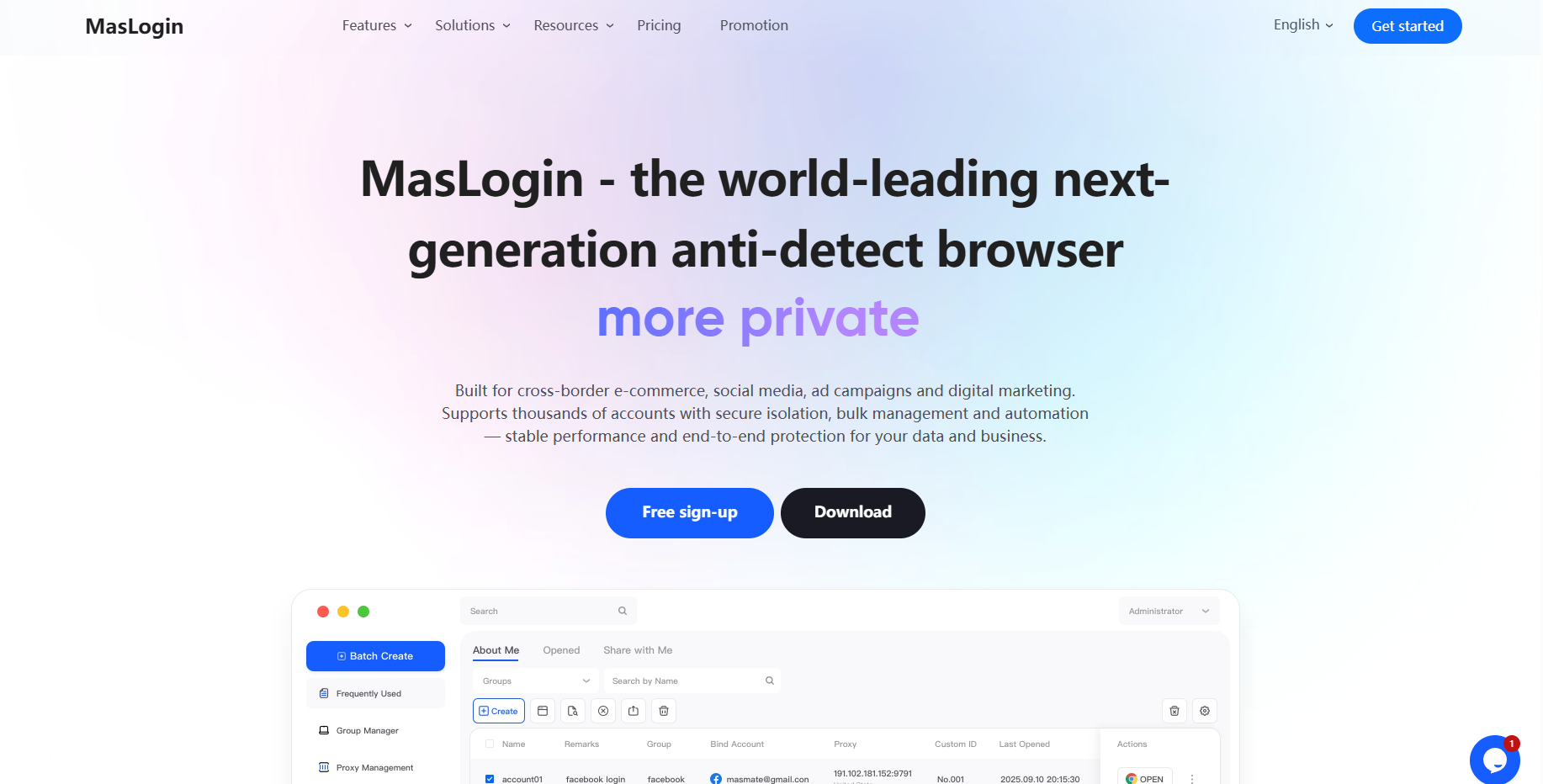
While optimizing Google privacy settings to block tracking and ad personalization, many users also need to operate multiple accounts for work. This is where MasLogin Fingerprint Browser comes in.
Recommended practice:
For more details, see Google’s privacy documentation or visit MasLogin’s official site for complete multi-account and anti-tracking solutions.
1. Why disable Web & App Activity?
Because it permanently stores your browsing history, location, and device data, which advertisers may use for precise tracking.
2. Does disabling Location History affect Google Maps?
No, navigation still works. It only stops background location storage.
3. Can I partially keep YouTube History?
Yes, you can pause or set an auto-delete period.
4. Will I still see ads if I turn off Ad Personalization?
Yes, but ads will be based on website context, not your personal data.
5. How do I check which third-party apps have my Google data access?
Go to the Third-Party App Access page in your Google account to review and manage permissions.
Outline