If you want to make money online, the Amazon Associates Program is definitely an option you shouldn't miss. As one of the largest e-commerce platforms globally, Amazon offers affiliates a wealth of product resources and stable commission earnings. However, many beginners encounter various issues during registration: which country's affiliate program to choose? How to fill out the application information? How to get promotional links?
This guide will walk you through the complete Amazon Associates registration process step-by-step and share practical promotion tips to help you quickly get started with the world's most popular affiliate marketing program.
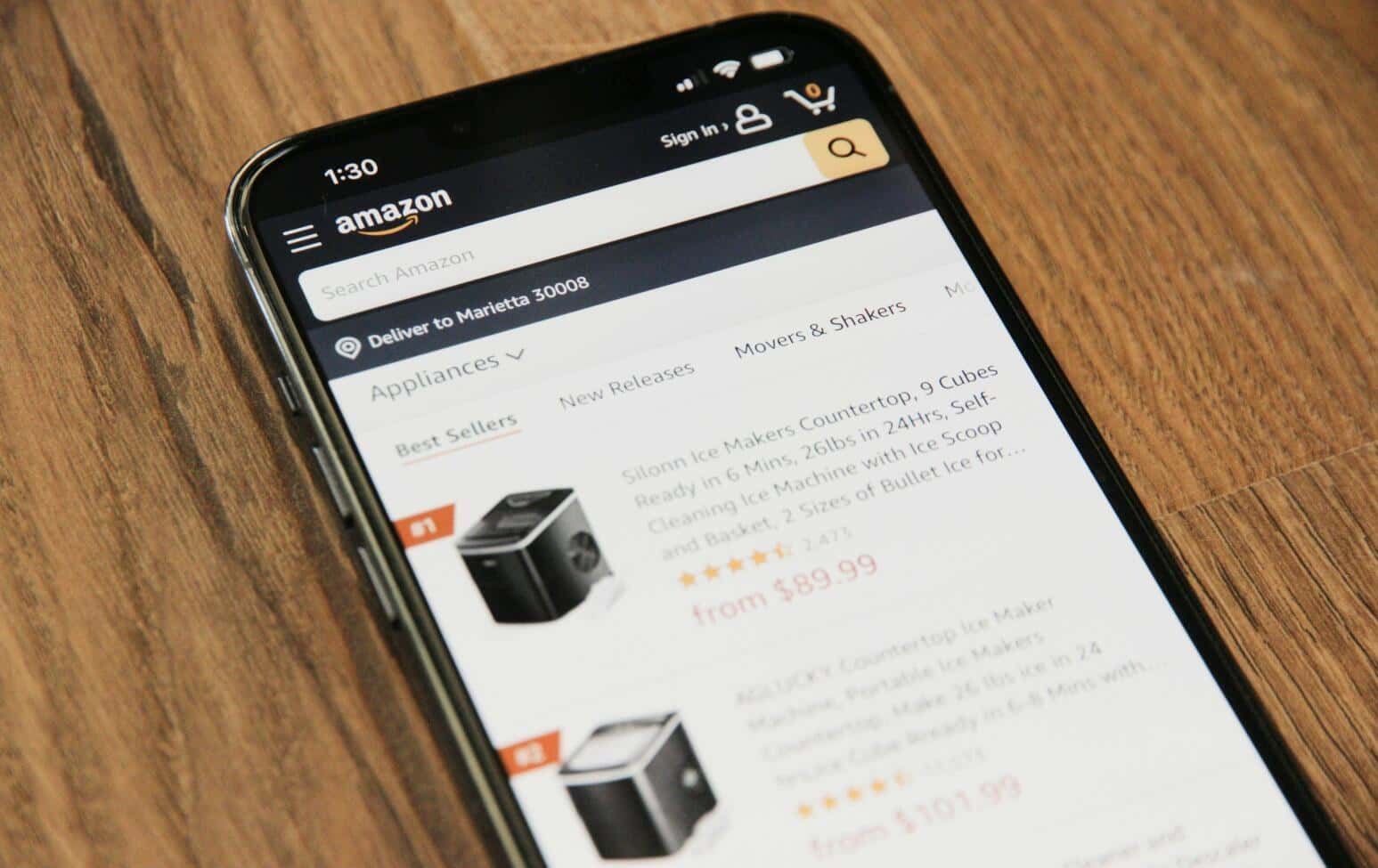
Many people don't realize that Amazon has independent affiliate programs for different countries and regions. This means you need to choose the correct registration portal based on your target audience.
Suppose you register for the US Amazon Associates program (amazon.com). In that case, you can only promote products from the US site. If your audience is primarily in the UK or India, they might be more accustomed to shopping on their local Amazon sites, requiring you to register separately for the UK or Indian affiliate programs.
The easiest way is to search directly on Google:
For most beginners, I recommend starting with the US Amazon Associates program, as it boasts the largest product catalog and highest traffic. You can then expand to other regions as needed.
Once you've found the correct registration page, click the "Sign Up" button to begin your application. The entire registration process is divided into four main sections, explained below.
This is the simplest step. You'll need to provide:
Ensure all information is accurate, as it's crucial for future payments and tax processing. After filling this in, click "Next" to proceed.
This is where many beginners get stuck. Amazon requires you to provide at least one content platform, which can be a website, blog, or social media account.
Important Notes:
For example, if you plan to promote Amazon products on YouTube, simply copy your channel link (e.g., youtube.com/@yourchannel), paste it into the input box, and click "Add."
The page will then ask you to confirm whether your content is directed at children under 13. Choose "Yes" or "No" based on your situation.
This is your unique identifier within the Amazon Associates system and will appear in all your promotional links. While it doesn't affect commission calculations, it's recommended to choose a concise and memorable name, such as your brand name or channel name.
For instance: fullmoonfinance-20 or techreview-21
Next, you'll need to briefly describe your content type, such as:
This information helps Amazon understand your target audience. Just fill it in honestly.
The final step is very straightforward:
After submitting, you'll see a confirmation page displaying your Associate ID and account status. You can now start using all the features of Amazon Associates.
Once registered, you can start creating promotional links to earn commissions. Amazon offers a very convenient tool called "SiteStripe" that allows you to generate your unique links with a single click while browsing products.
Log in to your Amazon Associates Dashboard and navigate to:
Tools → SiteStripe → Learn More
Ensure the SiteStripe feature is enabled. After enabling it, a gray toolbar will appear at the top of Amazon shopping pages when you visit them.
After finding a product you want to promote, click on the SiteStripe toolbar. You can choose from three link formats:
If you've registered for multiple regional accounts, remember to select the correct Store ID from the dropdown menu.
When generating a link, you can opt for "Short Link" or "Full Link":
In most cases, the short link is more practical as it appears more professional and less like an advertisement.
![4A_)]2P@B1)_HMW(]EI2]XY.png](https://masmate.service-online.cn/production/files/0/1765178765391398430_79129.png)
Although Amazon allows you to use associate functions immediately after registration, your account needs to generate at least 3 qualifying sales within 180 days to be officially activated. If you don't meet this requirement during this period, your account will be suspended.
The system will ask if you want to provide tax information during registration. If you're not ready, you can click "Later" to skip it and complete this step later in your dashboard. However, filling out tax information will help ensure you receive your commissions smoothly.
If you plan to manage multiple Amazon Associates accounts simultaneously (e.g., for different regions like the US, UK, Japan), using a professional anti-detect browser like MasLogin can make your operations safer and more efficient.
Amazon has high security requirements for accounts. Frequently switching between multiple affiliate accounts on the same device might flag your activity as suspicious. MasLogin avoids account association by allocating independent browser fingerprints and IP environments to each account.
Suppose you manage both US and UK Amazon Associates accounts simultaneously. Using MasLogin allows you to:
This is particularly important for affiliate marketers who need to operate multiple accounts.
Registration and obtaining links are just the beginning. Earning commissions effectively requires a solid promotion strategy.
Commission rates vary significantly across different product categories:
When promoting, consider prioritizing products with higher commission rates and strong audience demand.
Whether it's YouTube videos, blog posts, or social media updates, the value of your content should always come first. Don't just paste links; instead:
Don't limit yourself to a single platform. You can simultaneously promote across various channels:
Very beginner-friendly. Amazon Associates doesn't require you to have a large following or massive traffic; you just need a platform with genuine content to apply. Beginners can start by promoting products they've personally used, gaining experience before expanding their niche.
Yes. Each country's Amazon Associates program is independent, and you'll need to register separately for each. It's recommended to start with the US site first and then expand to other regions once you're familiar with the process.
Your account will be suspended, but you can reapply. To avoid this, start creating content and promoting immediately after registration, rather than waiting until the last minute.
Log in to your Amazon Associates Dashboard. You can view detailed click, conversion, and commission data on the "Reports" page. Commissions are typically paid out at the beginning of the month following the earning period.
Amazon's promotional links themselves do not expire. However, if a product is delisted or goes out of stock, the link will become inactive. It's advisable to periodically check and update links within your promotional content.
Outline