Imagine your old phone is no longer e‑waste sitting in a drawer, but a “little goldmine” bringing you $150–200 in passive income every month. This isn’t fantasy – it’s the phone farming model more and more people are using to make money in 2025.
Based on real-world experience, this guide breaks down 15 proven passive-earning apps and shows you how to configure them for scalable returns.
At its core, phone farming is about trading idle device resources for cash. While these apps run in the background, your phone contributes data (e.g. ad tracking, behavior analytics), bandwidth (e.g. traffic sharing), or computing power (e.g. virtual mining). The platform then pays you based on your contribution.
Compared with most passive income methods, phone farming has three big advantages:
Based on actual tests, a single phone running the 15 apps recommended here, each on its own IP, can earn around $150–200 per month. Breakdown:
Critically, a unique IP per device is essential. If multiple devices share the same network, most platforms will limit your earnings or even ban accounts.
This project works particularly well if you:
If you already have old phones you no longer use, this is a perfect near‑zero‑cost way to start.
Recommended specs: Android 8.0 or higher, 2GB+ RAM, and 4G support. On eBay or local marketplaces, you can usually pick these up for $50–80.
What to avoid: don’t use iOS as your main farming devices. Most data‑sharing apps are Android‑only, and Android is much more lenient with background processes.
Core rule: each device needs its own IP address. Otherwise, platforms are likely to flag you for “multiple accounts on one network” and restrict or close accounts.
Example setup: UK users can use cheap SIM plans like Labara (around £1/month with 100GB data). In other regions, look for similar low‑cost data SIMs or IoT/data‑only SIMs. The key is that each SIM should map to a different IP range.
If you also run web‑based platforms (like Brand B), use MasLogin anti‑detect browser to manage multiple accounts and prevent bans caused by browser fingerprint linking.
Before buying on eBay, register via a cashback site like Rakuten. For example, Rakuten often offers $25 back on a first $50+ purchase – effectively cutting your phone cost by 50%.
Say you buy 5 used phones for a total of $400. With a $100 cashback, your real cost is $300 – shortening your payback period by about a month.
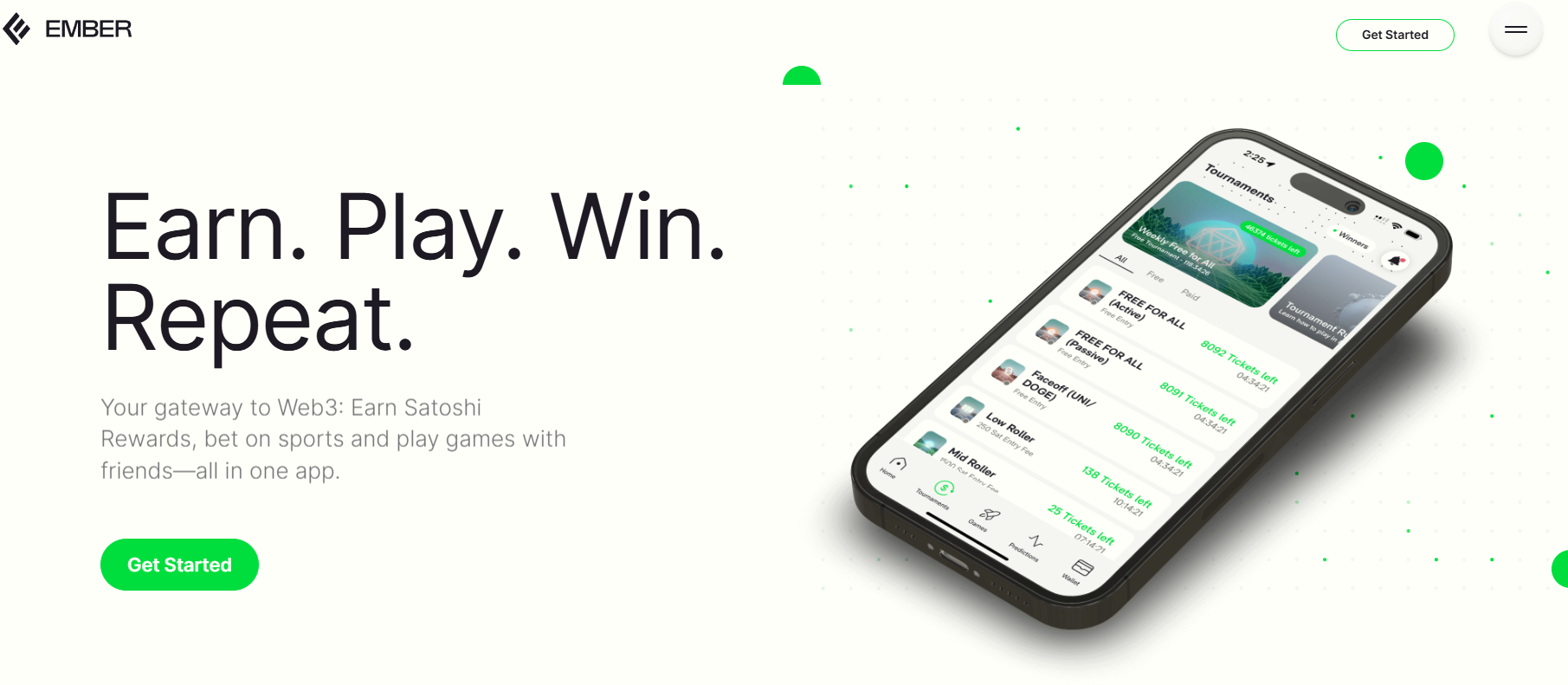
Ember Fund is a virtual Bitcoin mining app. It doesn’t use real computing power – you earn satoshis (the smallest unit of BTC) mainly by watching ads.
Earning mechanics:
Test results: at current BTC prices, each referred user is worth about $0.15/day; at 100 satoshis/hour, that’s roughly $2.5/day or $75/month.
How to run it: every 24 hours, tap “Start Mining” and watch a 15‑second ad. The app reminds you when it’s time. I’ve been running this on 2 devices stably without bans.
![]3WB_{EP$18`H~Y6ZXKTPL2.png](https://masmate.service-online.cn/production/files/0/1764758209196578763_40124.png)
MSR monetizes your usage data from platforms like YouTube and TikTok. It’s task‑driven and reliable.
Weekly earnings structure:
New users signing up via referral link get an instant $2 backdated task reward. Single‑device earnings are about $10/month. It supports unlimited devices, but each must be linked to a different Google account.
This invite‑only niche platform pays you for reporting fashion purchases.
Earning strategy: you can submit up to 20 purchase records per month at £0.50 each. Key point: no proof of purchase required, and you can “simulate” low‑value fast fashion buys from Primark, Zara, etc.
From tests, each device earns about £10/month (~$15). Payout threshold is £10, usually via Uber Eats or other vouchers. You can then sell these vouchers on platforms like Card for around £8.6 cash. I run this on 5 devices and haven’t had any audit issues.
Retita pays €0.5 for linking a Google account. The standout feature is a daily lucky wheel with ~40% win rate and €0.2–5 prizes. Note that some app versions don’t include the wheel, so check before installing. Average earnings are about €3/device/week.
THX is a completely passive audio data collection app. Install and forget – it generates about $0.5/day and pays out at £10/month. I run this on 7 phones with zero maintenance.
Coin App mines COIN tokens using location data. The goal is to unlock “auto explore mode”.
Setup steps:
Anti‑ban tips: a single account should use no more than 2 devices. To scale, register multiple accounts with different addresses. Two devices per account can bring about $30/month, fully automated.
This app uses your phone’s mic to recognize TV/radio ads; you don’t need to do anything.
Two earning sources:
Payout threshold is £10 (1,350 points). Each device earns about $15/month. Multiple devices are supported but each must have its own phone number.
Apps like WeiWard, Macadam, Cashwalk, and Walkwork convert steps into points. If you walk a lot anyway, consider them a bonus. For bulk operations, you’ll need a phone step shaker.
To avoid bans:
Risk note: these apps change rules frequently. Prioritize more stable data‑sharing platforms first.
These are the backbone of a phone farm’s revenue. Five core platforms:
| Platform | Daily earnings | Install method | Notes |
|---|---|---|---|
| Honey Gain | $0.25 | Website APK | $3 sign‑up bonus |
| Pawns App | $0.50 | App store | Highest payout |
| Peer2Profit | $0.33 | Telegram APK | Link via Telegram |
| Earn App | $0.40 | Website APK | Android‑friendly |
| Bytelixir | $0.20 | Website APK | Supplementary option |
Critical reminder: run these 5 apps on different IPs. Using several devices on a single IP will severely cut earnings. Combined with unique SIMs, you can expect $50–80/month per device from this stack alone.
When you scale up, platforms will try to detect “bulk operations” using:
Practical steps:
Most farming apps are mobile‑only, but for web‑based platforms like Brand B or any multi‑account web dashboards, MasLogin anti‑detect browser becomes essential.
Use cases:
Best practice: in MasLogin, create one browser profile per phone, and bind it to that phone’s SIM IP info. This gives you clean isolation between “phone side” and “desktop side.” For detailed steps, see the MasLogin Help Center multi‑account guides.
Use a simple Excel or Google Sheets file to log:
Then optimize by removing low‑performing apps (e.g. <$5/month) and focusing on higher‑yield ones like Pawns and Ember Fund.
Example for 5 devices:
Total Month‑1 outlay: about $316.5
Assuming 10 core apps from this guide:
For 5 phones: $600/month
Minus data fees (~$6.5): net ~$593.5
Payback time: you break even and profit in the first month. From month 2 onward, it’s mostly pure profit.
Factors that may affect returns:
Suggested approach: start with 1–2 devices for a full month. Confirm actual earnings, then scale.
Besides Rakuten, you can also use:
Strategy: whenever you buy SIMs, cables, stands, etc., check cashback first. Over time you can save 10–15% of your operating costs.
Starter setup (beginner‑friendly):
Advanced setup (maximizing returns):
On top of the starter stack, add:
Once you handle 7+ accounts, it’s easy to “cross‑log in” by mistake (e.g. opening device A’s account from device B’s browser profile). MasLogin solves this by giving each account a fully separate environment – no shared cookies, no shared fingerprints.
Practical example: manage and check Consumer Pulse submissions for all devices from one PC, or track Ember Fund referral income across many accounts, without triggering platform risk controls due to frequent account switching.
Yes. All the apps recommended here are legitimate platforms. The relationship is simply: you provide data or resources and get paid. What matters is following each platform’s rules – for instance, not using fake identities where KYC is required.
No. Everything here can be done without coding or advanced tech knowledge. If you can install apps and create accounts, you can do this. The “hardest” step might be downloading APKs from a browser instead of an app store, and there are plenty of tutorials online for that.
Most platforms support PayPal. If you’re in a country where PayPal doesn’t connect directly to local banks, you can usually route via PayPal → Alipay/bank card or an exchange service (fees will apply). Some platforms like Ember Fund pay in BTC, which you can sell on exchanges.
Yes, farming phones should stay plugged in most of the time. To reduce battery wear:
Most platforms pay weekly or monthly. For example, MSR pays out for the previous week every Monday; Honey Gain usually settles end‑of‑month. Run your setup for a full month before judging the overall income; don’t expect instant payouts across the board.
In conclusion, phone farming isn’t a “get‑rich‑quick miracle,” but it is a genuinely low‑barrier, repeatable passive income model. The key is planning (choosing devices, IP setup, app mix) and then consistent light‑touch maintenance. If you’ve got unused phones collecting dust, starting with just one device is worth a try – turning “trash” into a steady trickle of cash beats leaving it in a drawer.
Outline