In 2025, Pinterest continues to be one of the most powerful visual search engines and discovery platforms for both creators and brands. With over 550 million monthly active users, Pinterest acts as a bridge between social media inspiration and purchase intent, making it a must-have channel for businesses and affiliate marketers.
However, as the platform grows, managing multiple Pinterest accounts securely—especially for marketers, agencies, or e-commerce teams—becomes a major challenge. That’s where MasLogin Fingerprint Browser comes in, offering independent browser environments, anti-association technology, and multi-account automation tools to help you scale Pinterest operations safely.
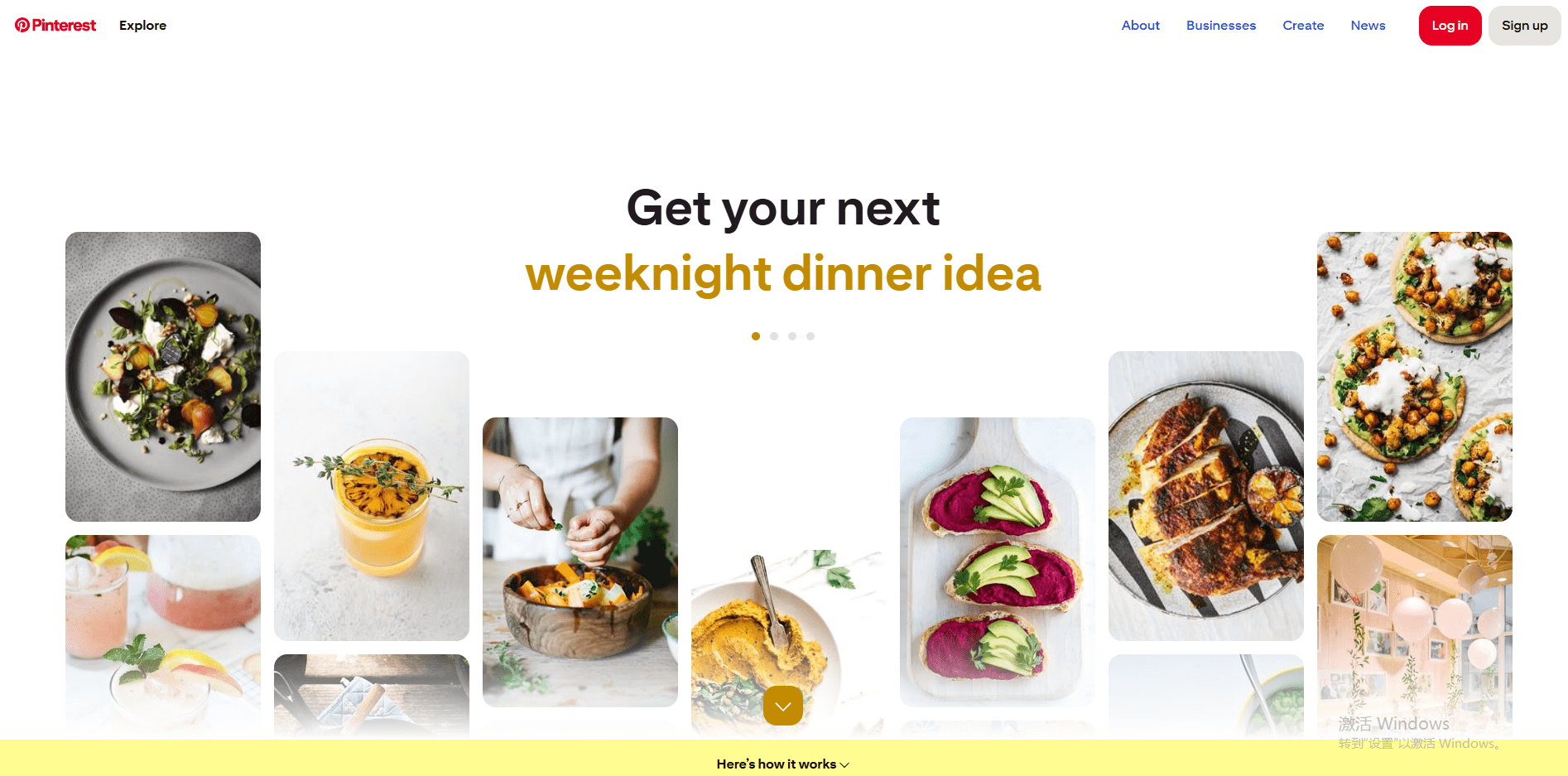
Unlike traditional search engines, Pinterest combines discovery and visual intent. When users search for “healthy food,” they don’t just see text links—they see images, recipes, and shopping options. This visual SEO approach helps brands attract long-term visibility.
Unlike Instagram or TikTok, where posts disappear in 24–48 hours, Pinterest Pins can rank for months, delivering continuous organic traffic.
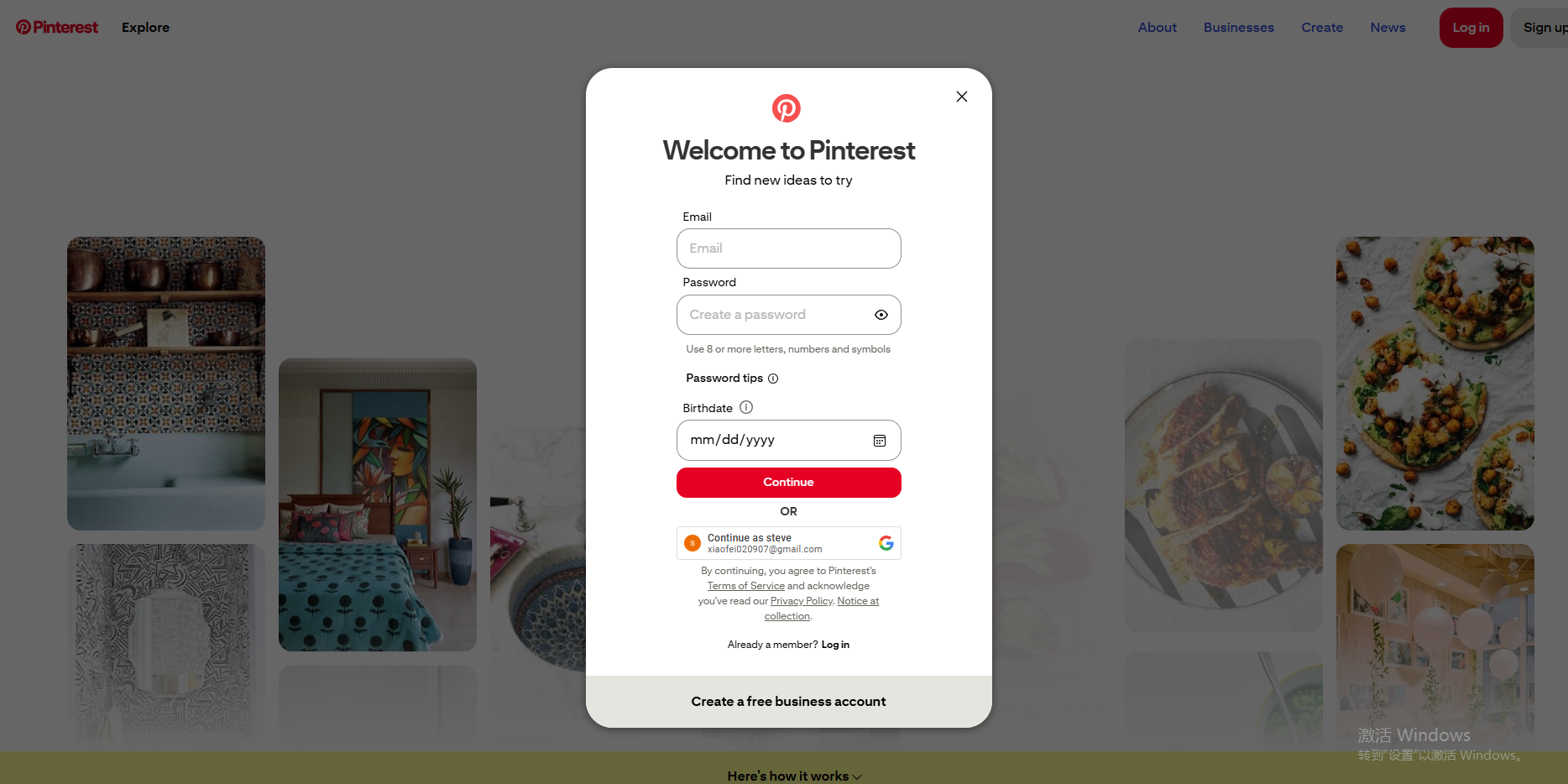
Go to pinterest.com and create an account. Whether you’re on desktop or mobile, Pinterest will guide you through interest selection to personalize your feed.
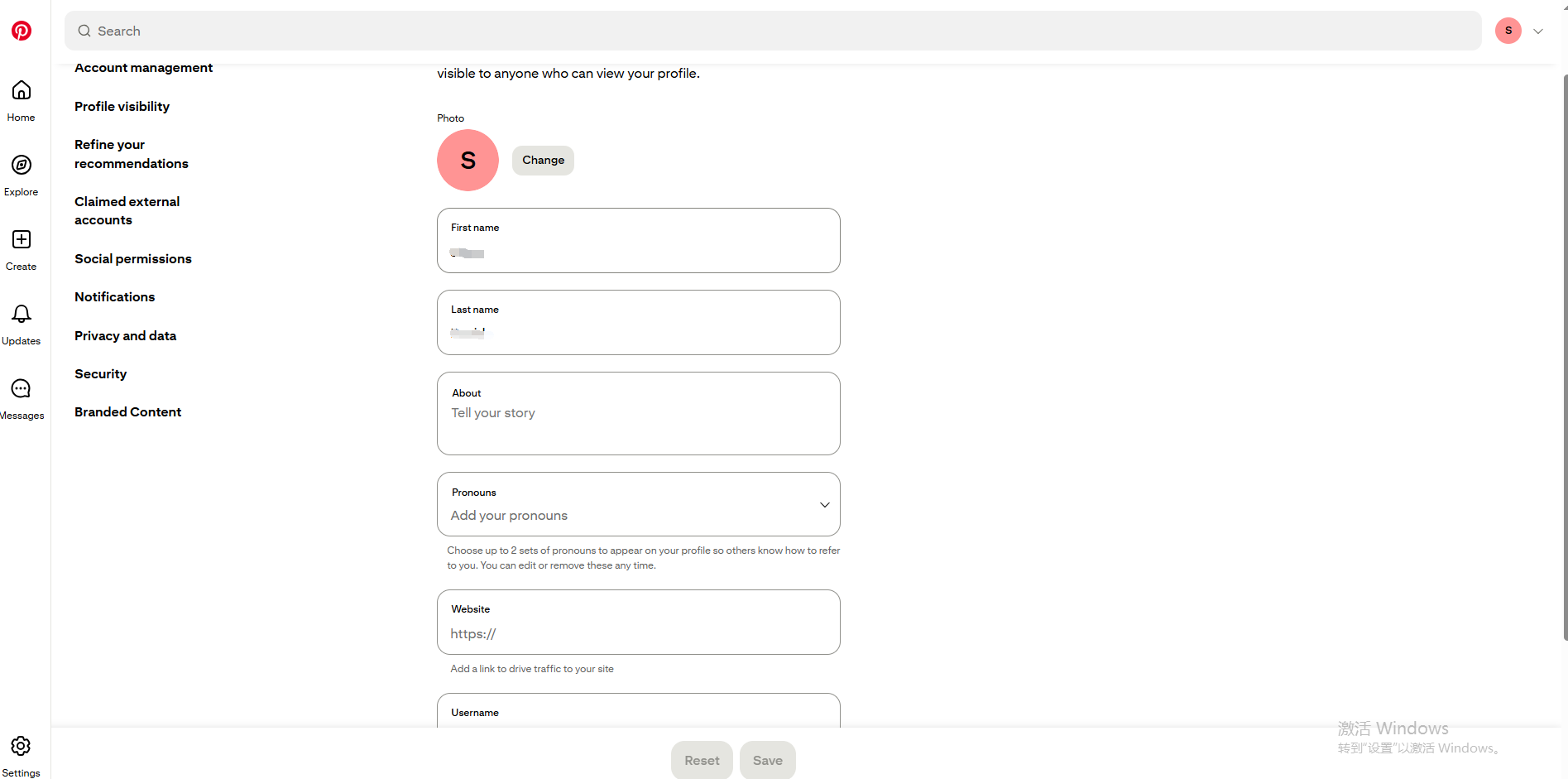
A Pinterest Business Account unlocks key tools:
Always ensure your profile visibility settings allow indexing by Google and Pinterest search for better discoverability.
Add a professional photo, concise bio with target keywords, and a website link. Avoid keyword stuffing—Pinterest favors natural, descriptive language. Example:
“Men’s fashion and lifestyle inspiration. Smart outfits, casual trends, and modern accessories for 2025.”
Pinterest keyword research works differently from Google SEO. Use the Pinterest search bar to discover real-time keyword suggestions. For example:
You can also use the Pinterest Trends Tool or third-party keyword platforms like Ahrefs and Ubersuggest.
Pro Tip: Collect at least 5–10 niche keyword groups for your Pinterest Boards (e.g., “Men’s Style,” “Casual Wear,” “Street Fashion,” etc.) to structure your content effectively.
Boards act as thematic containers for your pins. Each board should:
When creating Pins:
This helps boost your visibility both within Pinterest and on Google image search results.
Running several Pinterest profiles—especially for affiliate marketing, cross-border e-commerce, or social media agencies—can trigger account bans if done carelessly from the same IP or device.
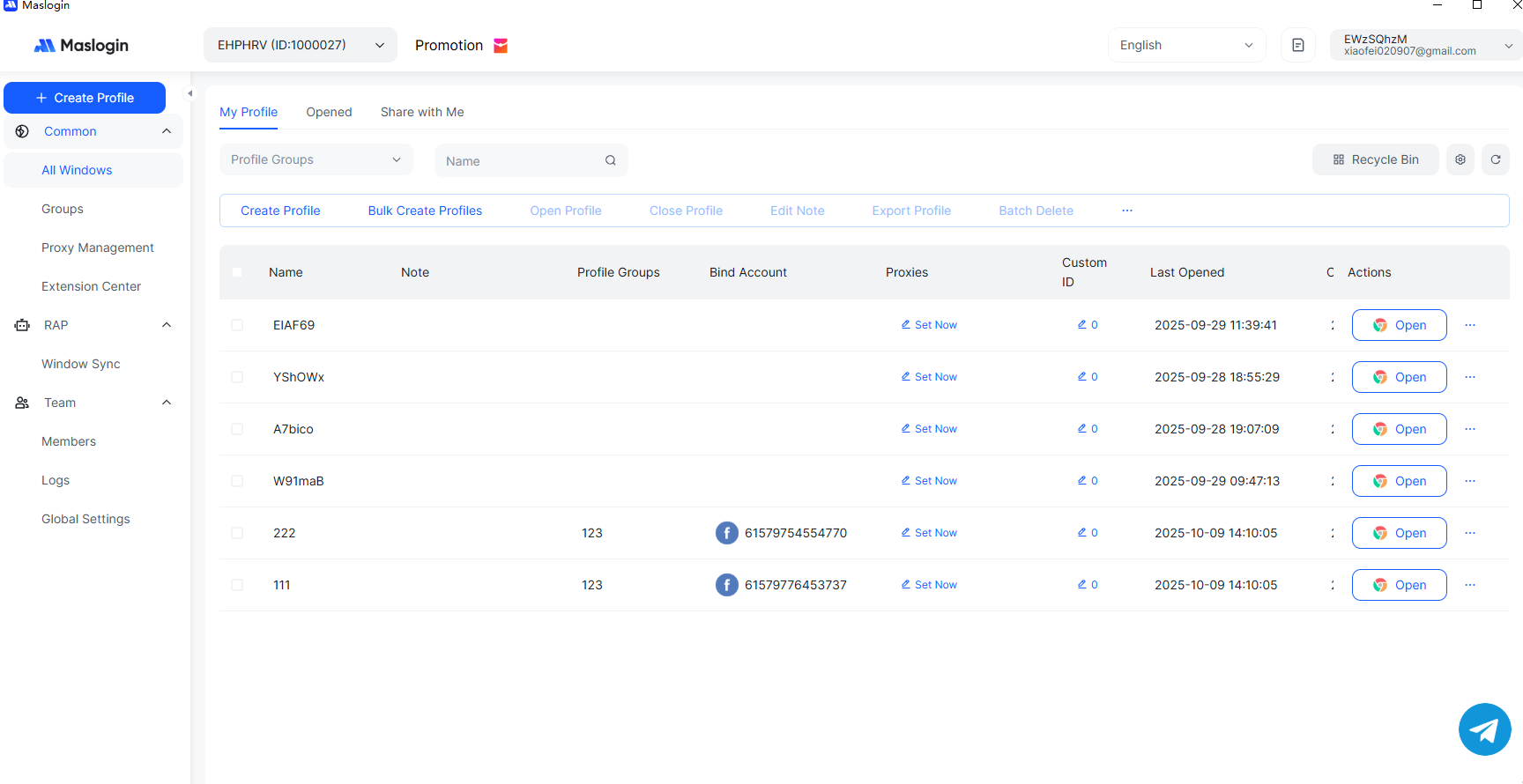
Each account operates in a separate fingerprint browser, meaning cookies, cache, and device parameters are completely isolated. Pinterest can’t detect them as related.
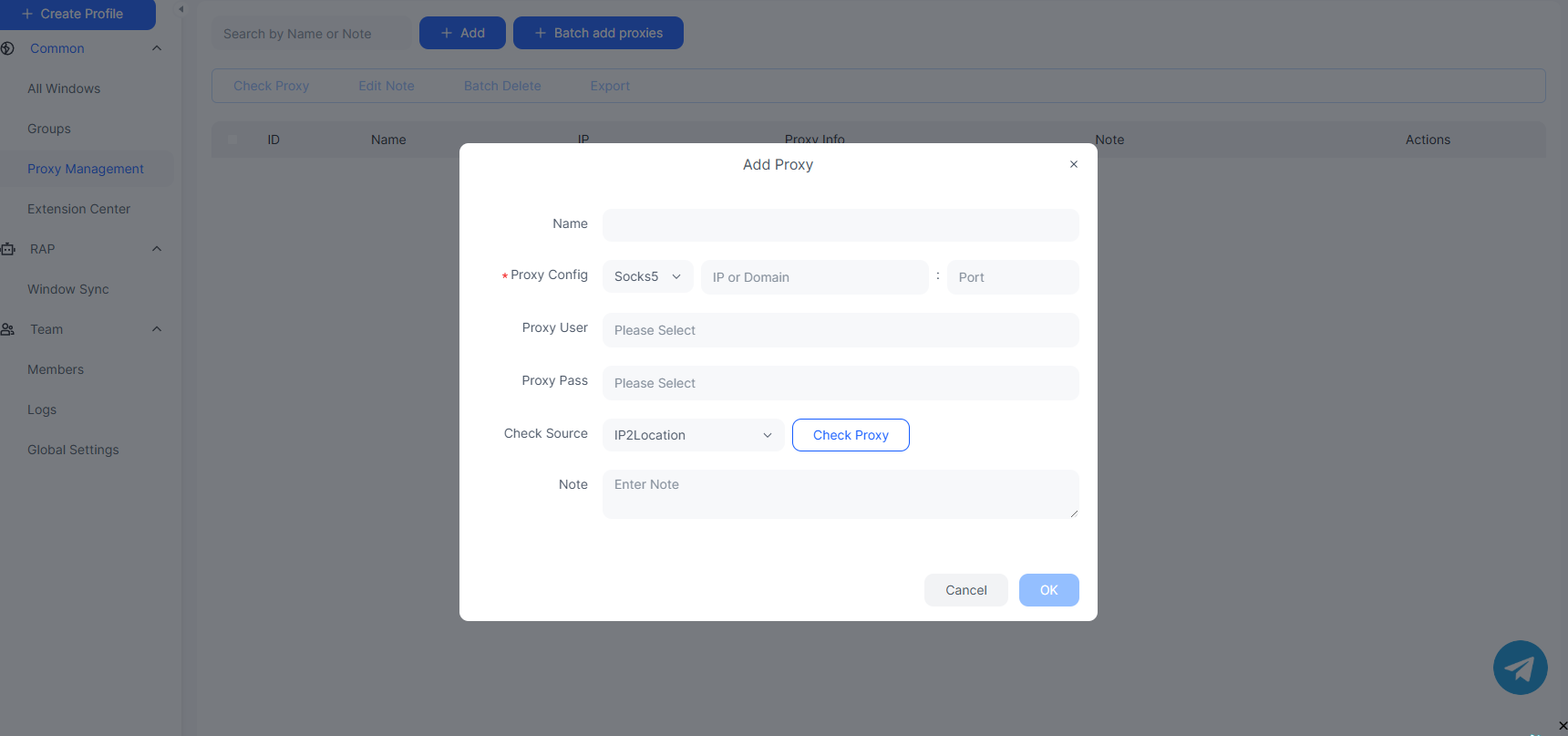
MasLogin automatically assigns unique browser fingerprints and supports residential and mobile proxies, ensuring every Pinterest account logs in from a unique, trusted identity.
Avoid accidental linking or mass bans—MasLogin ensures zero cross-contamination between your Pinterest accounts, ideal for affiliate marketers, influencers, or virtual assistants managing clients.
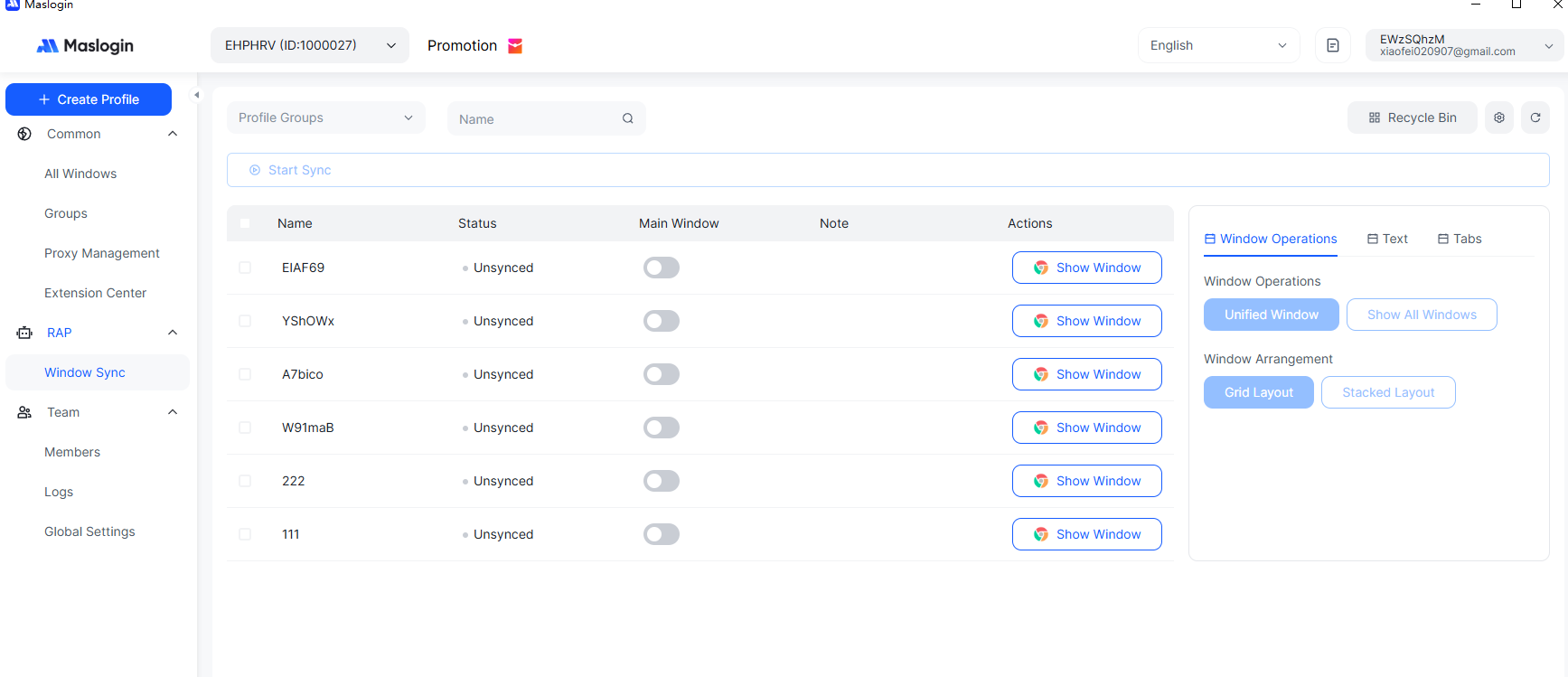
With RPA scripting and API integration, MasLogin allows you to automate posting, pinning, or keyword research tasks, boosting efficiency and freeing your time for content creation.
Operate dozens of Pinterest windows simultaneously while keeping analytics organized under one dashboard—safe, scalable, and efficient.
For advanced users, MasLogin’s anti-detect technology provides the same benefits used by professional digital marketing teams, ensuring compliance and long-term sustainability.
By combining Pinterest’s evergreen traffic with MasLogin’s secure automation, you can grow safely and systematically.
In 2025, the combination of Pinterest’s visual search power and MasLogin’s secure multi-account management gives marketers a powerful competitive edge.
Whether you’re building a personal brand, managing client portfolios, or running affiliate campaigns, using MasLogin ensures account safety, data isolation, and long-term growth—the three pillars of sustainable Pinterest success.
Outline