Most beginners treat Upwork as a gig marketplace: hunt a job, get paid once, repeat from zero. In 2025, that mindset is exactly why so many freelancers burn out.
A smarter approach is to treat Upwork as a lead-generation machine: you use small, simple projects to acquire clients and then turn those one-off jobs into recurring monthly retainers.
In this guide, you’ll learn a beginner-friendly model based on a real, simple service: setting up and optimizing Google Business Profiles for local businesses and then adding a tiny automation that brings them more customers every month. The result: predictable recurring income for you, without needing advanced tech or marketing skills.
Most new freelancers on Upwork:
That’s exhausting, and it keeps your income unstable.
Instead, think of each project as:
Front-end offer → Long-term client
You use a simple project to:
For example:
With just 10 small business clients paying $100/month, that’s $1,000/month recurring before you even open Upwork again. At $300/month, it’s $3,000/month – all built on small projects you already got paid for once.
Our “entry offer” is something almost any local business understands and values: visibility on Google Business Profile.
When someone searches for “massage therapist Dallas Texas” on Google Maps, those top “map pack” results get the majority of calls and bookings. If your client’s profile is incomplete or poorly optimized, they’re invisible – and they know it.
Your initial project can include:
This is exactly the type of work clients post on Upwork with budgets like “up to $400” – and it’s straightforward to learn and execute.
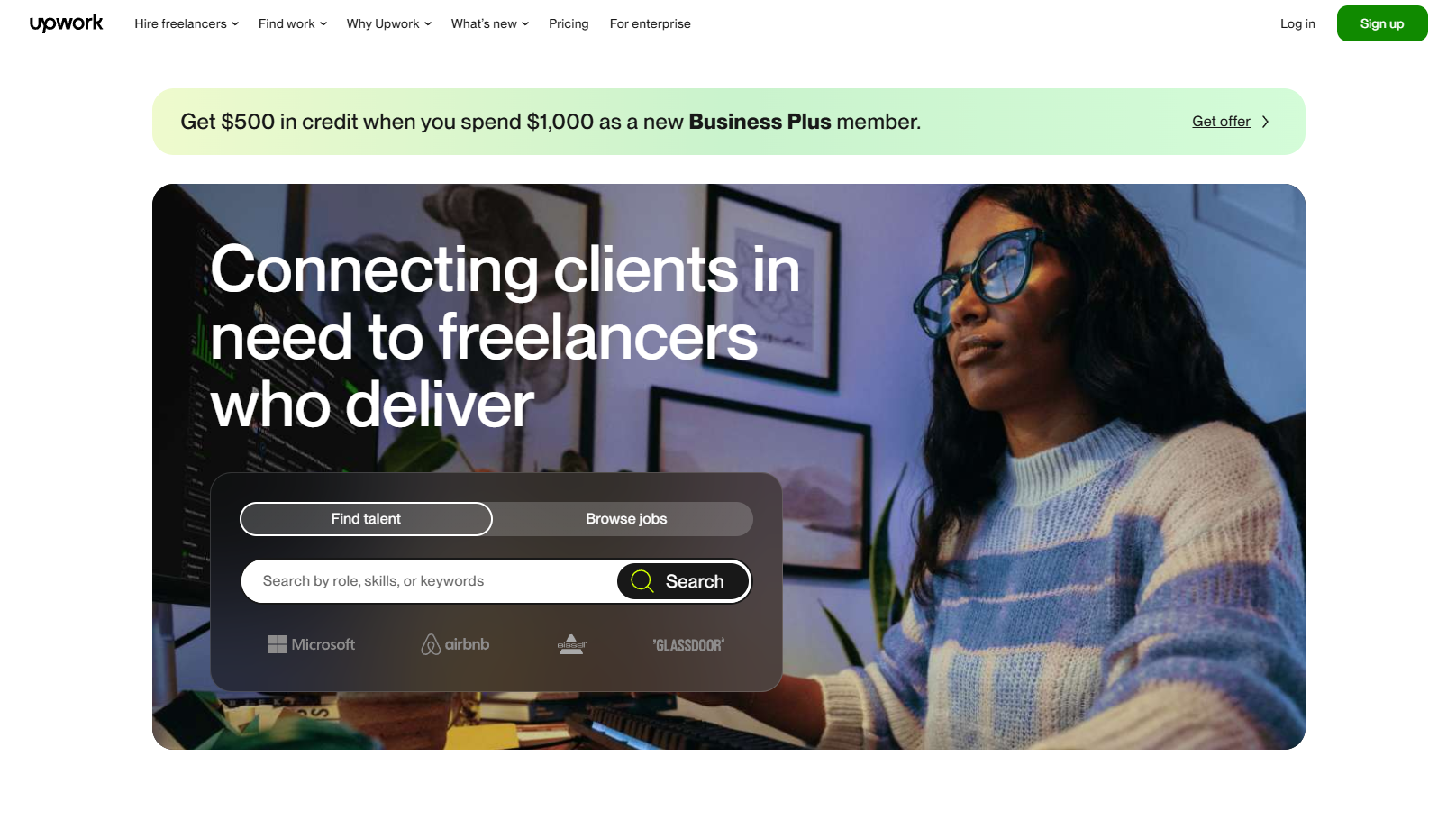
Once your free account is set up on Upwork (only link it once in the article), you’re not going to browse randomly. You’re going to search with intent.
In the “Find Work” search bar, test keywords like:
Filter for:
You’ll quickly see posts like:
“Need help optimizing our Google My Business listing” “Set up Google Business Profile for local service business”
These are your ideal front-end projects.
Your proposal doesn’t need to be long. It needs to show you understand what the business owner wants:
Example structure:
Even as a beginner, if you speak clearly about client outcomes instead of generic “SEO,” you’ll stand out.
Once a client hires you to set up or fix their Google Business Profile, your job is to make the project feel:
When you deliver, show before & after screenshots and explain what changed. This builds trust and sets you up for the upsell.
Here’s where the model becomes powerful.
Once the profile is live and optimized, you introduce a simple, highly valuable add-on:
Missed-call text-back automation
For local service businesses (massage therapists, plumbers, chiropractors, salons, etc.):
When a call goes unanswered, most people:
That’s real revenue lost every week.
Using a simple automation platform (no need to name a specific tool), you set up:
Now the potential customer can reply by text and:
Your client closes more leads without hiring staff or spending more on ads.
You position this as:
Common beginner-friendly pricing:
Remind them:
Let’s keep the numbers simple and realistic.
In the first month, that client is worth $550.
In month two, you don’t repeat the setup – but you keep earning $150.
Once you’ve repeated this process with ~10 local businesses:
You’re no longer starting from zero every month. As you keep adding clients and raising prices, that base keeps stacking:
And you acquired most of them from simple Upwork projects you were already getting paid for.
To make this model work faster, focus on a few fundamentals:
With this mindset, Upwork becomes a steady pipeline of ideal clients, not an endless gig treadmill.
Q1. Do I need prior experience to start this Upwork + Google Business Profile model?
You don’t need agency background or advanced SEO skills. Many beginners start by learning the basics of Google Business Profile optimization, practicing on a friend’s or demo business, then using those screenshots as simple case studies in their Upwork profile and proposals.
Q2. Why would business owners pay me monthly instead of just once?
The initial setup is a one-time project. The missed-call text-back system and ongoing profile optimization directly impact their leads and revenue every month. As long as they see more inquiries and bookings, a $100–$300 monthly fee feels like a smart trade, not a cost.
Q3. What types of businesses are best for this strategy?
Local service businesses that depend on phone calls and appointments respond very well: therapists, salons, dentists, gyms, cleaners, electricians, real-estate agents, and more. Any niche where a missed call equals lost revenue is a strong fit.
Q4. How many clients can a beginner realistically handle?
Because the automation runs in the background, most of your effort is front-loaded. Once the systems are in place, it’s realistic to manage 10–30 clients solo, especially if your monthly offer is focused on one or two clear deliverables instead of a long checklist.
Q5. Do I need to tell clients exactly which tools I use for automation?
You’re selling a result (more captured leads, fewer lost calls), not access to a specific software. It’s fine to say you use a professional automation platform connected to their Google Business Profile. Keep the focus on outcomes, reporting, and support rather than technical brand names.
Outline