Canvas fingerprinting has quietly become one of the most powerful — and least understood — tracking methods on the internet. Even if you browse in “private mode,” websites may still be able to identify and follow you.
This guide explains what canvas fingerprinting is, how it works, and most importantly, how you can protect your privacy online.
Canvas fingerprinting is a web tracking technique that allows websites to identify users by analyzing how their device renders graphics using the HTML5 canvas element.
When you visit a website using this method, your browser is prompted to draw invisible text or images on a “canvas.”
Your device’s graphics card, operating system, browser type, and installed fonts influence exactly how that image looks — creating subtle, unique differences.
These differences are then converted into a digital fingerprint — a unique identifier that can be used to track you across multiple sites.
👉 Unlike cookies (which can be deleted), canvas fingerprints are device-specific and almost impossible to erase completely.
1️⃣ The website runs a JavaScript command that instructs your browser to create a hidden canvas element.
2️⃣ Your browser renders a specific text or image using your device’s unique hardware and software combination.
3️⃣ The website extracts the rendering data and generates a hash — a mathematical summary that acts as your fingerprint.
4️⃣ This fingerprint can then be stored and used to track your activity across websites — even if you clear your cookies or browsing history.
Originally designed for research and security, canvas fingerprinting is now widely used for:
Even major search engines and ad platforms rely on fingerprinting to improve tracking precision beyond traditional cookie-based methods.
Many users believe that incognito or private mode protects them from being tracked.
While these modes delete cookies and temporary files, they do not block fingerprinting.
Your browser and hardware still render the same way — producing a consistent fingerprint.
That means advertisers and analytics platforms can still recognize you across sessions, even if no cookies exist.
While it’s nearly impossible to eliminate fingerprinting completely, there are effective strategies to minimize tracking:
Tools like MasLogin Anti-Detect Browser or Brave Browser can spoof or randomize your browser fingerprints — making it harder for trackers to identify you.
Install extensions such as:
These can block or randomize canvas access requests.
Disabling JavaScript stops fingerprinting scripts entirely — but it may also break site functionality.
A VPN hides your IP address, while browser isolation tools (like MasLogin) change your browser’s digital identity — combining both is your best defense.
1️⃣ Download and install MasLogin Browser
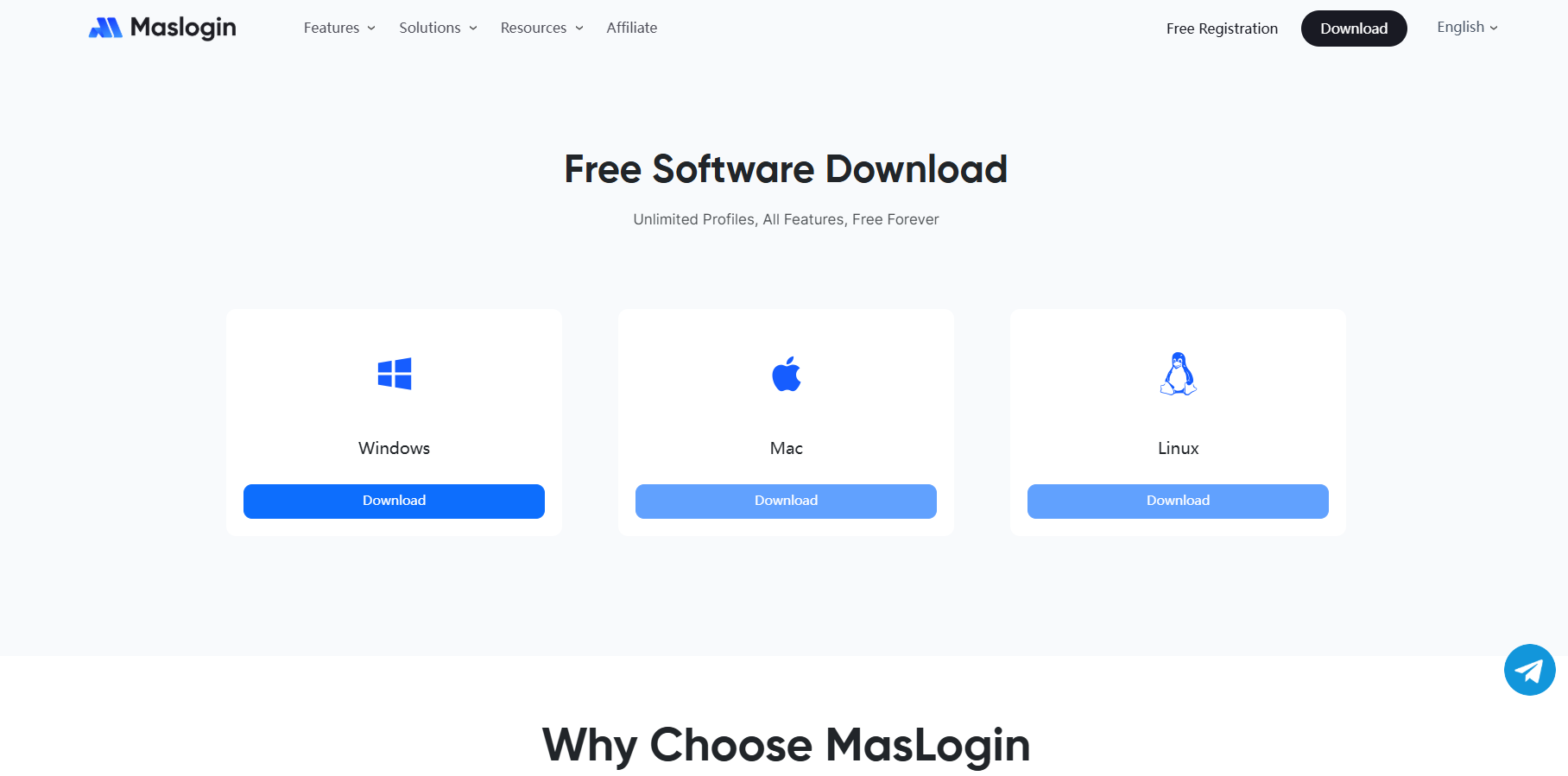
2️⃣ Create a new browser environment → choose Operating System and Browser Engine (e.g., Chrome 131).
3️⃣ Go to “Fingerprint Settings” → Enable Canvas Randomization.
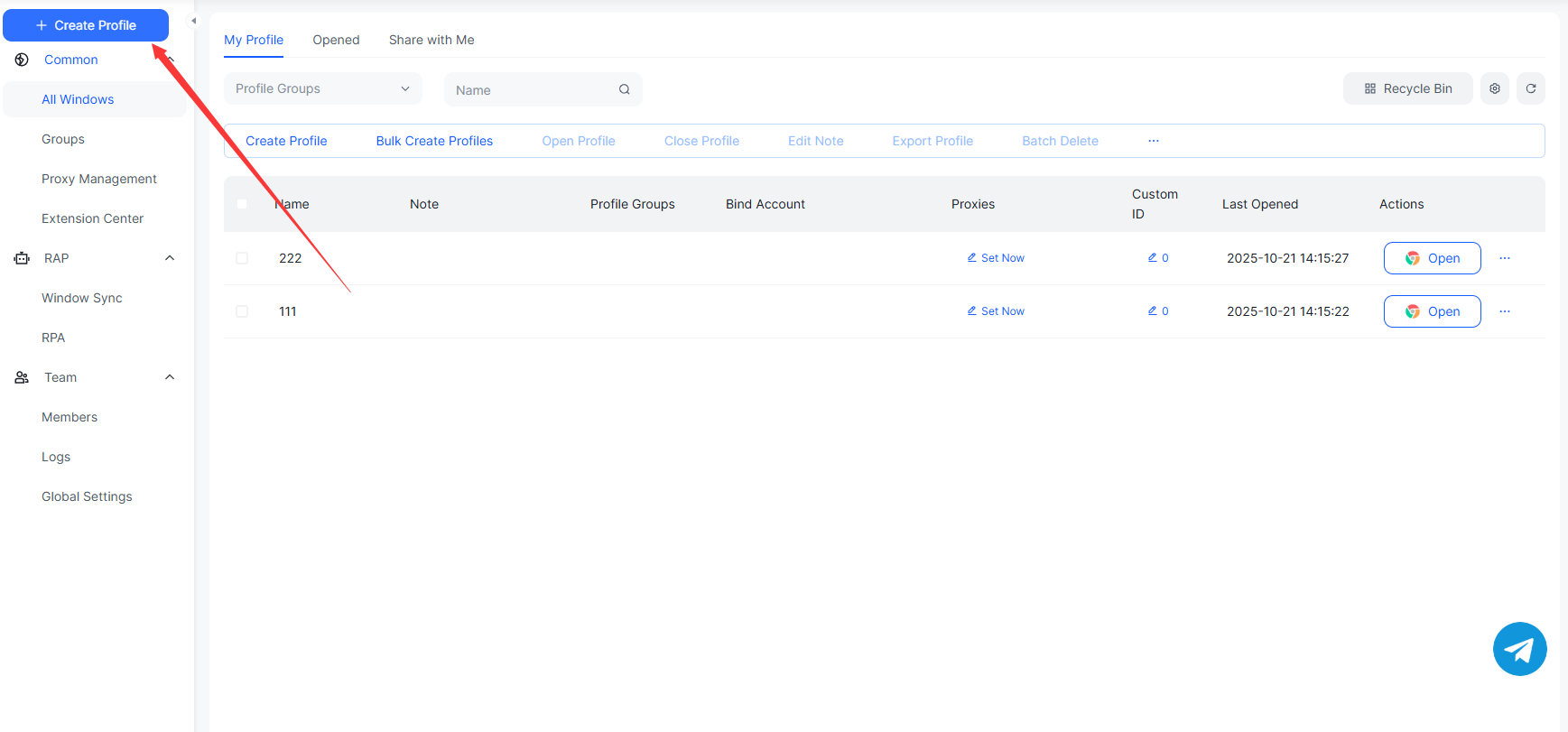
4️⃣ (Optional) Customize hardware data (GPU, fonts, screen size).
5️⃣ Assign a proxy and launch the browser.
6️⃣ Visit a fingerprint test site like browserleaks.com to verify your spoofed identity.
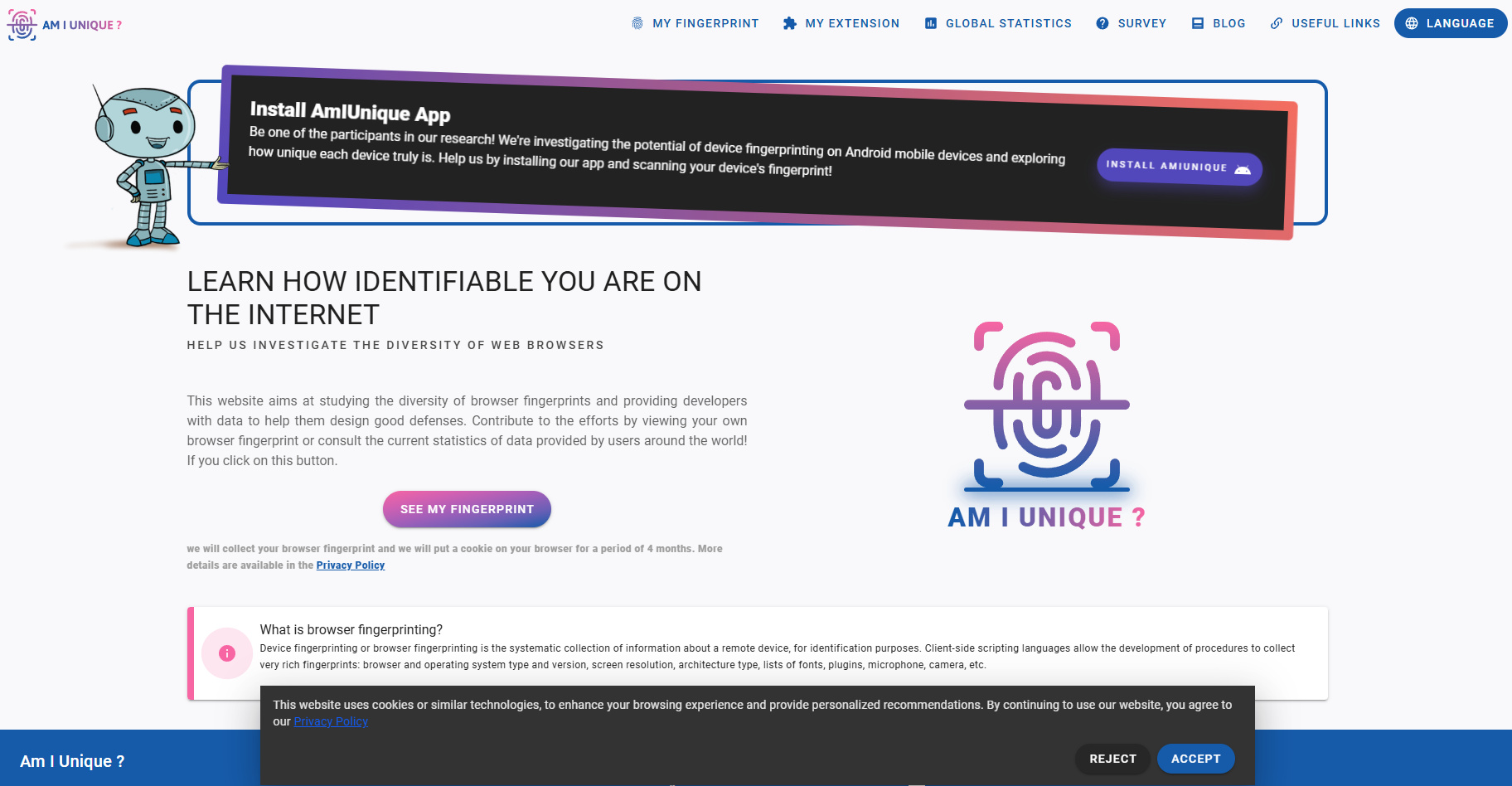
✅ Your canvas fingerprint is now unique — and invisible to trackers.
Canvas fingerprinting raises serious questions about digital privacy.
As online tracking evolves beyond cookies, users must stay informed about new data collection methods — from browser fingerprints to device telemetry.
If you manage multiple accounts, run ads, or handle sensitive data, understanding and mitigating fingerprinting is crucial for both privacy and security.
1.What exactly is a browser fingerprint?
A browser fingerprint is a unique digital signature based on your device’s hardware and software attributes — such as fonts, screen resolution, and rendering behavior.
2.Can I delete my canvas fingerprint?
Not directly. Unlike cookies, fingerprints are recalculated every time your browser renders content. You can only obfuscate or randomize it using anti-detect tools.
3.Does VPN stop canvas fingerprinting?
A VPN hides your IP but not your fingerprint. Combine a VPN with anti-detect browsers like MasLogin to achieve real anonymity.
4.Is canvas fingerprinting legal?
Yes — but it falls into a gray area of privacy law. The GDPR requires that users be informed if such tracking methods are used.
5.Which browsers are best for privacy?
Browsers like Brave, Firefox, and Tor include built-in anti-fingerprinting features. For professional multi-account management, use MasLogin Anti-Detect Browser.
Outline