Intro — This guide distills a proven, step-by-step upload workflow for 2025—what to tweak, what to ignore, and how to publish for both search and recommendation traffic. You’ll learn how to title for intent, structure descriptions that convert, A/B test thumbnails without getting misled, and publish the smart way for long-term growth.
Decide Your Title Strategy: Search vs. Recommendation
- Recommendation-led videos (story, challenge, bold claim): optimize for clickability, not keywords. Your goal is a title that triggers curiosity and fits suggested/homepage distribution.
- Search-led videos (tutorials, “how to”): place the primary query verbatim near the front. Example: “How to get analytics access to a YouTube channel (fast method)”.
- Ignore the myth that file name impacts SEO. It doesn’t. What matters is the on-platform title and whether it matches viewer intent.
Write a Description That Ranks—and Converts
- Lead with a ≤95-character hook that restates the value (add keywords only if the video is search-oriented).
- Place your first call-to-action link immediately after the hook so it shows above the fold without clicking “More”.
- Use unique tracking links per video to learn which uploads drive the most site or funnel actions.
- When cross-promoting content, link to a playlist URL instead of a single video; it reduces competitor exposure and auto-queues your next video.
- For policy clarity on “made for kids,” paid promotion, and related settings, the YouTube Help Center explains these toggles in detail (see the official YouTube Help Center).
- If your video benefits from Google visibility, review Video SEO guidelines on Google Search Central and align your metadata accordingly.

Thumbnails: Test, But Trust Your Eyes
- Use Test & Compare to A/B thumbnails, but treat results as directional—not gospel.
- Verify your channel to enable custom thumbnails and other advanced features (via YouTube Studio settings).
- Heuristics that win in 2025: a clear subject, a single idea, and legible text if used at all.
Chapters, Tags, and Hashtags (What Actually Matters)
- Chapters help navigation—add them manually in the description. Avoid spoilery titles that kill retention.
- Tags have minimal impact. Add a few relevant ones quickly; don’t overthink.
- Hashtags are allowed (up to 60 relevant), but don’t move mountains. Use sparingly and only if truly relevant.
Compliance, Audience, and AI Disclosures
- Set “Not made for kids” unless your content is specifically for children—this preserves features and reach.
- Disclose paid promotion when applicable.
- If you used AI-generated elements that might be mistaken for real, disclose it.
- For copyright education and claims, bookmark the YouTube Copyright Center.
End Screens & Cards: Reduce Decision Fatigue
- Prefer one big next step (e.g., a single video) for ~5–10 seconds at the end. Too many choices reduce clicks.
- Cards see low engagement; use them only when they’re contextually perfect.
Publishing Without Shooting Yourself in the Foot
- Upload as Unlisted first; wait for HD processing and copyright checks to complete.
- Scheduling: publish at a time your audience is typically online, but don’t obsess—content quality dominates.
- If the topic diverges from your usual audience, consider turning off “Publish to subscriptions feed & notify” to avoid confusing the algorithm.
Monetization & Suitability
- If eligible, enable monetization; videos ≥8 minutes allow mid-rolls.
- Fill out self-certification honestly to avoid delays in review and revenue.
Licensing, Embeds, and Shorts Remix
- Standard YouTube License restricts reuploads; Creative Commons Attribution allows reuse with credit (free exposure if you’re comfortable).
- Allow embedding (extra reach) and Shorts remixing (free marketing) if it fits your strategy.
Upload Day Checklist
- Intent-matched title (search vs. recommendation)
- 95-character hook + above-the-fold CTA
- Playlist links for internal recirculation
- Custom thumbnail(s) ready for test
- Proper compliance toggles set
- Unlisted → checks complete → schedule public
Use MasLogin to Ship Consistently—Without Account Chaos
Pain points to fix: teams juggling multiple brands and client channels often trigger re-verifications, cookie clashes, or suspicious logins. Shared computers and mixed fingerprints can cause unwanted sign-outs and limited features at the worst time—right before a big release.
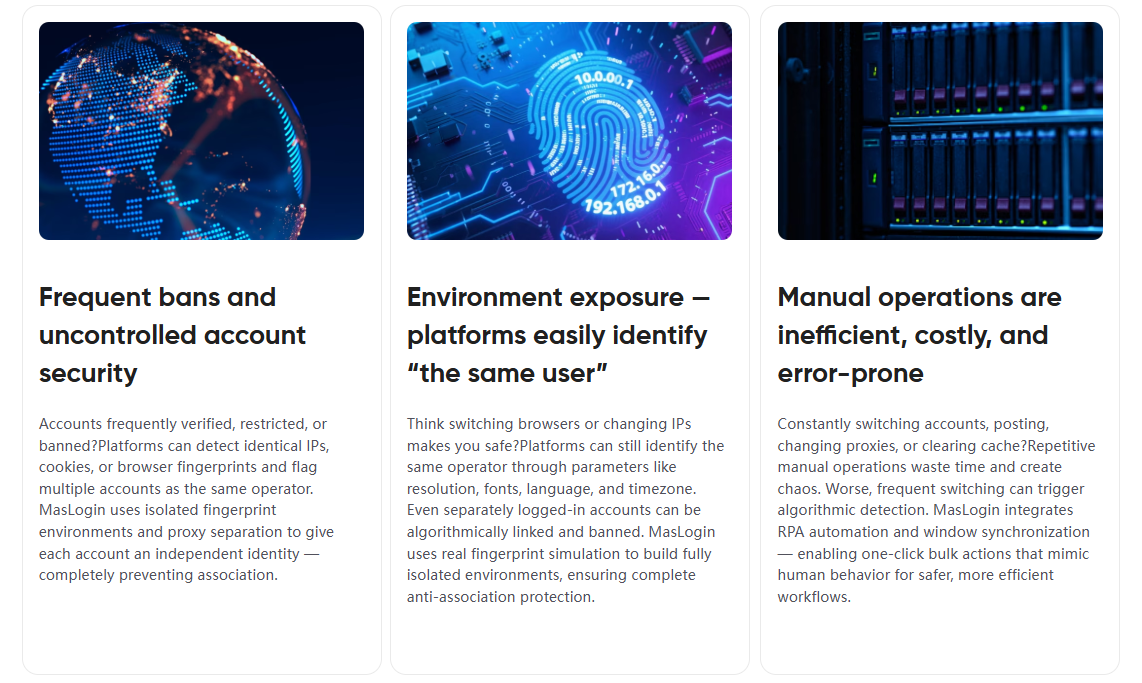
Why MasLogin helps:
- Per-brand isolation: each channel runs in its own anti-fingerprint container (unique device profile, cookies, local storage).
- Safer collaboration: share ready-to-publish sessions with editors or media buyers without exposing master credentials.
- Lower friction: fewer security flags from “new device” events when switching between clients.
FAQ
Q1. Do video file names influence SEO?
No. The public title and viewer response do. Match search intent for tutorials; optimize for clicks for recommendation-led videos.
Q2. What’s the ideal description structure in 2025?
A concise ≤95-character hook, an above-the-fold CTA, optional “watch next” playlist links, and any disclosures. Keep it human, scannable, and purposeful.
Q3. Are tags still worth my time?
Barely. Add a handful quickly; focus your energy on titles, thumbnails, and the first 30 seconds of content.
Q4. Should I always premiere?
Use premiere sparingly for truly special drops. Otherwise, schedule normally to avoid audience fatigue.
Q5. When should I publish?
Prefer audience peak windows, but don’t chase the clock. Quality, click-through, and retention dominate timing effects.
Q6. How many thumbnails should I test?
Two to three strong variants is plenty. If results conflict, re-test or trust your qualitative read.