If you've ever needed to extract data in bulk from websites but don't know how to code, you've probably experienced that feeling of helplessness. Manually copying and pasting dozens of pieces of information is already a headache, let alone hundreds or thousands. Browser Act was created to solve this pain point—an AI-powered web scraping tool that allows anyone to easily extract data from any website, with absolutely no programming knowledge required.
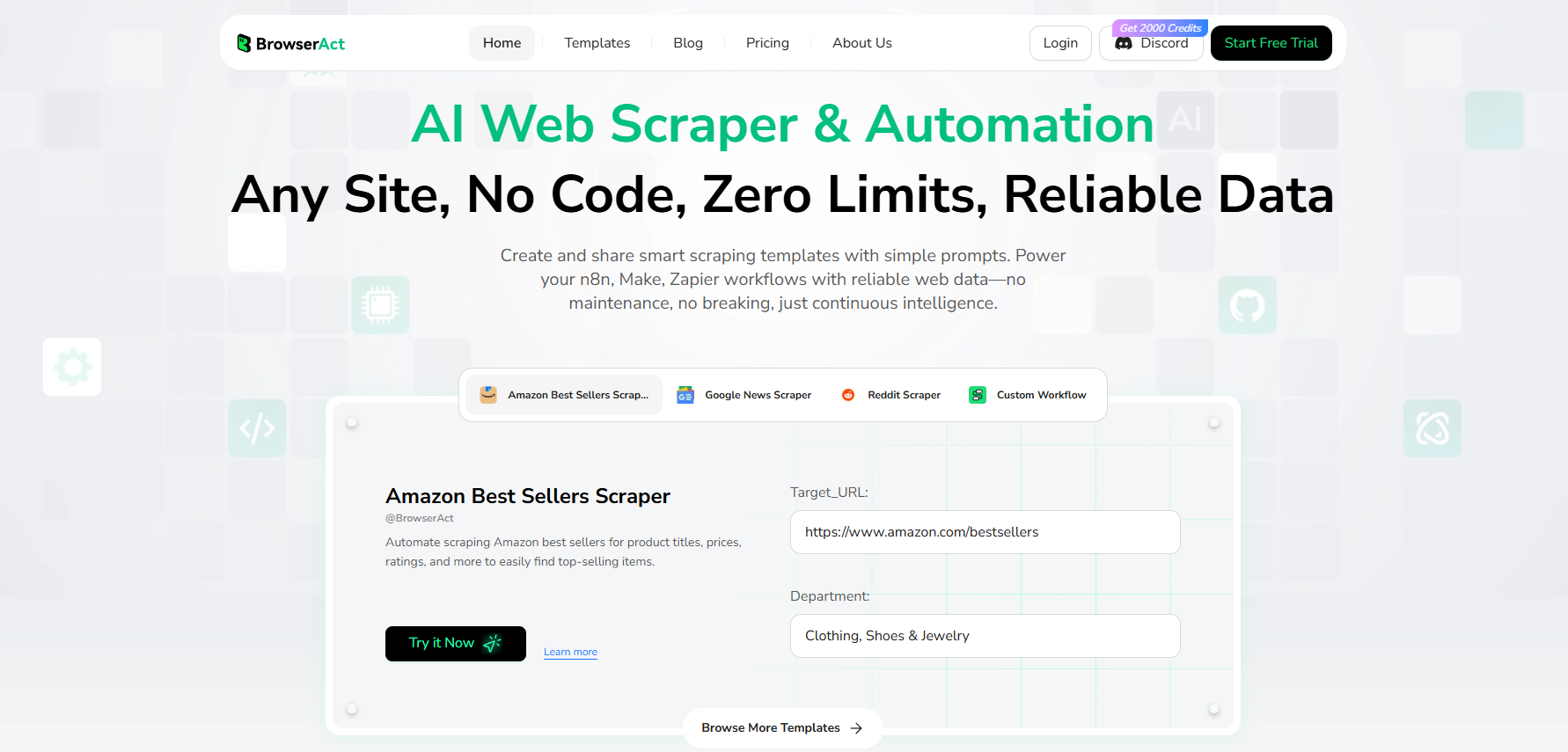
It works somewhat like Zapier's automation workflows, but focuses specifically on data scraping. You simply tell the AI what you want in plain Chinese (or English), and it will automatically go to the website and do it for you. For example, if you want to scrape the latest headlines and author information from news websites, or collect product prices from e-commerce platforms, you can achieve this through visual workflows.
More importantly, Browser Act is currently offering a lifetime deal. With a one-time payment, you can use this tool forever, which is extremely cost-effective for users who have long-term data scraping needs.
![%{KX93_XU]FFKO0P`C}@[S3.png](https://masmate.service-online.cn/production/files/0/1764656742419892344_27686.png)
Browser Act offers five different license tiers, with the main difference being the monthly credit allocation. Credits are used to execute scraping tasks, with each workflow step consuming 5 credits.
The specific plans are as follows:
• Tier 1: $69 - 20,000 credits per month
• Tier 2: 50,000 credits per month
• Tier 3: 90,000 credits per month
• Tier 4: 130,000 credits per month
• Tier 5: Higher quotas available
If you run out of credits in a given month, you can purchase additional ones. Typically, $1 gets you 1,000 credits, and there are often 50% off promotions where $5 gets you 10,000 credits.
How do you choose the right plan? It depends on your usage frequency. If you only occasionally scrape some data, Tier 1 is more than sufficient. But if you're a freelancer planning to offer data scraping services on platforms like Fiverr, or if your business needs to regularly scrape large amounts of competitor information, higher-tier plans would be more appropriate.
Browser Act's biggest advantage is converting complex technical operations into steps that anyone can understand. Here are its core features:
You don't need to learn any code syntax—just tell the AI what you want to do in simple terms. For example, "visit this URL," "click on top stories," "scroll down to the bottom," and the AI will understand and execute.
The entire scraping process is organized through "nodes." Each node represents an operation step, and you can connect them like building blocks. Common nodes include:
• Visit page
• Click element
• Scroll page
• Extract data
• Output data (supports CSV format)
This is a very practical feature. When you run a workflow, you can see a real-time browser window showing every step the AI is executing. This allows you to immediately spot problems rather than waiting until the end to discover what went wrong.
If the target website has special requirements, Browser Act can handle them:
• Custom browser settings
• Choose IPs from different regions (some websites are only open to specific regions)
• Support for login credentials (for content requiring account access)
Let's look at how Browser Act works through a real-world example. Suppose you want to scrape the latest 10 top news stories from Google News, including headlines, publishers, and author information.
First, you need to specify the target URL (Google News link) and scraping quantity (10 items). These parameters can be adjusted anytime—if you want to scrape 100 items later, just modify the number.
Next, add specific operation nodes:
• Visit Page: Tell the AI to go to the target URL
• Click Element: Instruct the AI to click on "Top Stories"
• Scroll Page: Have the AI scroll down to the bottom of the page to ensure all content is loaded
• Extract Data: Tell the AI what information you want (headlines, publishers, authors, etc.)
• Output Data: Save the scraped data as a CSV file
Each step only requires 5 credits, so the entire workflow costs just a few dozen credits—very economical.
After clicking "Start," you'll see the real-time browser window showing the AI's operation process. It will automatically open Google News, click on top stories, scroll the page, and then extract data. The entire process may take just a few seconds.
When complete, you can download the CSV file directly. Opening the file, you'll see 11 neatly organized rows of data (the first row is the header, the remaining 10 rows are the scraped news items), including all the fields you requested.
If you want to learn more about data scraping techniques, you can visit the MasLogin blog, which has many practical automation workflow examples.
Browser Act has a very wide range of use cases—whether you're an individual user or a business, you'll find it useful.
If you run an e-commerce company and need to regularly monitor competitors' price changes, manually checking dozens of websites is obviously impractical. With Browser Act, you can automatically scrape all competitors' price information and generate reports, saving enormous amounts of time.
Or if you're a content company that needs to collect industry news and trending topics daily, the traditional approach might require team members to spend several hours browsing various websites. With this tool, you can complete it in just a few minutes.
If you want to offer data scraping services on Fiverr or other platforms but don't know how to code, Browser Act is your best choice. You can take various data scraping orders and complete them quickly with this tool, without writing a single line of code.
Some users even use it as a side-hustle tool, providing competitive analysis and market research services for local businesses, earning extra income each month.
If you're conducting academic research and need to collect data from multiple websites for analysis, manual collection is not only time-consuming and labor-intensive but also error-prone. Browser Act can help you quickly build a dataset, allowing you to focus more energy on data analysis.
For more help with multi-account management and data scraping, check out MasLogin's solutions.
• Gentle learning curve: Even if you know nothing about programming, you can get started within an hour or two
• Rich template library: Built-in templates for various common scenarios that can be used directly or modified slightly
• Real-time feedback: You can see the AI's operation process and adjust immediately when errors occur
• High cost-effectiveness: The lifetime deal is much more economical than monthly subscriptions
• Fast execution speed: Most tasks can be completed in seconds
• Initial exploration needed: The first time you use it, you may need to test repeatedly to find the optimal workflow settings
• Credit limits: While credits are generally sufficient, if you have extremely large-scale scraping tasks, you may need to purchase higher-tier plans
• Dependent on website structure: If the target website undergoes frequent redesigns, you may need to adjust the workflow
Overall, Browser Act's advantages far outweigh its disadvantages. As long as you have data scraping needs, it can save you massive amounts of time and effort. If you're still hesitating about whether you need such a tool, you can first visit the MasLogin Help Center to learn more about automation tool usage tips.
Absolutely. The tool's design philosophy is to make it easy for non-technical people to use. You just need to tell the AI what you want to do in simple language, without learning any programming syntax. Initially, you may need some practice to become familiar with building workflows, but typically you can master the basic operations within an hour or two.
For most users, the credits are sufficient. Each workflow step only consumes 5 credits, so even complex scraping tasks only use a few dozen credits. The entry-level 20,000 credits can support hundreds of scraping tasks. If you only use it occasionally, Tier 1 is completely adequate; if you're a high-frequency user or providing commercial services, you might consider higher-tier plans.
Yes. Browser Act supports login credentials functionality. You can add a login step to your workflow, enter your username and password, and then proceed with data scraping. However, it's important to note that when scraping data, you should comply with the website's terms of service and avoid violating relevant regulations.
If the website only makes minor adjustments, workflows are usually unaffected. However, if the website undergoes a major redesign with significant structural changes, you may need to modify the workflow. Fortunately, adjusting in Browser Act is very simple—you can quickly locate and fix issues using the real-time browser preview feature.
Basically, no. The lifetime plan includes a fixed monthly credit allocation that's sufficient for most users. You would only need to temporarily purchase additional credits if you have an exceptionally high scraping volume in a particular month that exceeds your credit limit. Plus, additional credits aren't expensive and often come with discount offers.
Outline