In the era of digital marketing and social media promotion, having a professional Facebook Business Page in 2025 is essential. It not only helps expand your brand’s reach but also unlocks access to Facebook Ads.
Whether you’re an entrepreneur, affiliate marketer, or brand owner, this step-by-step guide will show you how to create, optimize, and manage a high-performing Facebook Business Page.
 (1) (1) (1).png)
There are two main reasons why every marketer needs a Facebook Business Page:
All Facebook ads must be linked to a Business Page. If you plan to run campaigns through Facebook Ads Manager, creating a Business Page is mandatory.
Many brands use their pages to publish videos, photos, and posts that increase exposure, engagement, and attract potential customers.
Related reading: [How to Use MasLogin to Manage Multiple Facebook Ad Accounts Without Getting Banned]
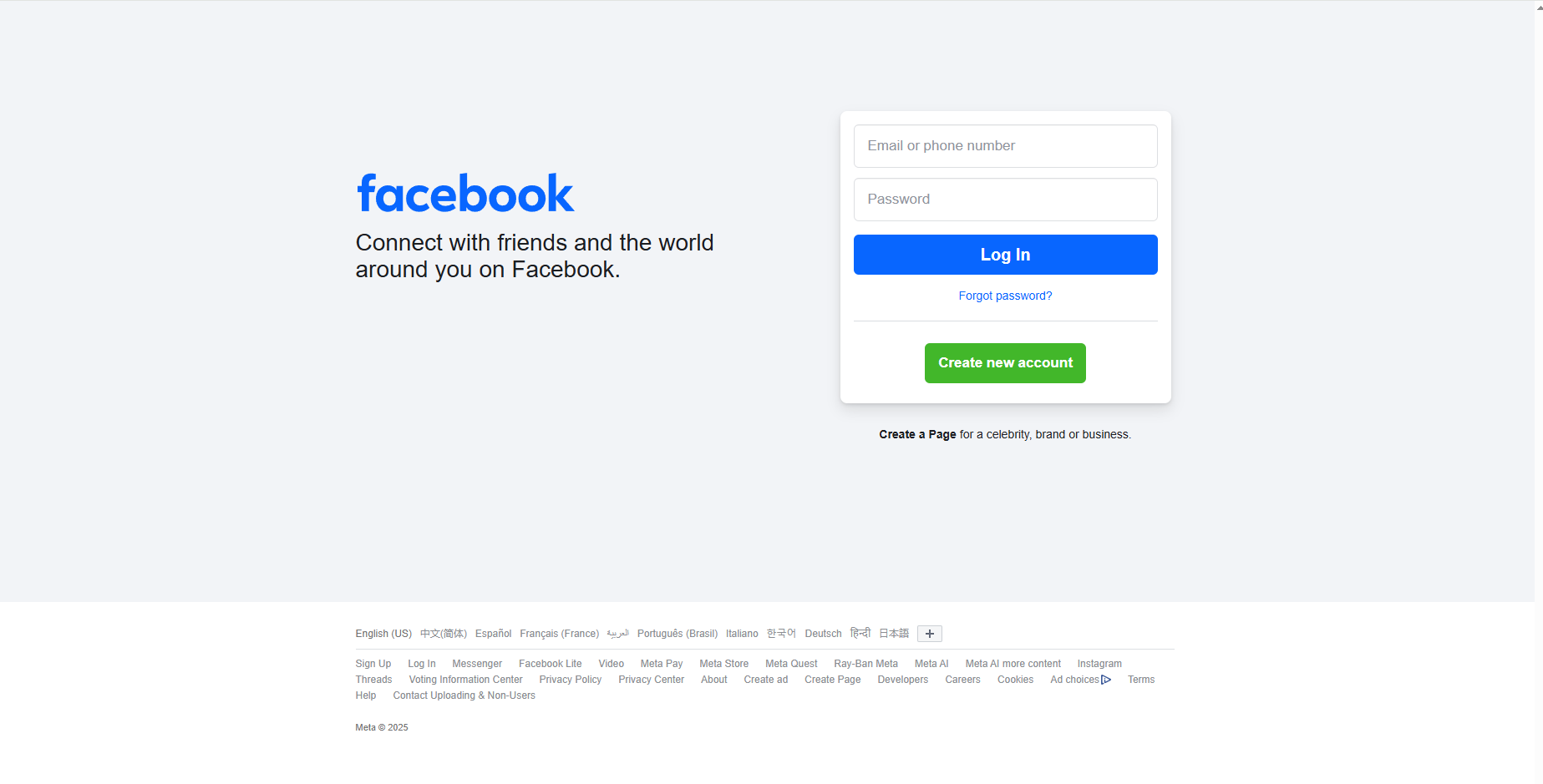
Log in to your personal Facebook account — this is required to create a Business Page.
Go to the top-right menu → click “Create Page.”
Tip: You can also use the official Facebook Page Creation link for a quick start.
Include:
Completing all details boosts your Page Health, improving your page ranking in Facebook’s search results.
Related reading: [How to Design a Free Facebook Cover Image with Canva]
Click “Add Action Button” to include:
If you’re running a SaaS or e-commerce business, link this button directly to your signup or checkout page to boost conversions.
In the Professional Dashboard, you can:
Once your page reaches 100 followers, you’ll unlock more detailed audience analytics.
After creating your page, publish a welcome post like:
“Welcome to our official page! We’ll share the latest marketing tips and tool recommendations to help your business grow.”
You can post:
Pro tip: Use AI writing tools like ChatGPT or Copy.ai to create engaging posts that drive interaction.
MasLogin Fingerprint Browser
The ultimate free anti-detect browser for managing multiple Facebook ad accounts safely.
Canva Design Tool
Create free, stunning Facebook covers and templates.
Creating a Facebook Business Page is just the beginning.
Long-term success comes from consistent updates, engagement, and optimization.
With MasLogin, you can safely manage multiple pages and ad accounts, protect your data, and increase efficiency — all for free.
Start now and make your brand stand out on Facebook!
1. Do I need a real Facebook account to create a Business Page?
Yes. Facebook requires a verified personal account for page creation.
If you manage multiple pages on one device, use MasLogin to isolate each environment, preventing account linking and bans.
2. How can I manage multiple Facebook Pages on one computer?
Regular browsers can’t separate cookies or fingerprints — Facebook detects multi-account activity easily.
MasLogin assigns each page a unique browser fingerprint (IP, User-Agent, Canvas, etc.), making it as if each account runs on a different device.
Bonus: MasLogin supports bulk login, RPA automation, and window synchronization — ideal for social media teams and affiliate marketers.
3. How to increase my Facebook Page exposure?
4. Is it safe to log in to Facebook via MasLogin?
Absolutely. MasLogin uses end-to-end environment isolation and custom fingerprint technology to protect your IP and device data.
Unlike proxy-browser setups, MasLogin’s containers are more stable and prevent Meta’s security triggers.
5. Is MasLogin free?
Yes — MasLogin offers a completely free version with powerful features including fingerprint profiles, isolation, batch operations, and window sync.
Advanced users can upgrade for API access, RPA automation, and team collaboration tools.
Outline