When X (formerly Twitter) suddenly stops working — whether it’s crashing, not loading tweets, or showing connection errors — the frustration is real. But before you panic, there are simple steps to fix it.
In this updated 2025 guide, we’ll explore how to fix X (Twitter) when it’s not working — and how the MasLogin fingerprint browser can help you avoid bans, connection errors, and network restrictions when managing multiple X accounts.
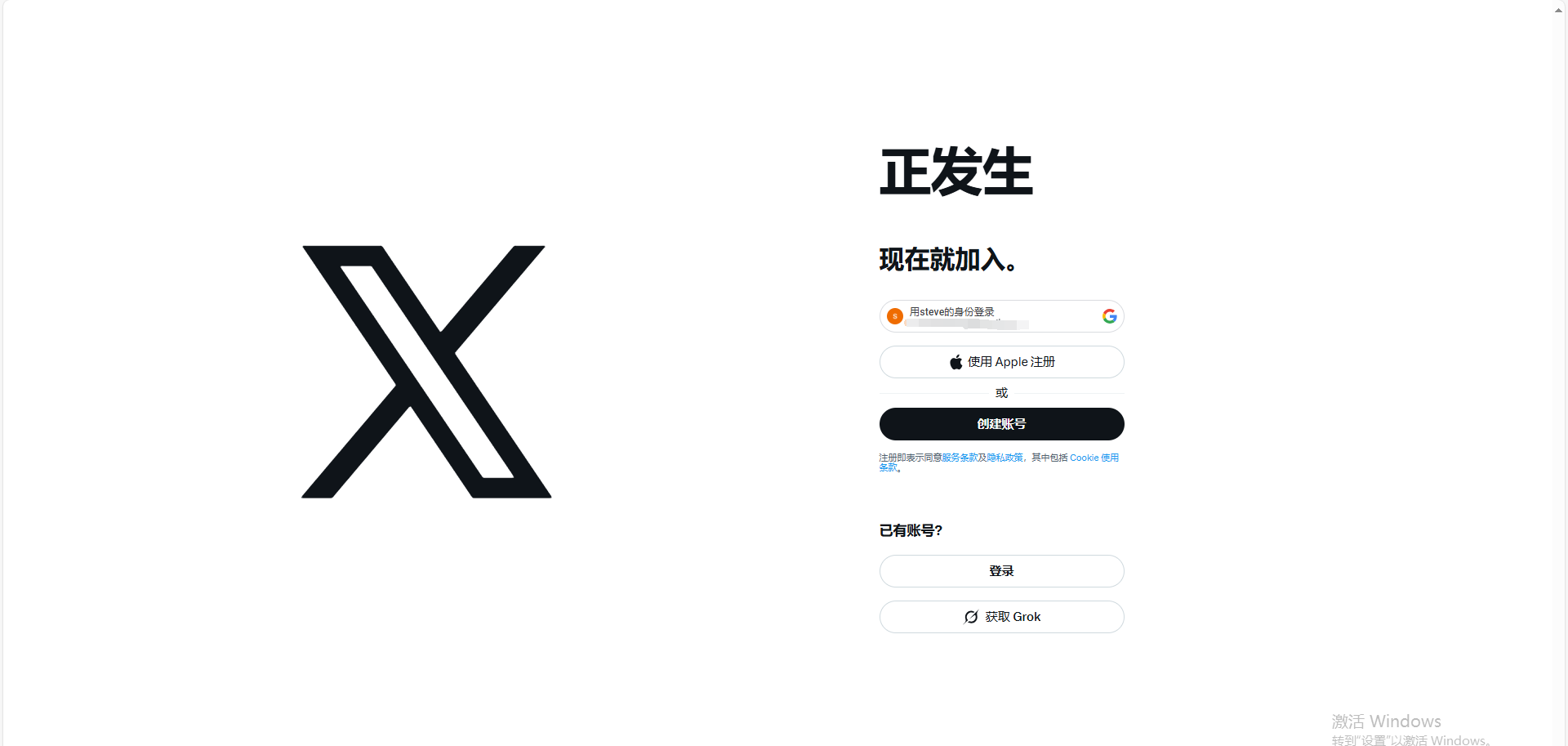
The simplest fix is often the most effective. Close your Twitter/X app, swipe it off your screen, and reopen it.
If that doesn’t help, try logging in from a browser version of X instead — this can help determine if the issue lies in the app itself.
Go to third-party monitoring sites like DownDetector
or IsItDownRightNow
to confirm whether Twitter’s servers are down globally.
If other users report issues, the problem isn’t you — it’s the platform. Just wait until service resumes.
Outdated apps can easily trigger performance issues.
Visit your Google Play Store or Apple App Store, search for X (Twitter), and tap Update if available.
Poor or unstable connections are a common culprit. Go to Settings → Network & Internet, and verify your Wi-Fi or mobile data connection.
If you’re managing multiple X accounts or operating in countries with restricted access, using MasLogin’s built-in proxy management ensures every session connects securely and independently — no more “network not available” errors.
Corrupted cache or cookies can cause login failures or missing content.
For power users, MasLogin automatically isolates and clears browsing data per session — meaning no cross-account contamination or cookie tracking.
If you can’t upload photos or videos:
Still facing issues? Try switching browsers or clearing cache again.
If you’re managing brand content or running campaigns across multiple X profiles, MasLogin’s anti-detect environment ensures your uploads and account actions stay stable — without triggering platform security filters.
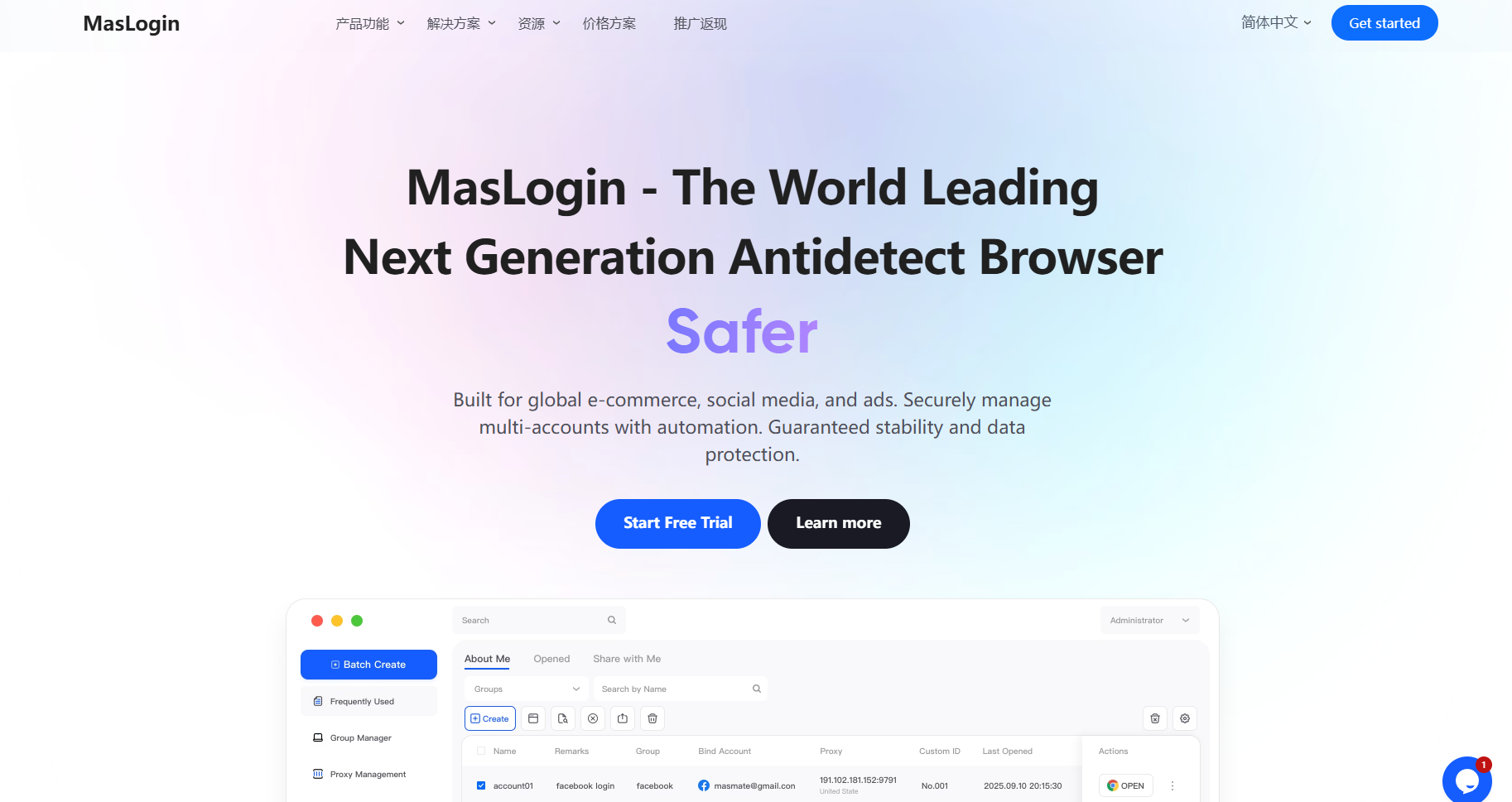
If X (Twitter) still isn’t working — or you’re constantly seeing “account locked” or “unusual activity” warnings — it might be due to IP or fingerprint detection.
Here’s how MasLogin Fingerprint Browser helps:
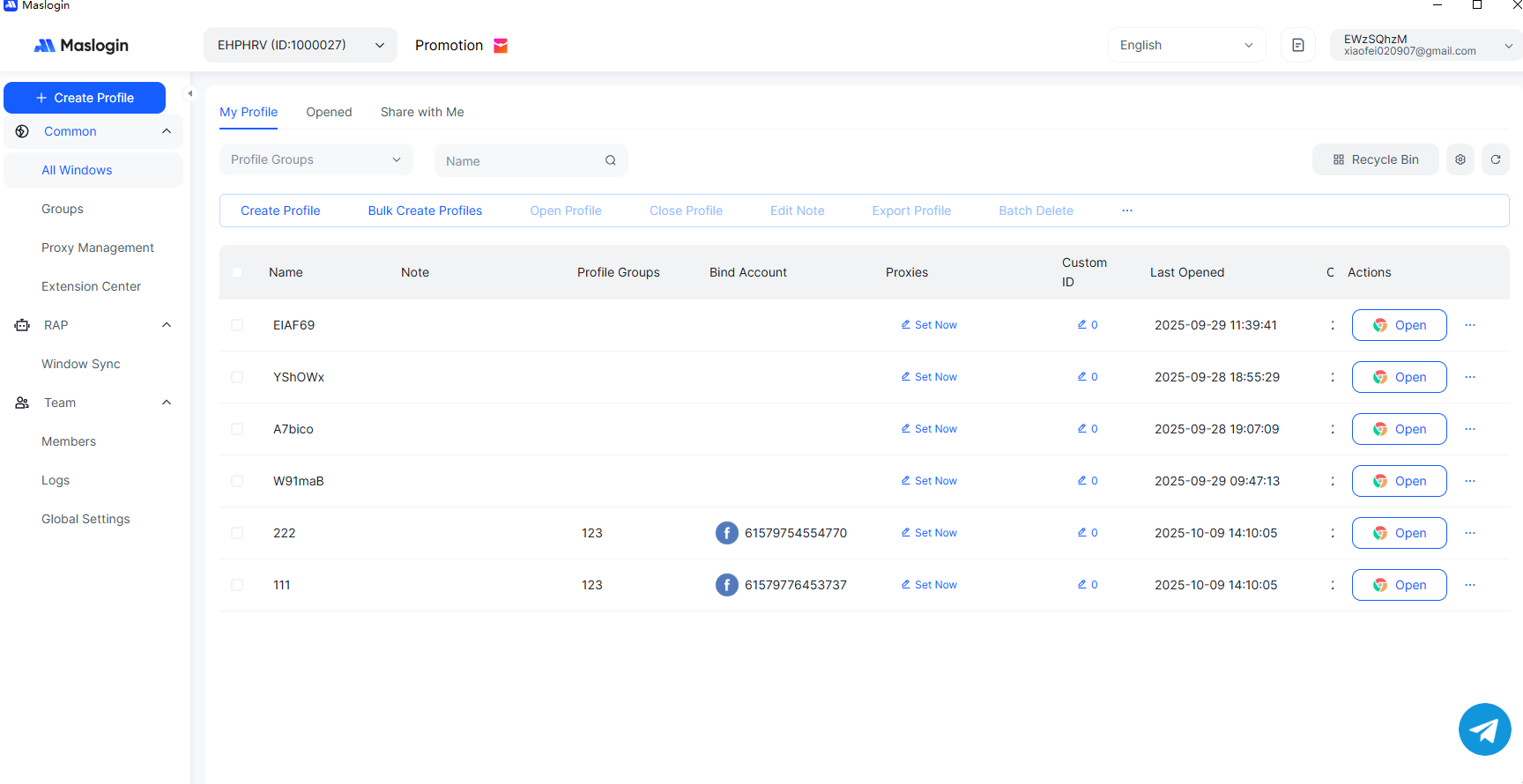
MasLogin creates independent browser environments with unique fingerprints, mimicking different real devices.
This ensures each of your X accounts is truly isolated — no digital footprint overlap.
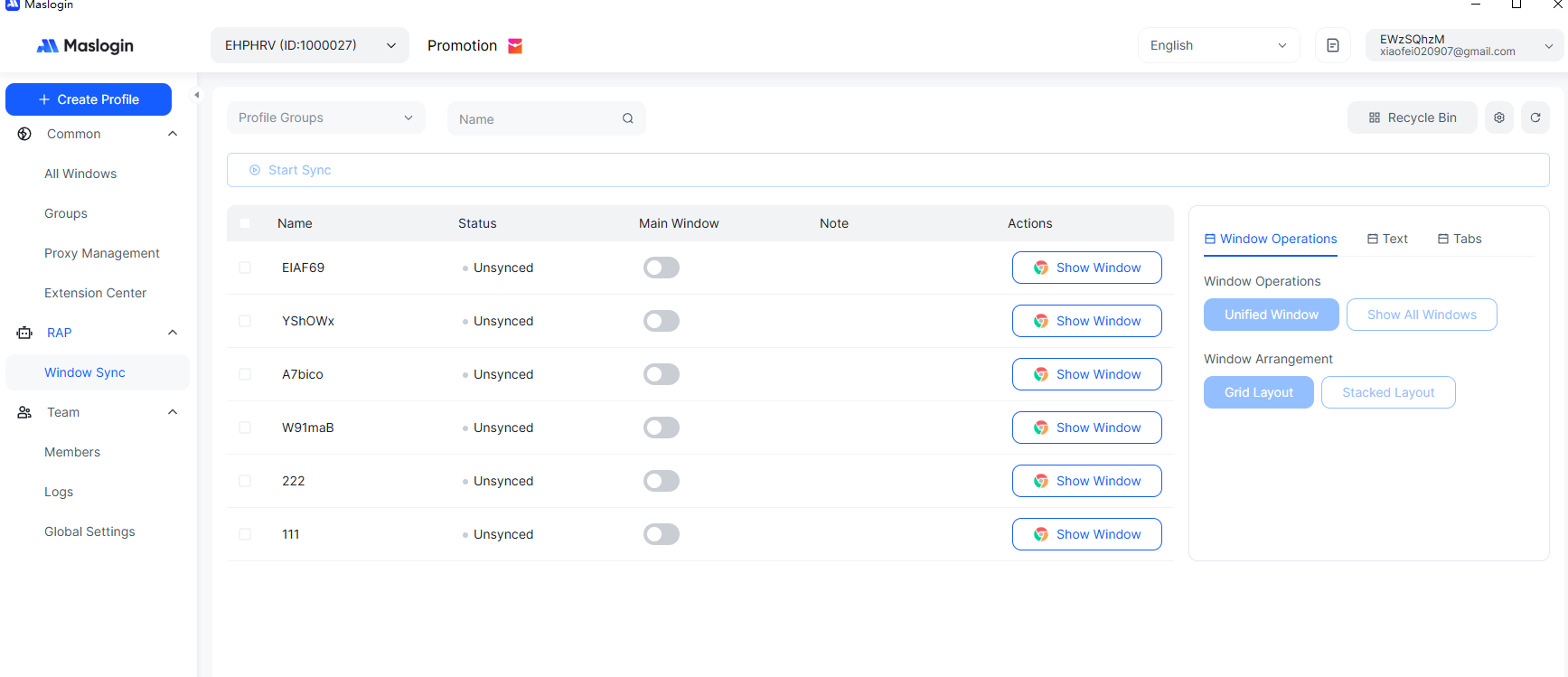
MasLogin integrates proxy rotation and IP binding, allowing each account to connect from a different country or region.
This eliminates the risk of multi-account bans due to repeated logins from the same IP.
If you’ve tried everything and X still isn’t working, visit the Twitter Help Center
for official troubleshooting guides or submit a support ticket.
Keep in mind that account bans due to multi-account detection may not be reversible — that’s why tools like MasLogin are essential for safe, compliant multi-account operations.
Outline