Discover the best proxy and fingerprint browser combo for 2025. Learn how MasLogin ensures accurate device fingerprints, prevents bans, and enhances performance compared to traditional proxy setups. Includes insights from the Pixelscan test.
If you’ve ever faced website blocks, CAPTCHA loops, or constant account bans, you know how frustrating multi-account operations can be. Whether you're managing affiliate marketing campaigns, social media profiles, or automation tasks, using only VPNs or regular proxies isn’t enough anymore.
The reason is simple: websites today don’t just track IPs — they track browser fingerprints, hardware signatures, and even behavioral patterns.
That’s why in 2025, the smartest strategy is combining premium proxies with a professional fingerprint browser like MasLogin.
For full technical details, visit MasLogin Official Site
Many users try configuring proxies directly inside browsers like Chrome or Firefox — but that’s a major red flag.
When you manually configure a proxy inside Firefox and then run a Pixelscan browser fingerprint test, the result often shows IP and time zone mismatches (e.g., Italian proxy with an Indian system time zone).
This inconsistency makes your setup easily detectable by anti-bot systems used by platforms such as X/Twitter, Meta Ads, and Amazon.
MasLogin solves this problem.
By creating independent browser profiles with custom fingerprints, time zones, screen resolutions, and IP bindings, MasLogin ensures your browsing environment appears authentic and stable, not artificially masked.
The YouTube test video used Floppy Data Proxies (a reputable provider with global IP coverage). When paired with a fingerprint browser like MasLogin, this combination outperforms any default browser-proxy setup.
Tools like GoLogin, OctoBrowser are widely used, but MasLogin has taken anti-detect browsing further with deeper fingerprint-level customization and multi-account management efficiency.
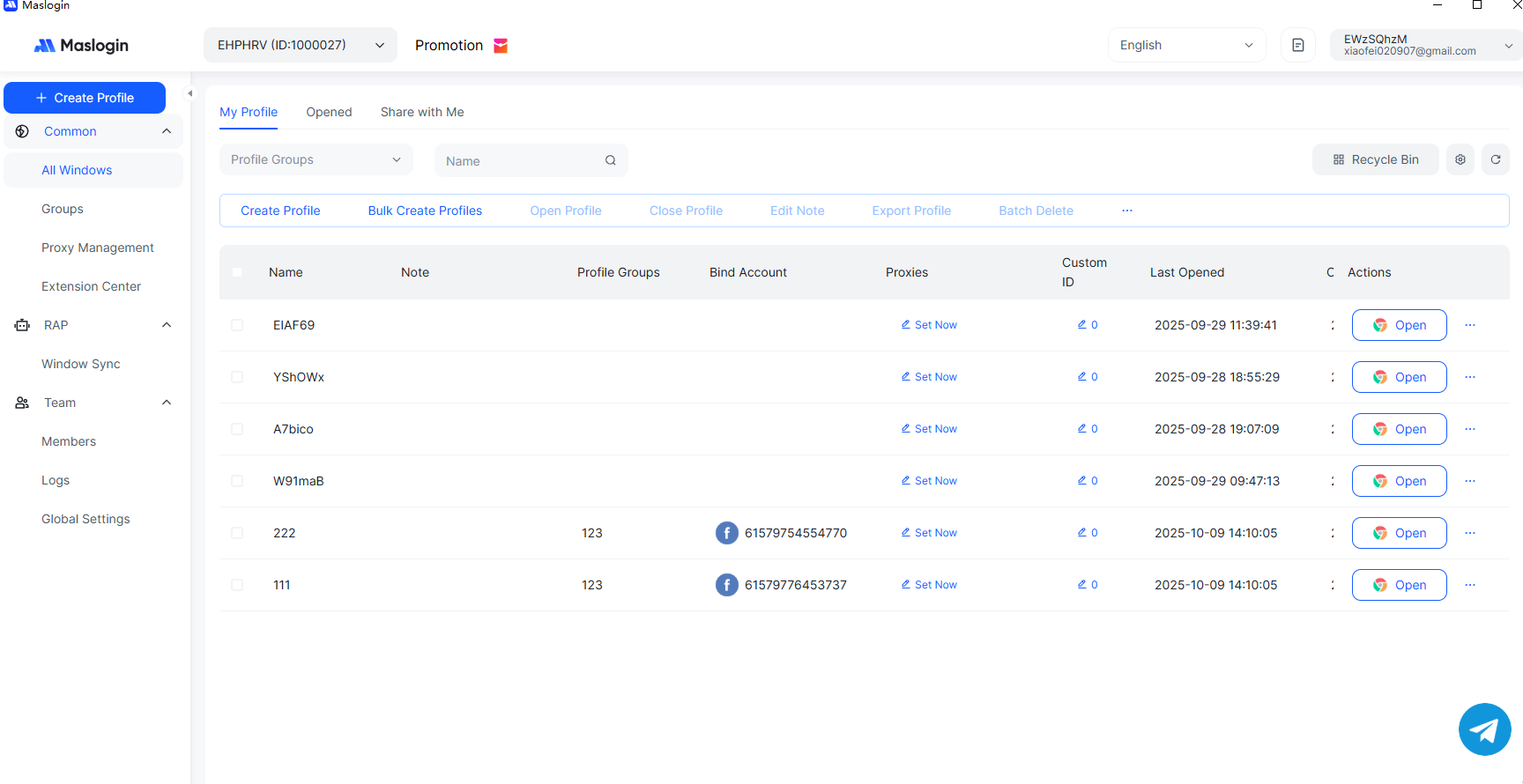
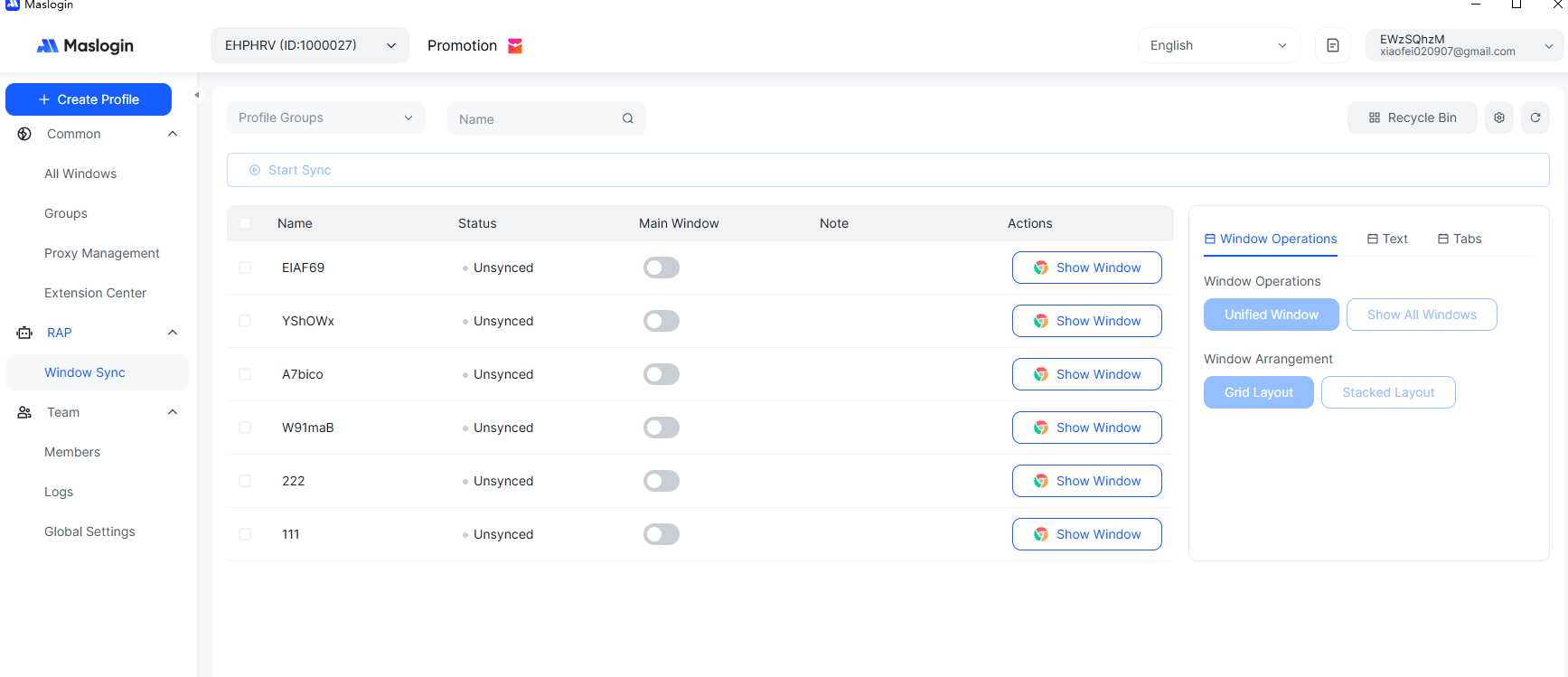
In comparison, traditional browsers often fail when handling multiple accounts — leading to cookie leakage, cross-account detection, or instant bans.
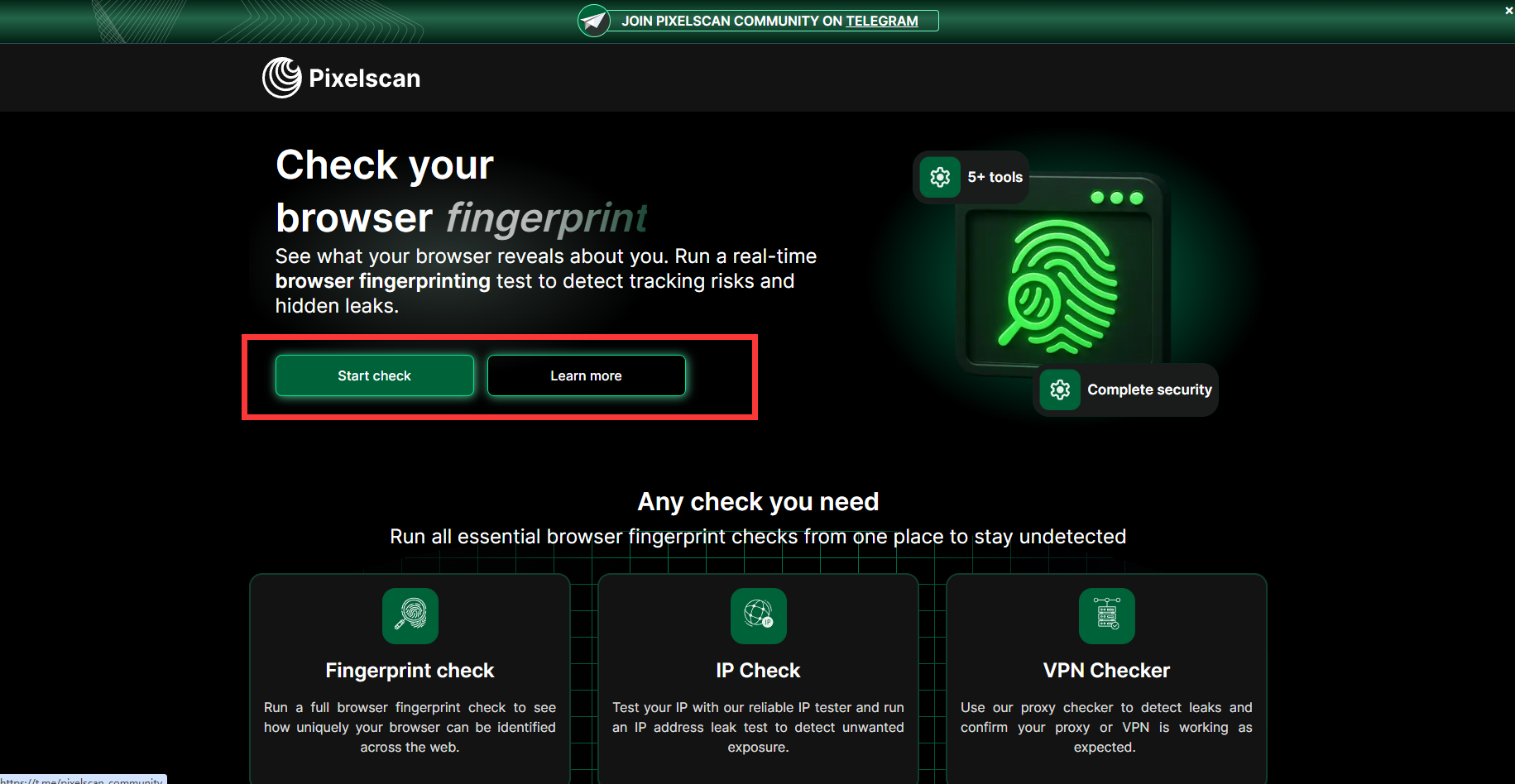
In the referenced video, when proxies were configured directly in Firefox, the Pixelscan results showed “red alerts” for inconsistent fingerprints.
However, when the same proxy was integrated inside an anti-detect browser, all fingerprint parameters turned green, indicating a consistent and legitimate browsing identity.
MasLogin replicates this stability across hundreds of profiles.
Every browser instance mimics a natural human user — from geolocation and system fonts to user-agent and screen size — allowing seamless operation on strict platforms like Google Ads, Facebook Business Manager, TikTok, and X/Twitter.
Pick a trusted proxy provider such as:
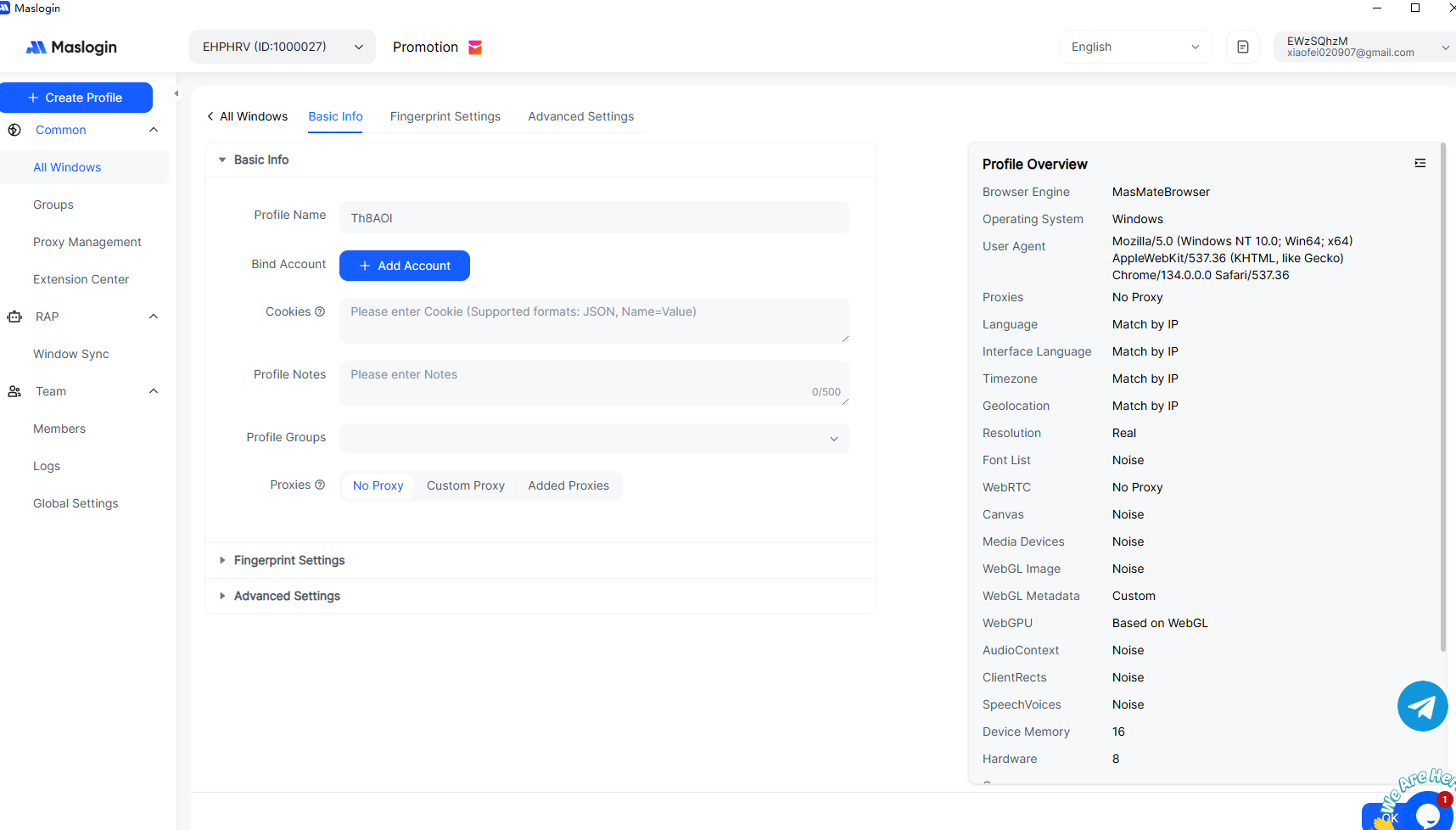
Run the Pixelscan or Whoer.net test.
If all indicators are green, your browser identity is clean and stable.
Duplicate safe profiles and manage hundreds of accounts without triggering anti-fraud systems.
Learn more about MasLogin proxy integration on the official setup guide
In 2025, using proxies without an anti-detect fingerprint browser is like driving without a seatbelt — you might move fast, but you’re one detection away from a crash.
MasLogin, when paired with trusted proxies like Floppy Data, offers the ultimate balance between security, scalability, and authenticity.It’s not just about hiding your IP; it’s about creating unique, verifiable browser identities that pass all modern detection systems.
Outline