Downloading YouTube videos on mobile can be tricky — especially when trying to save your favorite content for offline viewing. Whether you want to download your own YouTube videos or save videos from other creators, this expert guide will walk you through every method safely and efficiently.
In 2025, mobile users have more tools and privacy options than ever before. However, downloading videos from YouTube must be done legally and securely to protect your account and data. Let’s explore how you can do this properly.
There are many reasons users want to save YouTube videos offline:
However, not every method is safe or allowed. Understanding the legal boundaries and privacy concerns is essential before downloading.
If you’ve uploaded videos to YouTube and want to download them again, follow these official steps:
Your video will be saved directly to your device’s File Manager or Downloads folder, depending on your phone type.
👉 Pro tip: If you manage multiple channels or need a secure environment to access your accounts, tools like MasLogin Fingerprint Browser allow you to manage multiple YouTube or Google accounts without risk of detection or bans.
To download other creators’ YouTube videos, you must use YouTube Premium, the only official method approved by Google.
Steps:
YouTube Premium subscription costs around $13–$16 per month, depending on your region, and provides:
For more details, visit the official YouTube Premium page.
Some users rely on anti-detect browsers or fingerprint browsers with integrated proxy tools for managing multiple accounts or downloading videos across regions.
💡 MasLogin Fingerprint Browser, for example, offers:
This is particularly useful for content creators, affiliate marketers, or cross-border e-commerce professionals managing YouTube marketing campaigns.
YouTube’s Terms of Service prohibit downloading other people’s videos without permission or outside YouTube Premium.
Always ensure:
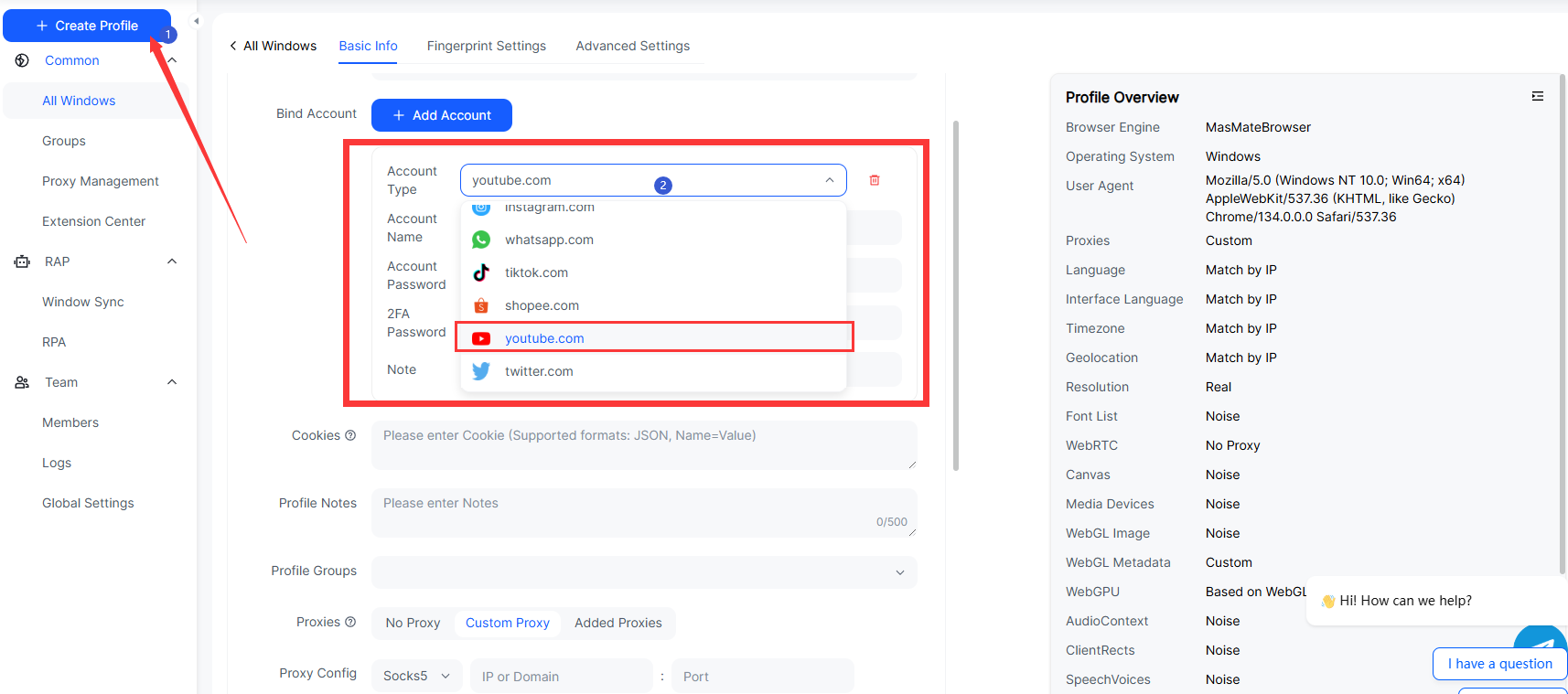
MasLogin is an advanced anti-detect fingerprint browser built for marketers, creators, and cross-border e-commerce users. It allows you to operate multiple accounts, automate actions, and ensure total anonymity when downloading videos or managing content.
Each MasLogin browser instance has a unique fingerprint (IP, UA, Canvas, WebGL, etc.), which isolates every account and prevents tracking. This means you can download safely without leaving any trace or risking a ban.
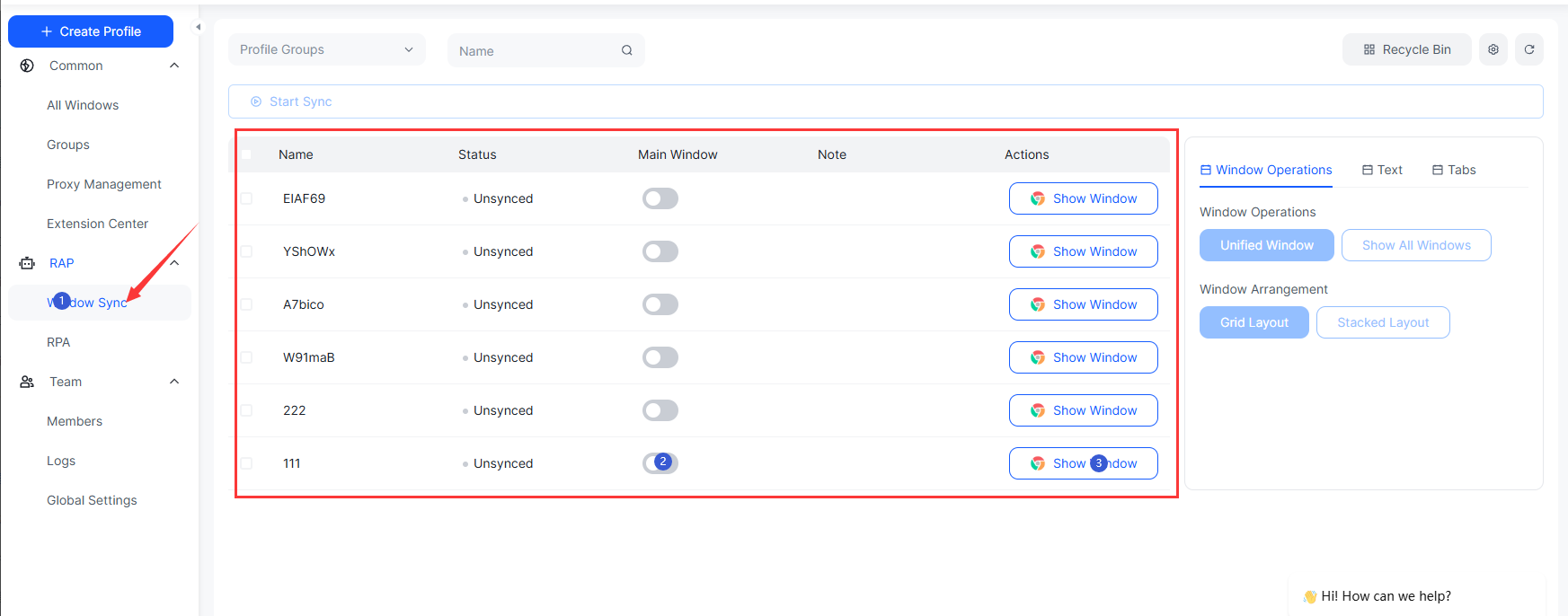
Unlike traditional browsers that limit you to one session at a time, MasLogin enables multiple isolated sessions. You can download several YouTube videos simultaneously, each in a different environment—ideal for content managers or agencies.
MasLogin integrates a global IP proxy system that assigns a unique IP for each environment. This prevents IP bans, rate limits, and suspicious activity detection, ensuring faster and safer downloads.
No. Only your own uploads or videos downloaded through YouTube Premium are legally allowed.
Use YouTube Studio for your own content, or YouTube Premium for others’. Avoid third-party apps that may steal data.
You can’t legally download other creators’ videos without Premium. However, you can use MasLogin Browser to safely manage different YouTube accounts or regions.
MasLogin itself is not a downloader — it’s a multi-account, anti-detect browser that offers secure IP proxies and automation tools. It’s ideal for creators managing multiple YouTube or marketing accounts securely.
Yes. Downloaded videos via YouTube Premium or your own uploads can be viewed offline through your YouTube Library.
No, MasLogin doesn’t host downloads—but it provides a secure, anonymous browser environment for performing download tasks safely.
No. Each browser profile has a separate fingerprint and IP address, making it impossible for YouTube to link accounts.
Outline