by · MasLogin · November 25, 2025
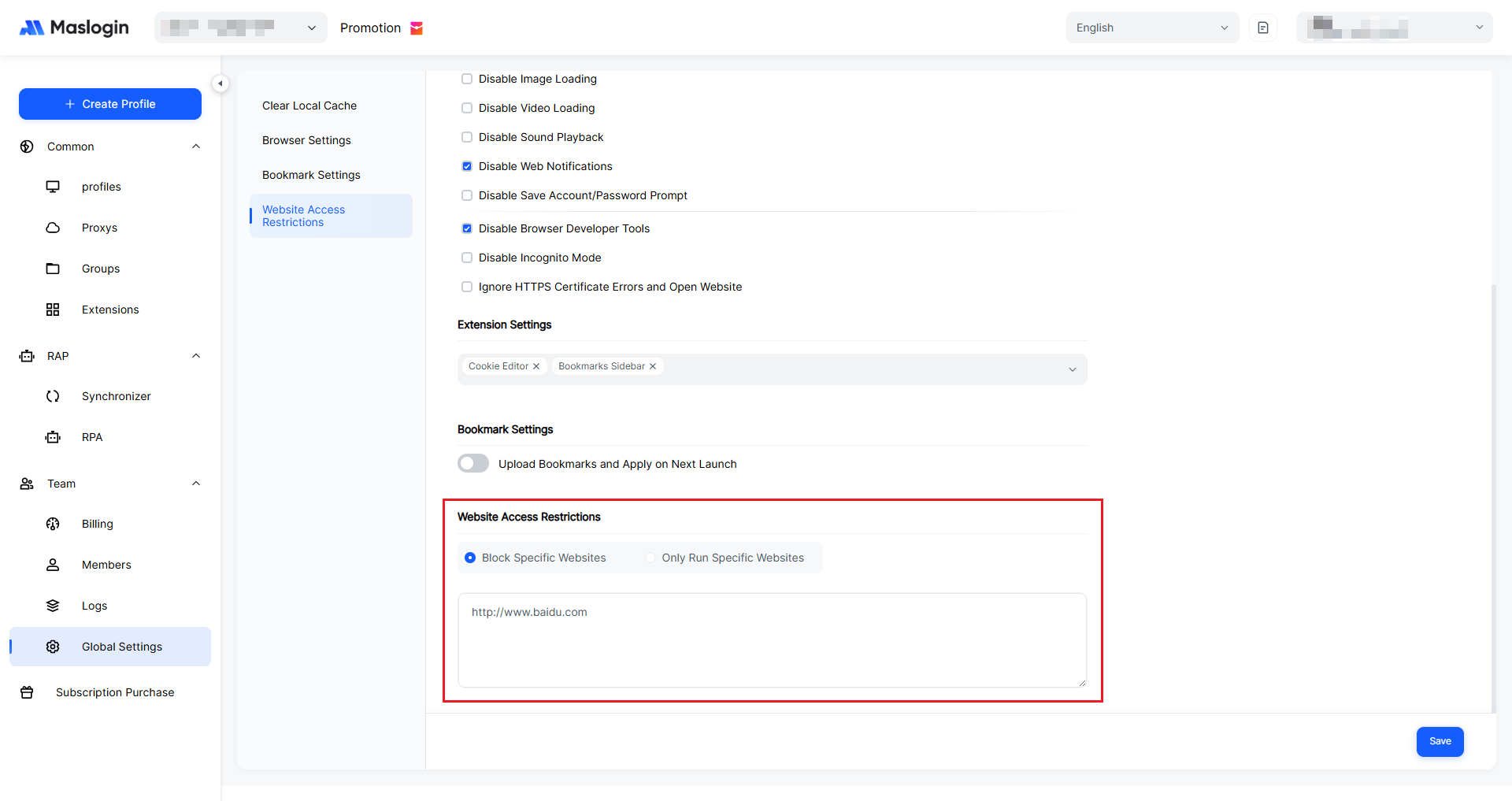
“Website Access Restrictions” is used to centrally control which websites all environments are allowed to visit. This is useful for employee permission management, dedicated traffic campaigns, and risk-control compliance scenarios.
Two Modes Explained
- Block specific URLs By default, all websites are accessible, and only the domains you enter in the box below will be blocked. This is ideal when you only want to restrict certain entertainment or social sites.
- Allow only specific URLs Enables “whitelist mode”, where only the sites in the list can be accessed and everything else is blocked. This is suitable for strict-control scenarios such as ad operations and internal office networks.
Entry Rules
- Enter website URLs in the text box, one per line, for example: https://www.google.com
- After saving, the rules apply to all environments under the current account. For environments that are already open, it is recommended to restart them once to apply the new rules.