For local businesses and small enterprises, Google My Business (now called Google Business Profile) is a key tool for showcasing company information, acquiring customers, and increasing online visibility. This guide explains how to quickly create a GMB account in 10 minutes and optimize it with video verification and settings to improve search ranking and business visibility.
Why Google My Business is Crucial for Local Businesses
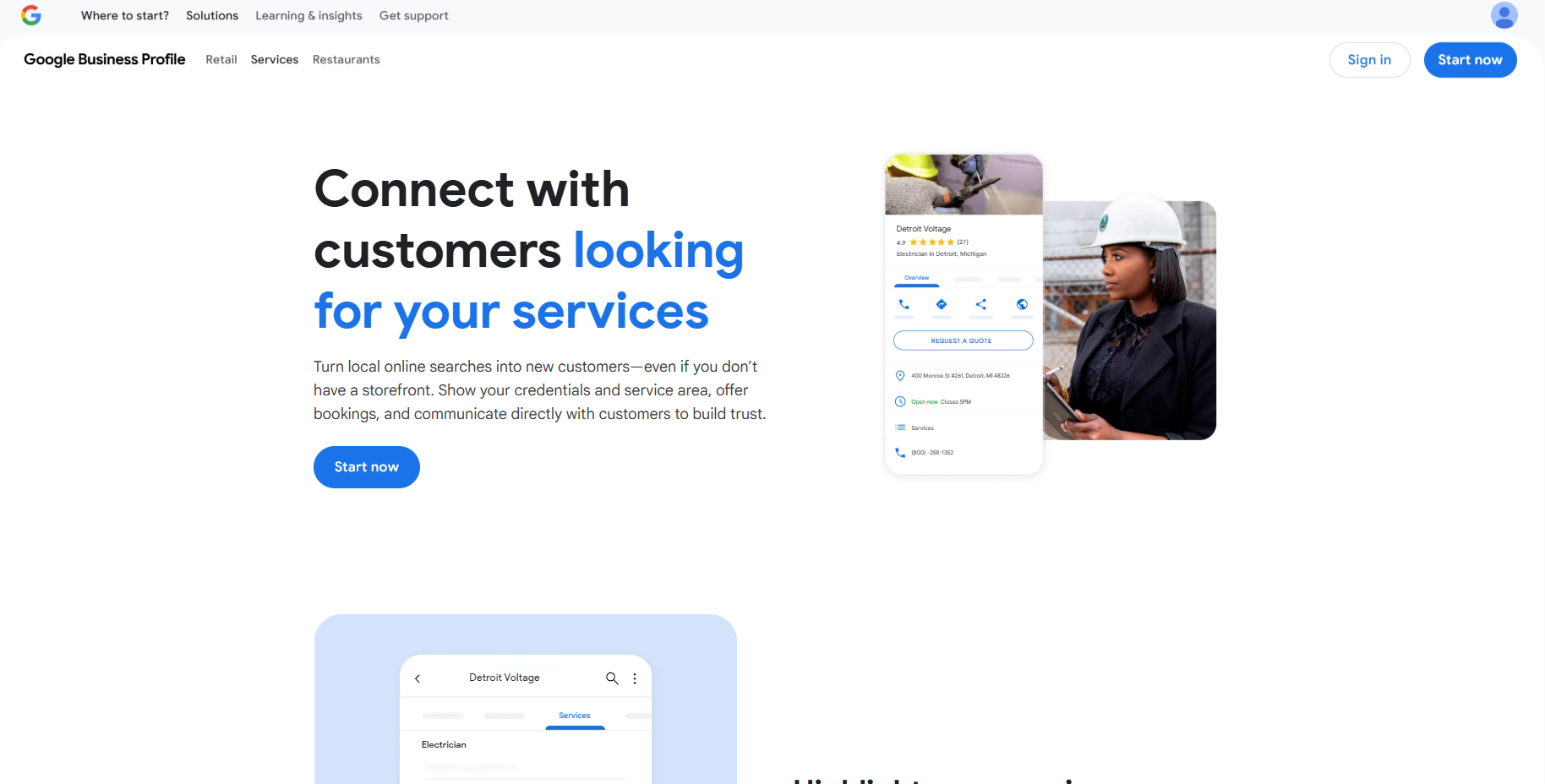
When users search on Google or Google Maps for “services near me,” search results often display local business listings from GMB.
- For restaurants, training centers, yoga studios, and other local businesses, GMB listings can directly generate phone inquiries and on-site visits.
- Using GMB’s free tools, you can increase exposure, collect customer reviews, and boost local search rankings.
Basic Steps to Create a Google My Business Account
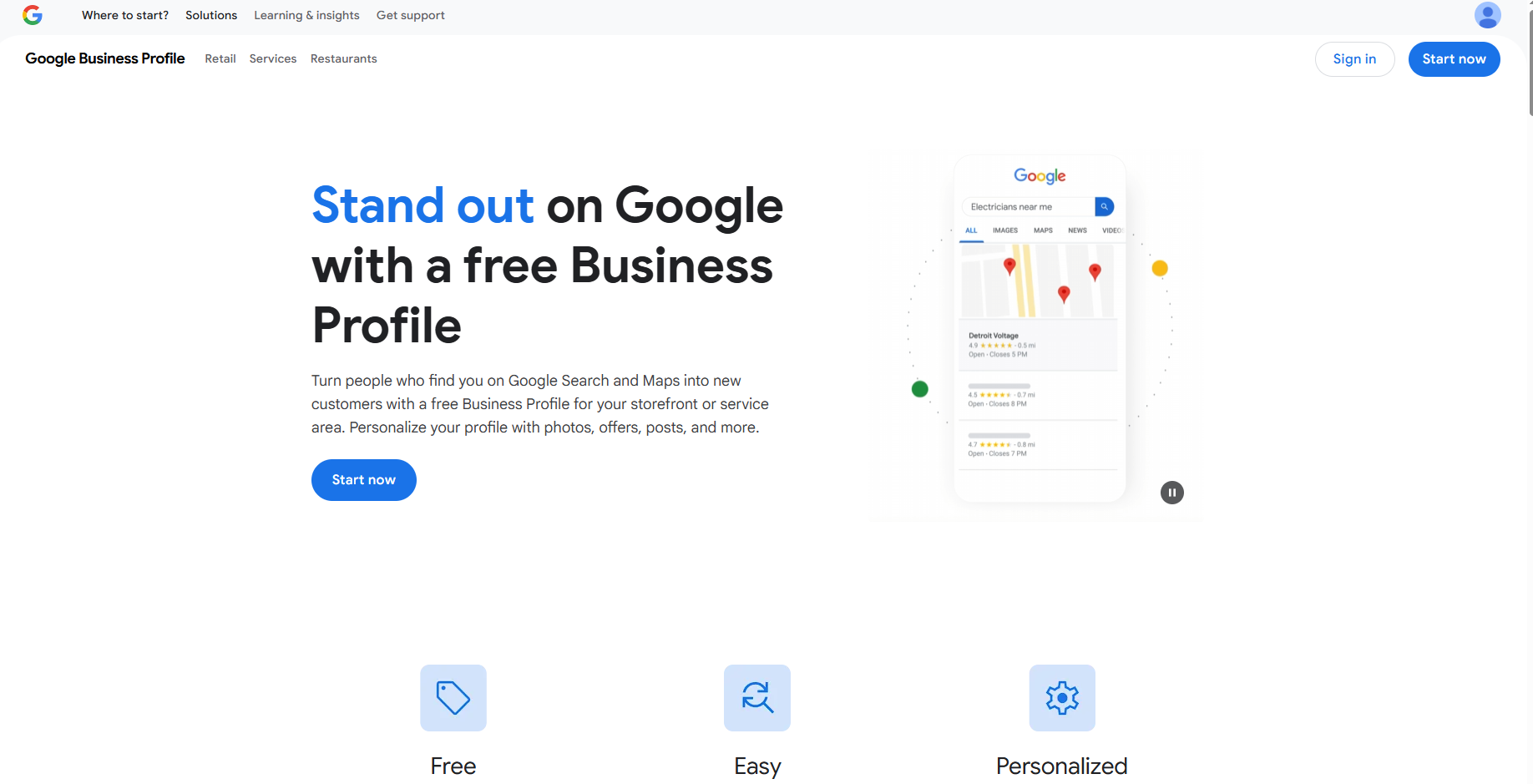
- Open Google My Business
- Go to the GMB website and log in with your Gmail account.
- Click “Manage My Business” or “Create Business Profile”
- Enter your business name. Ensure it is unique and accurate to avoid conflicts with existing businesses.
- Choose your business category—select the most specific category relevant to your business (e.g., “Tutoring Center,” “Vegetarian Restaurant”).
- Add your address to ensure accurate mapping and navigation for customers.
- Enter your phone number and website (if you don’t have one, you can create a free basic website via Google Sites).
Advanced GMB Account Settings
- Services & Hours: Provide complete business hours and service descriptions.
- Photo Uploads: Upload photos of your interior, exterior, products, or services to attract potential customers.
- Customer Interaction: Enable messaging to respond promptly to customer inquiries.
- Analytics: Monitor customer search behavior and visits via the GMB dashboard.
- Advertising: Promote your business through Google Ads after verification.
GMB Verification Methods
GMB accounts must be verified to appear fully in search results. Common methods include:
- Phone or SMS verification
- Email verification
- Video verification (for cases where traditional verification is unavailable)
- Record a 1–2 minute video showing your business location, equipment, or proof of management authority.
- Upload the video; Google completes verification within 7 days.
- The video can be deleted or kept as a record.
- If verification issues occur, contact Google support for Live Video Call verification.
Tips to Fully Optimize a GMB Account
- Ensure your business description is detailed, accurate, and specifies services offered.
- Upload high-quality photos including interior, exterior, and service displays.
- Post regular updates, events, or promotions.
- Respond to customer reviews to boost engagement and trust.
- Use primary and secondary categories to optimize search ranking and local visibility.
Google My Business and MasLogin Integration
Managing multiple GMB accounts often encounters issues such as account linking, login restrictions, or verification difficulties. MasLogin, a fingerprint browser, provides an effective solution:
- Independent Browser Environments: Each GMB account operates in a separate environment, minimizing the risk of detection as multi-account operations.
- Secure Multi-Account Login: Safely manage multiple GMB accounts on one device without worrying about duplicate IPs or browser fingerprints causing account suspension.
- Batch Operations & Management: Use MasLogin’s RPA automation to update business info, upload photos, or post updates in bulk.
- Account Isolation & Protection: Each GMB account runs independently, avoiding data leaks or cross-account interference.
- Efficiency Boost: Synchronize operations, batch verification, and management, saving time on manual tasks.
For local business operators and marketing teams, combining GMB with MasLogin ensures account security and greatly improves management efficiency, keeping all business profiles running smoothly and effectively on Google.
FAQ
1. What is a Google My Business (GMB) account?
A1: A Google My Business (GMB) account is a free service by Google to manage a business’s information on Google Search and Google Maps. Businesses can display name, address, contact info, operating hours, services, and photos to attract potential customers.
2. How can I create a GMB account in 10 minutes?
A2:
- Log in to Google My Business using your Google account.
- Enter your business name and select the most relevant primary business category.
- Fill in address, contact info, and website details.
- Indicate whether your business offers on-site visits or delivery.
- Submit the information for initial setup, then verify your account (phone, email, or video).
- Once verified, start managing business info and posting updates.
3. What verification methods does GMB offer?
A3:
- Phone/SMS verification: Google sends a code to your business number.
- Email verification: Google sends a verification email to your registered email.
- Video verification: Record a 1–2 minute video showing your business and equipment, and provide proof of management.
- Verification must be completed for the account to appear as officially verified on Google Search and Maps.
4. Are there restrictions when managing multiple GMB accounts?
A4: Yes. Frequent operation of multiple accounts from the same device, IP, or browser environment may trigger Google to identify multi-account activity, leading to restrictions or account suspension.
5. How does MasLogin help manage multiple GMB accounts?
A5: MasLogin is a fingerprint browser that isolates browser environments and customizes fingerprints so each GMB account operates independently. Benefits include:
- Account isolation: Each account has a separate IP, browser fingerprint, and cache.
- Secure login: Avoid account association and suspension risks.
- Batch operations: Combine with RPA automation to update business info and post updates in bulk.
- Efficiency: Operate multiple accounts simultaneously to improve management efficiency.
6. How to set up GMB multi-account operations using MasLogin?
A6:
- Create multiple independent browser profiles in MasLogin, one for each GMB account.
- Use different IPs, device fingerprints, and browser environments for each account login.
- Use MasLogin’s batch operation tools to update information, upload photos, post updates, or manage reviews.
- Ensure each account’s verification method is correctly linked to its independent environment.
7. What are the direct benefits of using GMB for local businesses?
A7:
- Improve local search ranking and attract nearby customers.
- Display accurate address and contact info for easy navigation and calls.
- Showcase products, services, and customer reviews to enhance trust.
- Engage customers through updates, promotions, or offers.
8. Which users benefit most from combining MasLogin with GMB?
A8:
- Businesses operating multiple stores or branches.
- Digital marketing teams, SEO specialists, and local ad operators.
- Freelancers needing to manage multiple GMB accounts efficiently.




_00000.png)