Remote Desktop Protocol (RDP) lets you “operate another machine,” while an anti-detect browser lets you “go online with a controlled, safer device fingerprint.” The former is system-level remote control; the latter is account-level risk control with isolation. Based on hands-on practices from both sides, this guide explains how RDP works and where its security boundary lies, how browser fingerprinting actually tracks you, why standardization / randomization / blocking are effective countermeasures, and why the proxy + anti-detect browser stack is a better daily driver for multi-account operations—plus when RDP still makes sense, and why MasLogin is the pragmatic choice to scale.
What Is RDP?
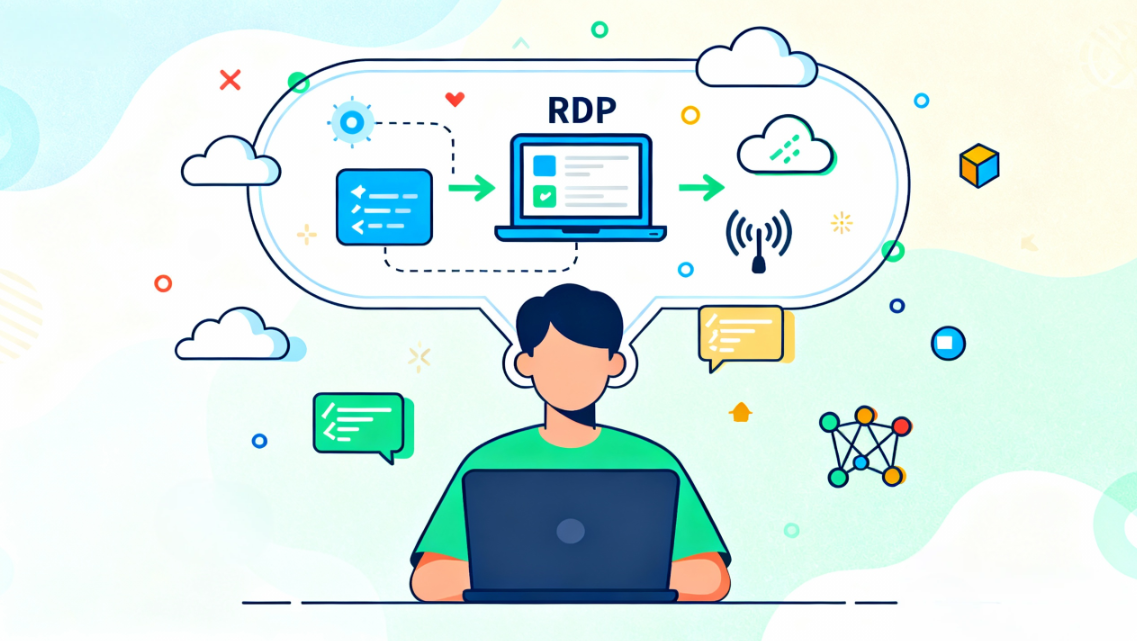
RDP (Remote Desktop Protocol) is system-level remote control: your local screen renders a remote desktop while keyboard/mouse/clipboard are forwarded so you can operate it “as if you were there.” It shines for OS-level maintenance and heavy apps (e.g., NLE editing, CAD), but its exposure is whole-machine and tightly coupled to network topology, OS edition, graphics pipeline, and permissions.
How RDP Works
- Session setup: Client and target negotiate encrypted channels for display, codecs, input streams.
- Data path: Direct (same network / P2P) or relayed (broker or tunnel); direct has lower latency but struggles with NAT/firewalls; relay is universal but expands the trust boundary.
- Resource mapping: Screen, audio, clipboard, disk/printer map by policy; broader mapping = more convenience and more sensitivity.
- Permissions & footprint: RDP consumes remote CPU/GPU/memory; account privilege and patch level directly affect risk.
RDP vs Anti-Detect Browsers: The Core Difference
- Layer of control: RDP is a whole-machine proxy; an anti-detect browser is a session/account proxy.
- What the site “sees”: RDP presents the remote machine’s stable device fingerprint and IP; anti-detect presents a controlled fingerprint template with an independent proxy.
- Risk signals: RDP sessions often look like non-resident, unusual device access; anti-detect can use standardization / randomization / blocking to reduce uniqueness and cross-site linkage.
- Workflow fit: RDP favors “person-to-machine” heavy work; anti-detect favors “multi-account / multi-environment / automation.”
Why This Difference Matters
Modern risk engines stitch together browser fingerprint signals (Canvas/WebGL/Audio, fonts/resolution/time-zone, UA, IP, etc.). RDP merely moves you to another computer whose real fingerprint is stable; anti-detect can standardize or randomize those fields and block third-party scripts to shrink the collectible surface in the first place. For a quick grasp of what websites can see, test with EFF’s Cover Your Tracks; for high-anonymity workflows, review the Tor Project guidance; for daily usable fingerprint resistance, see Mullvad Browser’s features.
What’s Safer Than RDP?
Not “another remote tool,” but the local execution + fingerprint defense + network isolation trio:
- Standardization: Uniform time-zone/window (letterboxing), block Canvas/WebGL/Audio reads to reduce uniqueness.
- Randomization: Perturb key fields across sessions/sites to break long-term joins.
- Blocking first: Proactively block third-party trackers—most fingerprinting originates there.
Why RDP Security Raises Concerns
- Broad blast radius: If a session is abused, attackers reach the entire remote OS and even the LAN.
- Relay trust & compliance: Third-party relays add external trust and audit scope.
- Anomalous profile: Accounts usually “live” locally; RDP shows non-resident devices/regions/time-zones, tripping risk heuristics.
- Configuration debt: Version/patch/policy/port hardening has many edge-cases; misconfig = exposure.
- Cost & UX: Cross-OS control is asymmetric; without proper acceleration, UX drops sharply.
How Anti-Detect Browsers Improve Security
- Controllable presentation: Fingerprint templates with standardization/randomization lower uniqueness.
- Environment isolation: One account → one sealed environment (fingerprint, cookie, storage, proxy, extension allow-list).
- Script blocking: Third-party trackers and active probes are blocked by default.
- Practicality: Near-native browsing for logins, payments, ad dashboards, and marketplaces.
Proxy + Anti-Detect Browser vs RDP
- RDP: Changes where you operate, but exposes the remote box’s stable device profile.
- Proxy + Anti-Detect: Changes network egress + browser profile to a controlled IP & fingerprint combo.
- Operational takeaway: For “compliant multi-account / cross-region, always-on” work, use proxy + anti-detect; for OS-level maintenance/heavy apps, keep RDP.
How They Work Together
- Use RDP for one-off OS tasks / file pulls / heavy desktop apps.
- Run daily business (ads/e-commerce/social/cross-border ops) locally with anti-detect + per-environment proxy, preserving consistent device/IP signals.
- For teamwork, share environments, not whole machines—minimizing lateral movement and data sprawl.
Advantages vs RDP
- Smaller exposure: Risk confined to browser session, not the whole OS.
- Consistency: Stable IP/time-zone/resolution/font stack per account over time.
- Scalability: Spin up, group, authorize, and retire hundreds/thousands of environments.
- Automation-friendly: Scripts target page behaviors, closer to business logic than OS minutiae.
When to Use RDP vs When to Use Anti-Detect
- Choose RDP for: Heavy graphics/audio workflows; Deep OS diagnostics/installs/filesystem tasks; On-prem compliance that demands “being on that machine.”
- Choose Anti-Detect for: Multi-account residency across social/e-commerce/ads; Cross-region ops, team sharing, delegated access; Risk-sensitive scenarios needing reproducible, stable fingerprints.
Why MasLogin Is the Better Choice
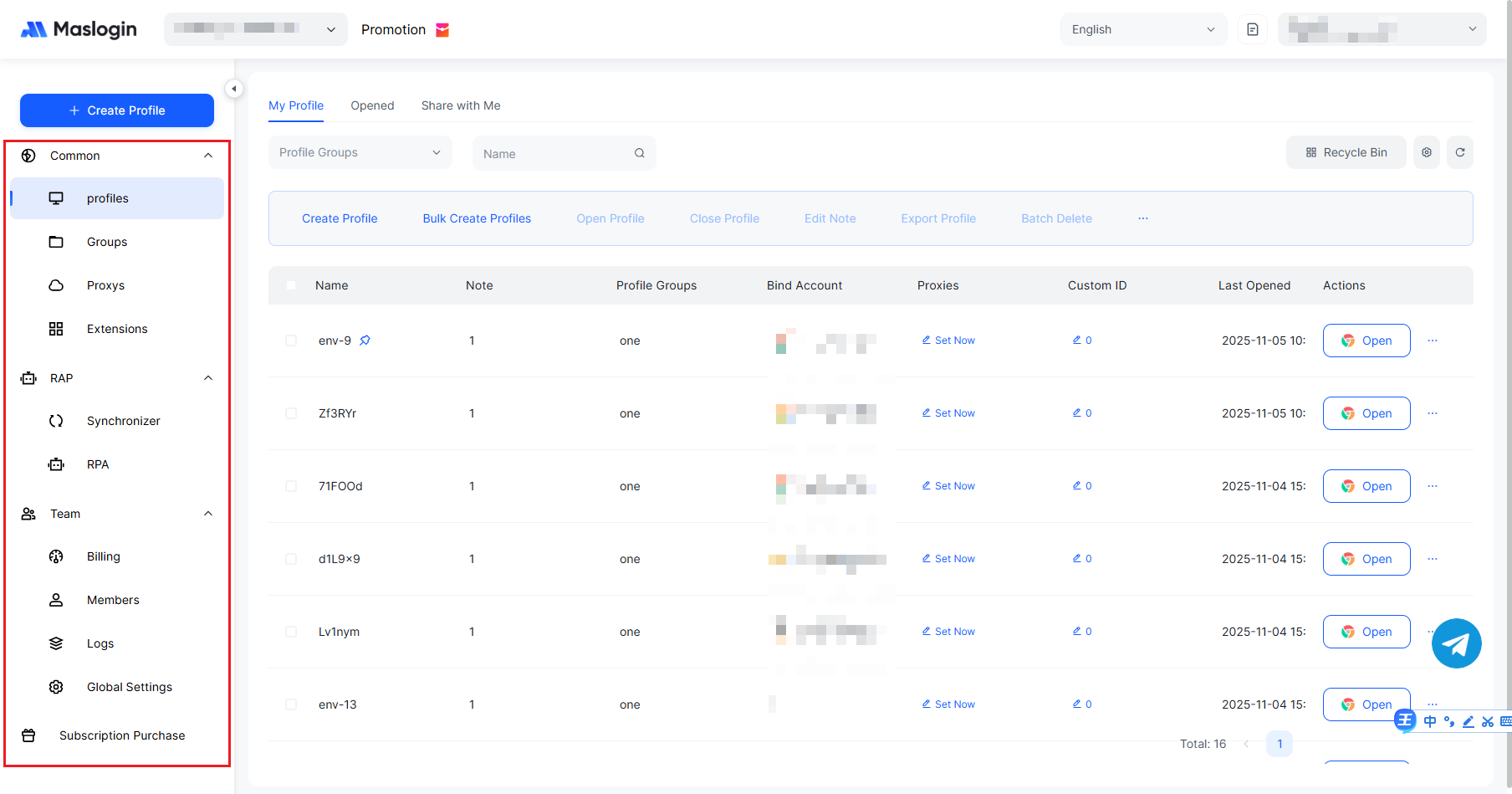
MasLogin bundles fingerprint defense + environment isolation + proxy management + team sharing into an operator-friendly capability. You keep near-native usability while key risks (fingerprint, scripts, sessions, permissions) are contained—ideal for growth teams seeking scale and compliance.
Top 10 Reasons to Choose MasLogin
- Triple protection: Standardize / randomize / block to cut uniqueness and collection.
- Environment as asset: Fingerprint, cookies, storage, proxy, and extensions isolated per account.
- Decoupled proxies: Per-environment region/ISP with health checks and fast switching.
- Stable profiles: Time-zone, resolution, fonts, languages controllable and reusable.
- Team sharing: Role-based environment sharing—no machine/password hand-offs.
- Automation-ready: Scripts/workflows plug into page actions.
- Auditability: Action trails for risk review and compliance.
- Low learning curve: Near-native browsing habits; quick onboarding.
- Extensible: Smooth with proxy pools, SOPs, monitoring/alerts.
- Cost-effective: Compared with large RDP/relay stacks, both cost and risk are easier to govern.
FAQ
Q1: I already use RDP—do I have to replace everything?
No. Keep OS-level tasks on RDP. Migrate account-level work to anti-detect + per-environment proxy + isolation to steadily lower risk and ops overhead.
Q2: If I use a proxy, am I safe?
A proxy hides IP only. If fingerprint fields remain stable and joinable across sites, you’ll still be linked. You need proxy + fingerprint defense + script blocking + session isolation.
Q3: Will anti-detect hurt usability?
With sane standardization/randomization, most sites feel near-native. For edge cases, fine-tune with allow-lists, prioritizing “safety first, usability with guardrails.”
Q4: How do teams share securely?
Use MasLogin environment sharing—not raw passwords. Scoped permissions, revocable access, and audit trails beat “machine + password” every time.
Q5: How can I verify risk reduction?
Compare before/after with Cover Your Tracks ; track fewer active scripts, lower uniqueness, and business-side drops in unusual verifications/blocks.





_00000.png)