Do you want to quickly master how to use Twitter but don’t know where to start?
This article provides you with a detailed Twitter Beginner’s Guide, covering account registration, interface navigation, posting tweets, following users, using Direct Messages (DMs), exploring trending topics, and other practical tips to help you get started with ease.
Why Learn to Use Twitter?
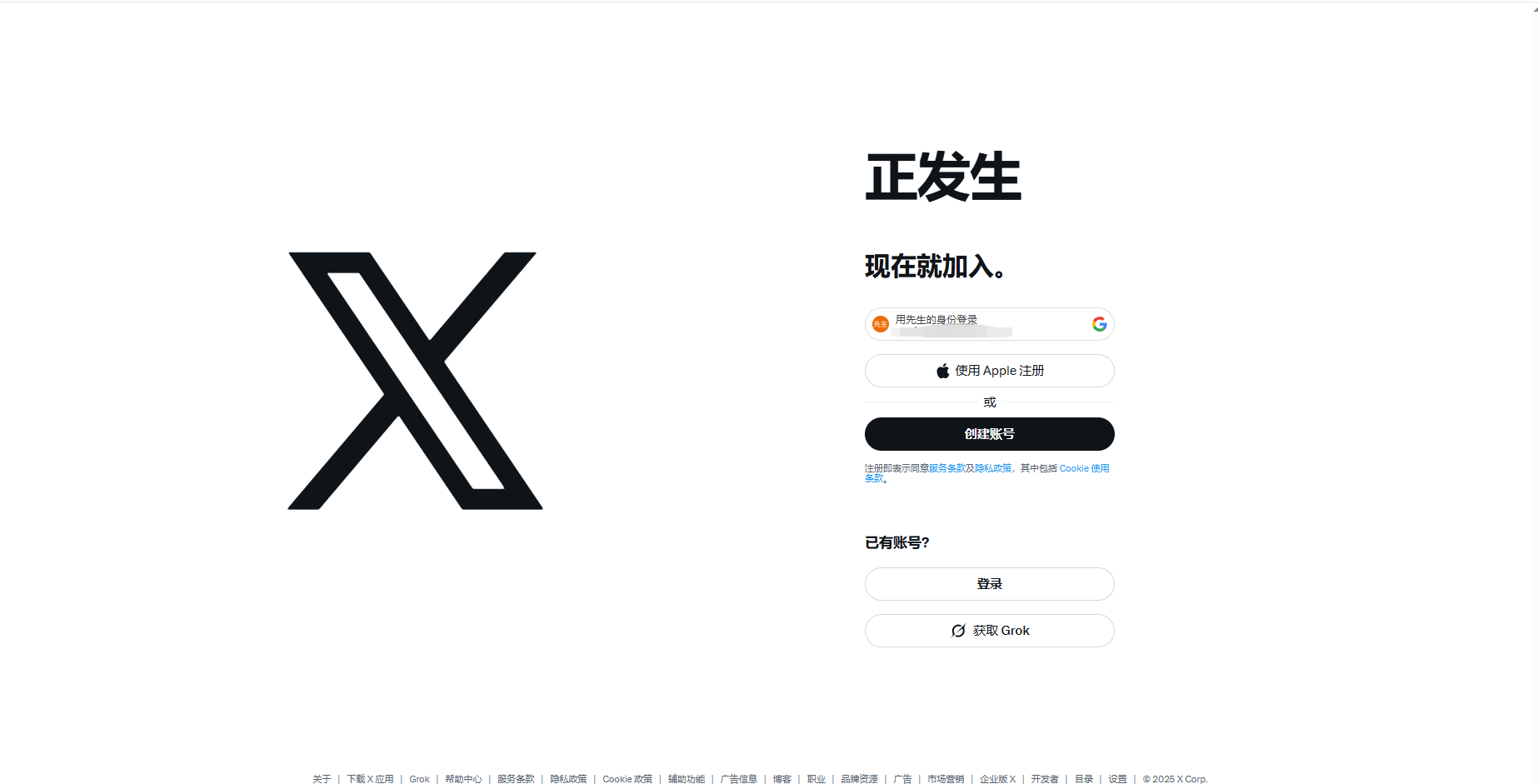
Since its launch in 2006, Twitter has grown into one of the most influential social media platforms worldwide.
With Twitter, you can:
- Follow real-time global trends
- Interact with users by liking and retweeting
- Use hashtags to increase content exposure
- Manage personal or brand accounts to grow followers
Register and Set Up Your Twitter Account
- Go to the Twitter website or download the mobile app (iOS/Android).
- Click Sign Up, then fill in your name, email or phone number, and birthday.
- Set a username (@username) — it must be unique.
- Upload a profile picture and cover photo, then write your Bio.
- Select interests and follow recommended users or topics.
Tip: You can always update your photo, Bio, and username later to better match your personal or brand identity.
Get Familiar with Twitter’s Interface and Features
Twitter’s home feed has two main sections:
- For You: Tweets recommended based on your interests and activity
- Following: Only shows tweets from accounts you follow
Common interactions include:
- Like : Show appreciation
- Retweet : Share someone’s tweet on your feed
- Reply : Comment under a tweet
- Bookmark : Save tweets for later
- Direct Message (DM) ✉️: Private chat with one or multiple users
Post Your First Tweet
Click the “What’s happening?” input box to write your tweet.
Options include:
- Text limit: 280 characters
- Images/videos: Upload multiple media files
- GIFs & emojis: Add fun elements
- Polls: Create interactive content
- Scheduled posts: Tweet at a set time
Use #hashtags and @mentions to greatly increase visibility.
Explore and Follow Trending Topics
Go to Explore:
- See Trending topics to stay updated
- Search for users or brands to follow directly
- Join real-time global discussions with hashtags
This step is especially important for those running personal brands or marketing accounts.
Manage Your Profile
On your Profile page, you can:
- Update your profile photo, cover, Bio, and location
- Pin an important tweet for extra visibility
- View past tweets, media, and liked posts
For businesses or creators: Add keywords and links (e.g., website, blog, YouTube channel) in your Bio to boost SEO.
Use Direct Messages (DMs)
With DMs, you can:
- Send private messages to individuals
- Create group chats for team communication
- Share text, images, videos, and emojis
For privacy, adjust who can send you DMs in settings.
Customization & Advanced Features
- Dark Mode: Protect your eyes and improve the experience
- Font size: Adjust to your preference
- Twitter Blue (paid): Unlock tweet editing, longer videos, and more premium features
The Role of MasLogin Fingerprint Browser in Using Twitter
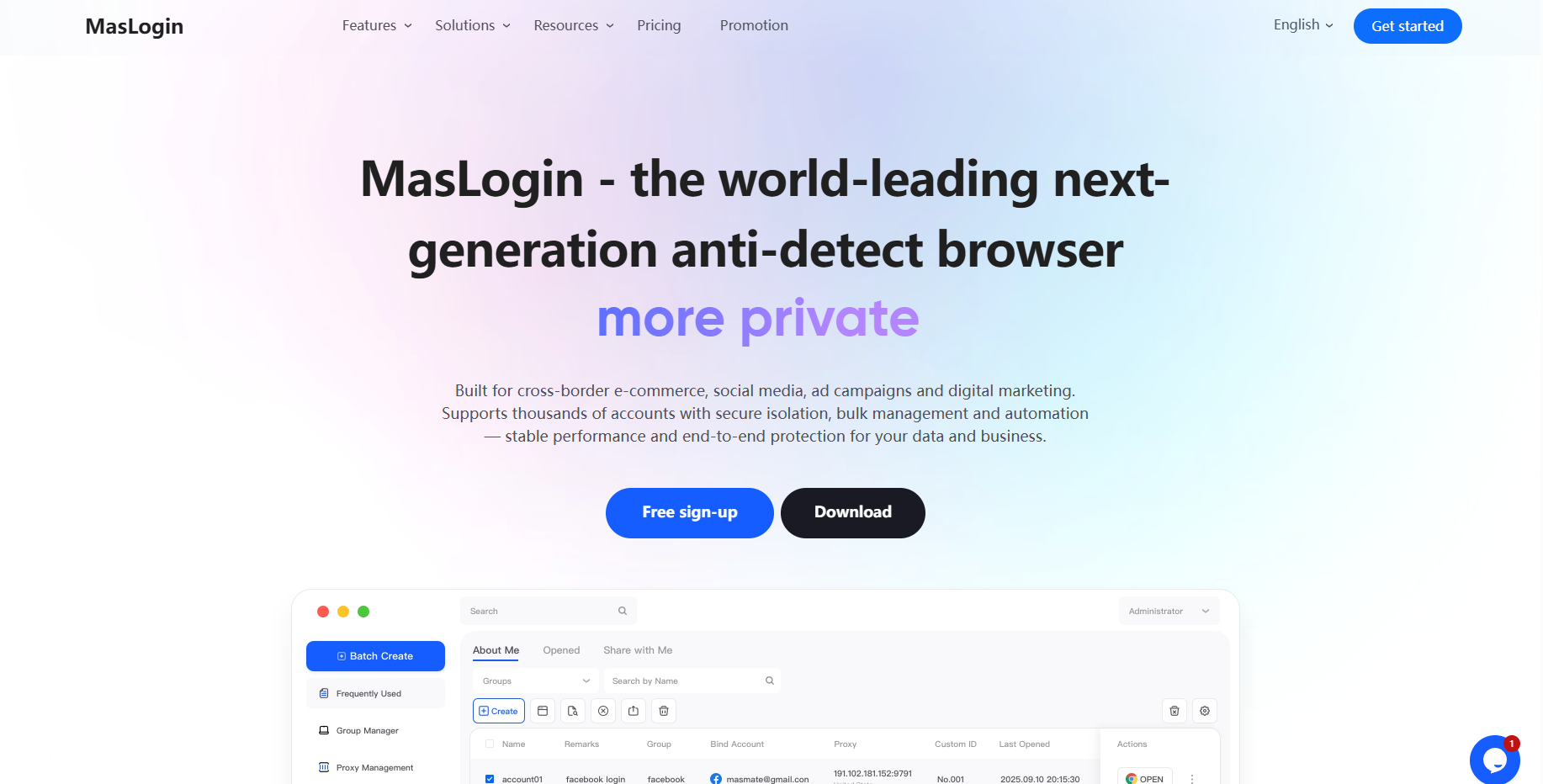
For users managing multiple Twitter accounts, traditional browsers often trigger account linking and bans due to risk control systems.
Here’s how MasLogin Fingerprint Browser helps:
- Secure multi-account login: Each account runs in an independent browser fingerprint environment, preventing detection as the same user.
- Anti-linking protection: Even with dozens of accounts, MasLogin ensures IP isolation + fingerprint spoofing to avoid hidden associations.
- Batch operations & automation: With RPA automation and bulk login, users can efficiently follow, like, and retweet, significantly boosting growth and engagement.
- Data & privacy protection: Prevents fingerprint tracking, safeguarding user privacy from advertisers or third parties.
- Ad stability improvement: For affiliate marketers or cross-border promotion teams, MasLogin reduces account bans and improves ad campaign performance.
Frequently Asked Questions (FAQ)
1. Can MasLogin log in to multiple Twitter accounts at once?
Yes. MasLogin creates an independent browser environment for each account, preventing Twitter from recognizing them as the same user. You can safely manage hundreds of accounts.
2. Will my accounts get banned if I use MasLogin?
No. With fingerprint spoofing and IP isolation, MasLogin reduces account linking risks and minimizes bans caused by multi-account operations.
3. How does MasLogin help with Twitter Ads?
MasLogin allows you to manage multiple Twitter ad accounts while keeping them independent. This prevents environment-linked issues, improving stability and ad performance.
4. Can I use MasLogin for Twitter marketing automation?
Yes. MasLogin supports RPA automation and API integration, enabling bulk actions like following, liking, retweeting, and commenting to boost marketing efficiency.
5. Does MasLogin protect my Twitter privacy?
Yes. MasLogin blocks third-party tracking via browser fingerprints, ensuring your data isn’t exploited by advertisers or hackers.
Summary: 3 Key Steps to Get Started on Twitter Quickly
- Register your account and complete your profile.
- Follow topics and users that interest you, and interact with them.
- Post high-quality tweets with hashtags and mentions to boost exposure.
Recommended Resources




_00000.png)