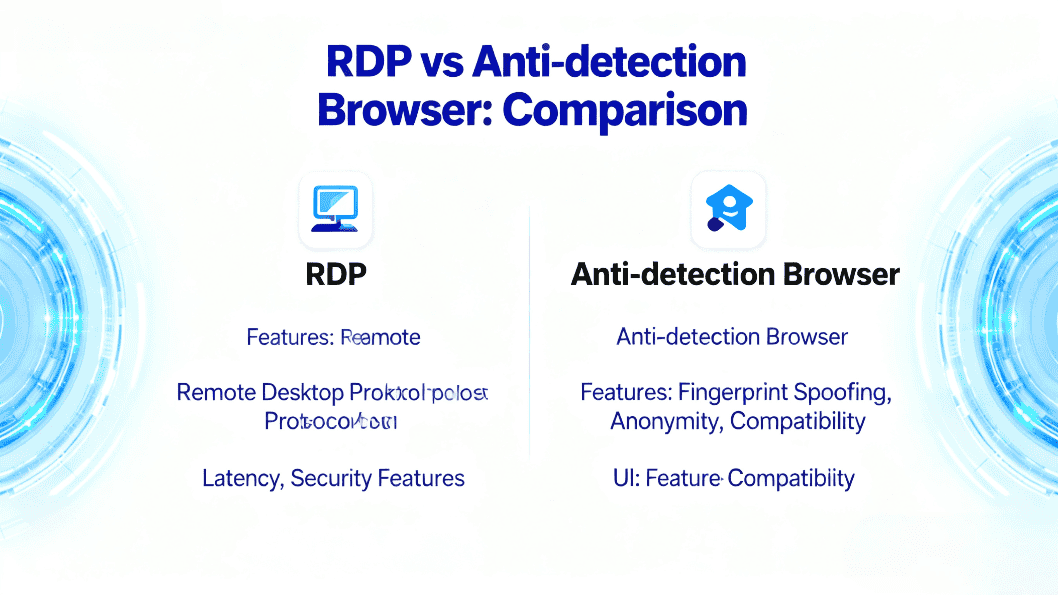
Choosing between a Virtual Private Server (VPS) and an anti-detect browser can make or break multi-account operations. This guide clarifies what a VPS is, what an anti-detect browser does, and how they differ in isolation, automation, and compliance—then shows when to pick each (or combine both) for scalable, low-risk workflows. You’ll also learn how to select and optimize managed vs unmanaged VPS plans, evaluate fingerprint-isolated profiles, and use tools like MasLogin to boost reliability, team efficiency, and account longevity without keyword stuffing or risky shortcuts.
What is a VPS?
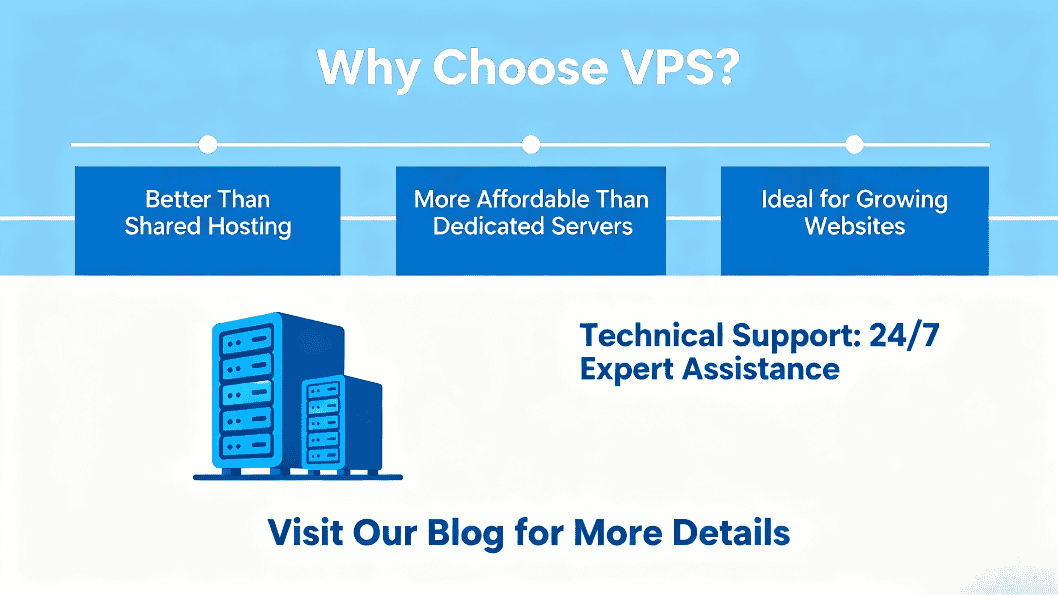
A Virtual Private Server (VPS) is a dedicated virtual environment carved out of a physical server. Think of it as “a remote computer in a data center” with its own CPU/RAM/disk quotas, isolated from neighbors. Compared with shared hosting, a VPS delivers higher concurrency, faster page loads, and full OS-level control.
Learn more: Virtual private server · Hardware virtualization
Why teams pick VPS (from the video’s key points):
- Performance & scale: Even entry VPS plans often beat pricey shared hosting for traffic surges.
- Customization: You control the OS, web stack, network, and security baseline.
- Managed option: With Managed VPS, the provider handles setup, uptime monitoring, backups, caching, and 24/7 support—great for non-DevOps teams.
Trade-offs:
- Unmanaged complexity: Without a control panel, you’ll configure via CLI; misconfigurations risk outages/security issues.
- Ongoing care: Updates, backups, and hardening are your responsibility (unless managed).
What is an Anti-Detect Browser?
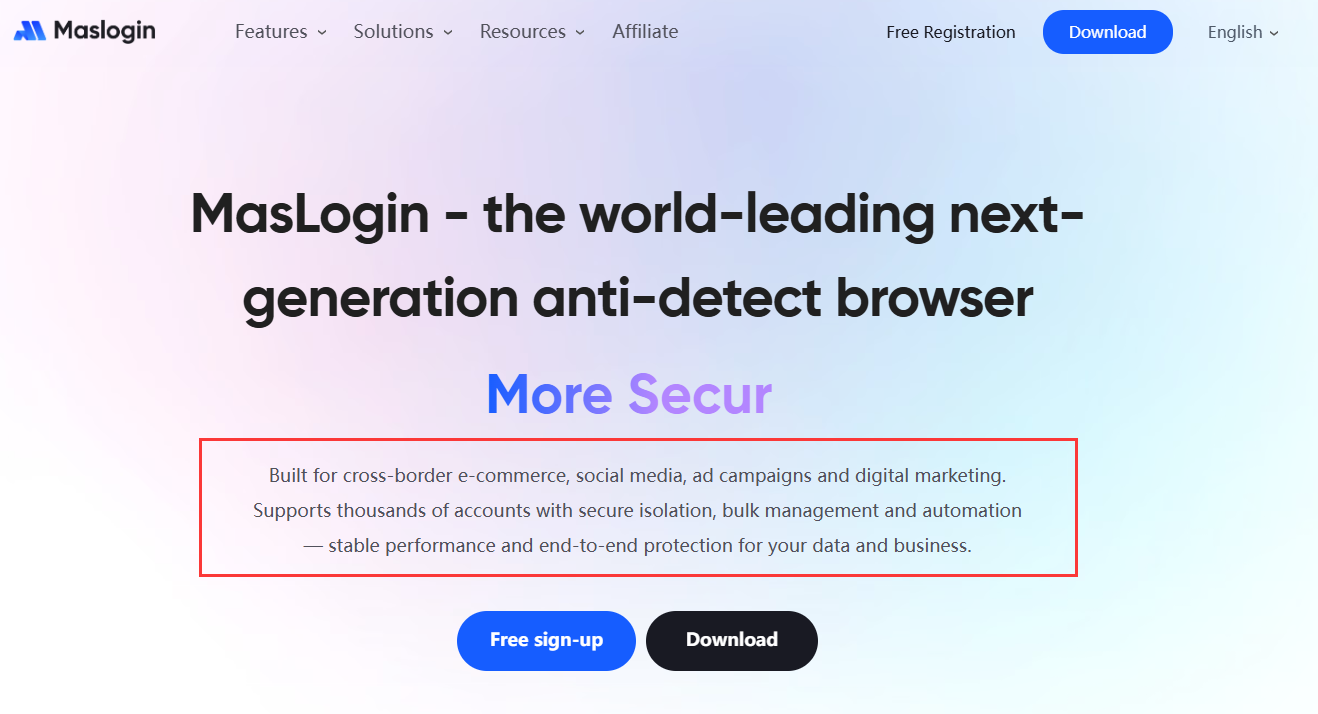
An anti-detect browser creates independent, fingerprint-isolated profiles so multiple accounts don’t “smell” alike. It controls signals such as UA, timezone, locale, fonts, Canvas/WebGL/WebGPU, screen, storage, and pairs with proxies to reduce cross-account correlation.
Context: Device fingerprint
What it solves (from the video’s core ideas):
- Privacy & anonymity (lawfully used): Reduce cross-site tracking risk.
- Multi-accounting at scale: Each profile has persistent, isolated storage and unique fingerprints.
- Resilience to linkage: If one account is restricted, others remain unaffected.
- Automation & teamwork: Built-in RPA/scripting, audit logs, and permissions streamline operations.
Try: MasLogin anti-detect browser (independent environments, RPA/API, team roles, window sync).
VPS vs Anti-Detect Browser — deep comparison
- Layer & purpose
- VPS = infrastructure for apps, sites, APIs, queues, crawlers, databases.
- Anti-detect = application-level tool for anti-association & multi-account ops.
- What’s isolated
- VPS isolates OS/resources, not browser fingerprints by default.
- Anti-detect isolates fingerprints & browser state (one account, one environment).
- Account survival rate
- VPS can rotate IPs and scale, but default browser signals remain similar → still correlatable.
- Anti-detect controls dozens of fingerprint dimensions → better survival in multi-account workflows.
- Automation & collaboration
- VPS: build your own scripts/tooling; steeper curve.
- Anti-detect: ships RPA/API, batch ops, permissions, and audit by design.
- Compliance
- Tools are neutral; your use must follow each platform’s ToS and local law. Anti-detect reduces false positives—it’s not a “get-out-of-rules” card. VPS also isn’t a bypass method.
- Learning & upkeep
- VPS: heavy lift if unmanaged; managed saves time with slightly less flexibility.
- Anti-detect: near plug-and-play; time goes into strategy & scripts.
- Cost model
- VPS: pays for compute/bandwidth; great for backend workloads.
- Anti-detect: pays for profiles/teams/automation—calculated on account ops ROI.
- Bottom line
- Use VPS for deployment/compute; anti-detect for anti-association & multi-account ops. Many teams combine both.
When should you use a VPS?
- You need stable hosting for sites/APIs/automation services.
- You require custom stack and self-controlled security boundaries.
- You plan for elastic scaling and CI/CD delivery.
- You want centralized logs/metrics/auditing/alerts.
- 5) Managed vs unmanaged: No ops team? Choose Managed VPS. Need full control? Unmanaged.
- Compute & storage: KVM/NVMe preferred; size CPU/RAM/IOPS for your language, framework, and concurrency.
- Network: Bandwidth, data transfer, IPv4/IPv6, low packet loss, near-user regions.
- Reliability: SLA, snapshots/backups, failover, DDoS protection.
- Compliance: Data residency (e.g., GDPR) aligned to your user base.
- Ecosystem: Panel images, marketplace, automation API.
- Price & support: Compare monthly/annual and true time-saved value of 24/7 support.
Optimizing a VPS for business use
- Least privilege & segmentation: Role accounts, SSH keys, disable password logins, minimal packages.
- Security hygiene: Firewall, Fail2ban, auto-patching, audit logs with retention policies.
- Observability: Track CPU/RAM/IO/latency/app metrics; alert on anomalies.
- Release strategy: Containerize (Docker/K8s), blue-green/canary, read-only roots where viable.
- Backup drills: Snapshots + offsite backups, test restores; define RPO/RTO.
- Network tuning: MTU, connection limits, reverse proxy & caching where needed.
- Cost control: Right-size instances, schedule non-critical tasks off-peak.
When should you use an anti-detect browser?
- Long-term multi-account ops: cross-border e-commerce, paid ads, social matrices, affiliate marketing.
- Primary need is anti-association: per-account fingerprint isolation with persistent storage.
- You need automation & teams: bulk onboarding, content distribution, creative rotation, QA.
- You require traceability: operation logs, session replay, anomaly detection.
How to choose the best anti-detect browser
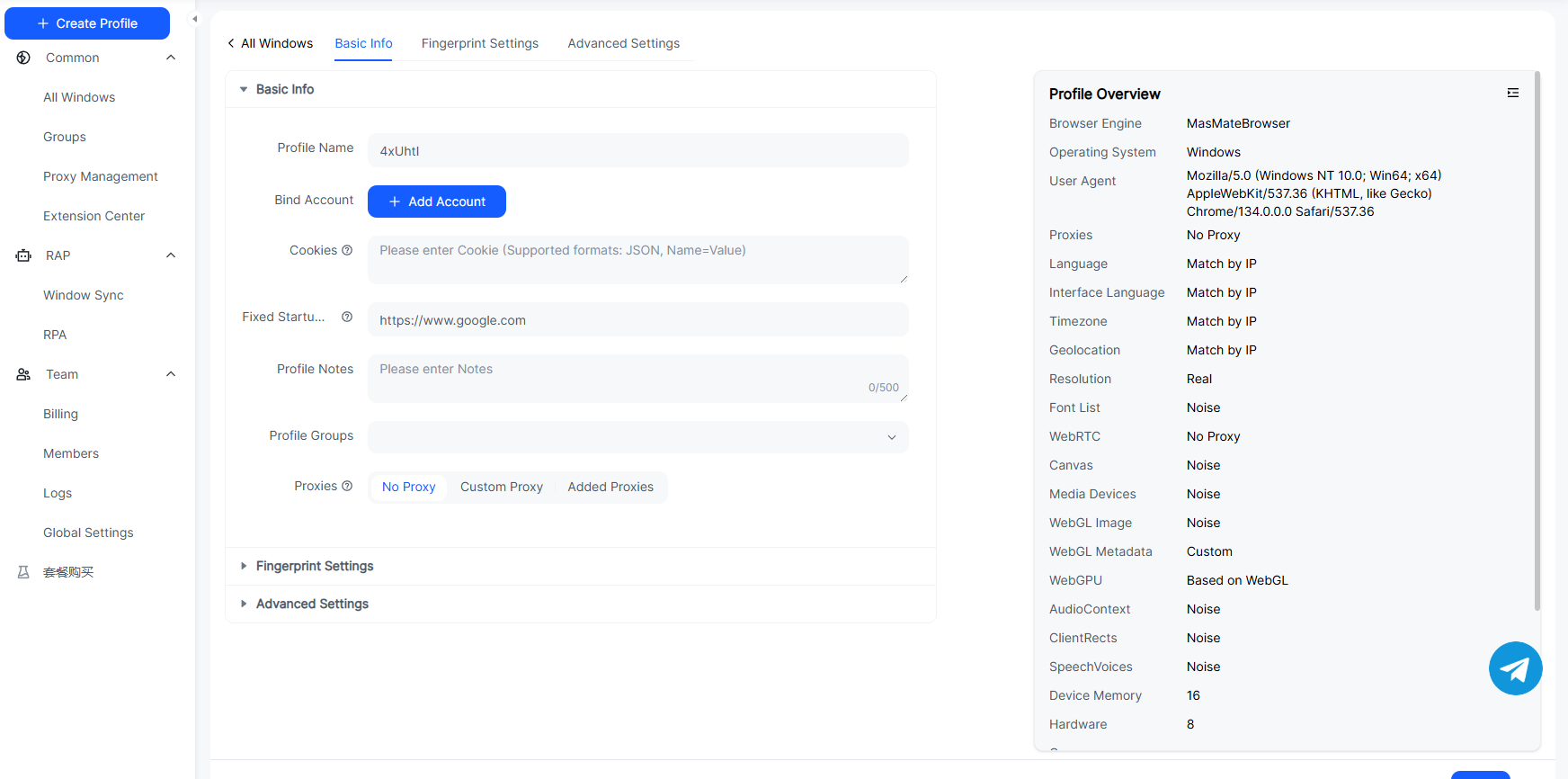
- Fingerprint depth & stability: UA, Canvas/WebGL/WebGPU, fonts/resolution, locale/timezone, hardware capabilities—controllable and consistent.
- Environment isolation: One profile = one sandbox (cookies/local storage separated), import/export ready.
- Automation: Built-in RPA/scripts, API, window sync, batch scheduling.
- Team & audit: Roles/permissions, action logs, shared assets, alerts.
- Proxy compatibility: Support HTTP/HTTPS/SOCKS5; align IP, DNS, timezone, language.
- Risk hygiene: Warm-up helpers and guardrails that flag risky behaviors.
- Data safety: Encryption, cloud/local/self-hosted storage, export/migration.
- Docs & support: Tutorials, examples, responsive SLA, localization.
- Pilot first: Validate survival/efficiency/stability with a small batch before scaling.
- Explore: MasLogin · Privacy basics: Tor Project (use lawfully and responsibly).
FAQ
Can a VPS replace an anti-detect browser for anti-association?
No. VPS isolates servers, not browser fingerprints.
Is Managed VPS worth it?
If you lack DevOps, yes. It trades a bit of control for huge time savings and fewer outages.
Do incognito or random UA strings replace anti-detect?
No. Real risk engines weigh many signals (graphics, fonts, behavior). Single-point tweaks look suspicious.
Is using an anti-detect browser against ToS?
Tools are neutral; your behavior must be compliant with each platform and local laws.
VPS performance spikes—what now?
Check host contention, disk IOPS, network congestion; consider vertical scale, horizontal replicas, or a nearby region.




_00000.png)