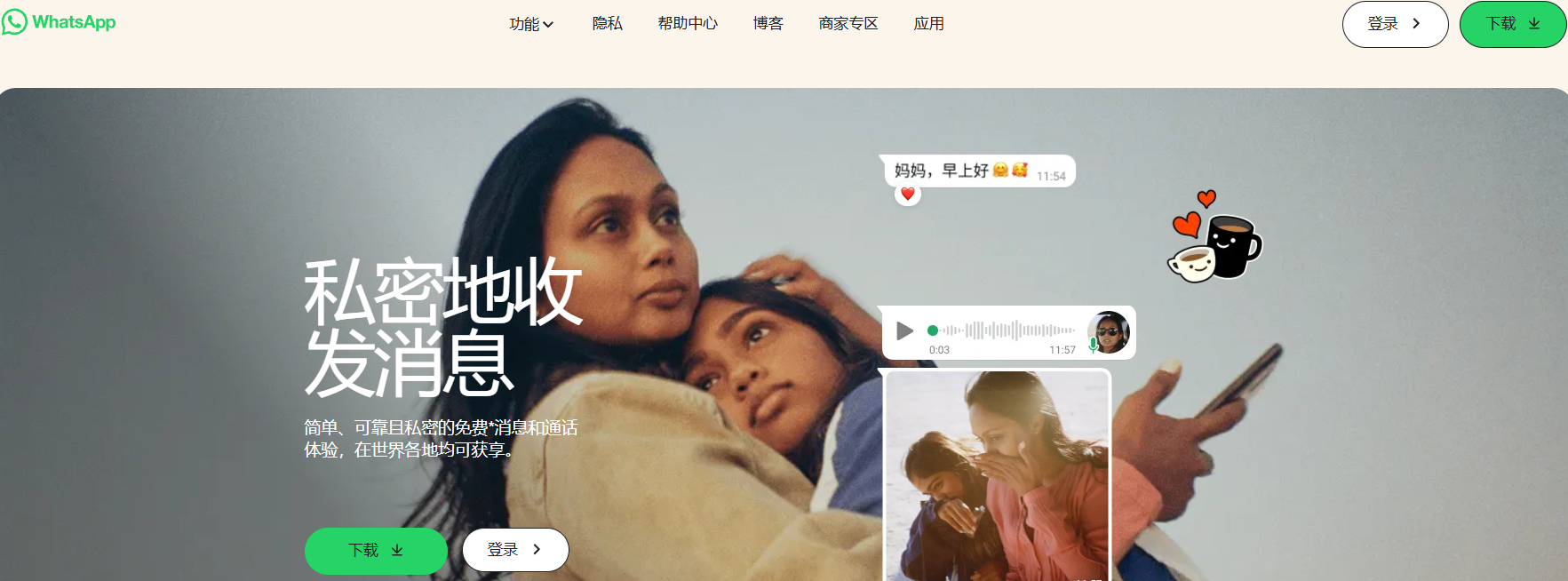
Many users in mainland China have recently reported that WhatsApp verification codes (SMS or calls) are not being delivered when registering or logging in. You might see a message like:
“We couldn’t send SMS to your number. Please try again later.”
If you’ve tried multiple times and still haven’t received the code, don’t panic — this guide compiles tested, real-world solutions that have helped users successfully verify their accounts again.
Several key reasons may cause this issue:
Let’s fix each one step-by-step.
Always use the latest version from the official WhatsApp website or your phone’s app store (Google Play or App Store).
Unofficial or outdated APKs can prevent verification requests from reaching WhatsApp’s global servers.
Because WhatsApp is blocked in mainland China, you need a stable VPN or proxy with IPs from countries like the US, UK, or Singapore.
💡 Tip: Use a clean IP connection (avoid shared VPNs).
Tools like MasLogin Anti-Detect Browser or residential proxies help simulate legitimate traffic and reduce verification errors.
If you’ve clicked “Send Code” multiple times, stop trying for a few hours.
WhatsApp temporarily disables repeated requests to protect users from spam.
Try again later — ideally 3–5 times per day maximum.
If SMS doesn’t arrive, choose “Call me” on the verification page.
A phone call from a US number will read your 6-digit code aloud.
If you miss the call or it disconnects instantly, wait 30–60 minutes before retrying.
If neither SMS nor call works, contact WhatsApp Support:
Alternatively, use the official WhatsApp support form:
👉 https://www.whatsapp.com/contact
This helps confirm whether your number or carrier is temporarily blocked by the verification system.
Uninstall the app → Restart your phone → Wait 24 hours or longer before reinstalling.
This resets background cache files that may block new verification attempts.
Many users report that changing system language helps bypass region-based verification filters.
Go to:
Settings → Language → English (United States)
Then, open WhatsApp → Settings → App Language → English.
Additionally, turn off location access, or set your phone region to the United States.
This combination has resolved the issue for many users.
If the standard WhatsApp app keeps failing, try WhatsApp Business.
It uses a different verification route optimized for professional accounts and often works with blocked numbers.
If you’re using China Unicom, switch to a China Mobile or China Telecom SIM card.
Recent reports show Unicom numbers face the highest verification failure rates.
If your Chinese SIM simply won’t receive verification codes, consider virtual SMS providers like:
Caution: Only use reputable services with high deliverability and privacy compliance.
In summary, to fix the WhatsApp verification issue in mainland China:
Following these steps, most users regain access within 24–48 hours.
Q1. Why can’t my Chinese number receive WhatsApp verification SMS?
Your carrier or region may block international SMS. Try voice verification or change your VPN/IP region to the US.
Q2. How do I contact WhatsApp if I can’t verify my number?
Use the official contact form: whatsapp.com/contact and provide your number with +86.
Q3. Will using a VPN help?
Yes — use a reliable paid VPN with IPs from the US or Singapore. Free VPNs often share IPs that WhatsApp flags as spam.
Q4. Can I use a virtual number to verify WhatsApp?
Yes, but only trusted platforms like PingMe or TextNow. Avoid low-quality disposable numbers.
Q5. Is WhatsApp Business safer for verification?
Yes, it uses a different verification system and works more reliably with Chinese carriers.
Outline