Google Chrome still holds more than 66% of the global browser market, but “dominant market share” doesn’t mean “truly great to use.” For many people, Chrome is just a habit now, not necessarily the best choice.
If you’ve started caring more about privacy, want to reduce resource usage, or feel like trying some genuinely thoughtful features, the 9 browsers in this article will show you there are higher‑quality options beyond Chrome. They place a stronger emphasis on user privacy, offer useful features Chrome doesn’t have, and provide a cleaner, calmer browsing experience.
![(4BYESWK}ES}]X)97_Y33$U.png](https://masmate.service-online.cn/production/files/0/1764733758561470436_47237.png)
Mullvad Browser is an open‑source browser from Swedish VPN provider Mullvad. It’s based on Firefox and developed in collaboration with the Tor Project team. Its core mission is to eliminate online tracking and keep you as anonymous as possible while you browse.
Key highlights:
The interface is very clean and retains common Firefox features, including Reader Mode and a screenshot tool. If you often use public networks or worry about your browsing behavior being tracked, Mullvad Browser is a solid and trustworthy choice.
Currently available for Windows, macOS, and Linux, with no mobile apps yet.
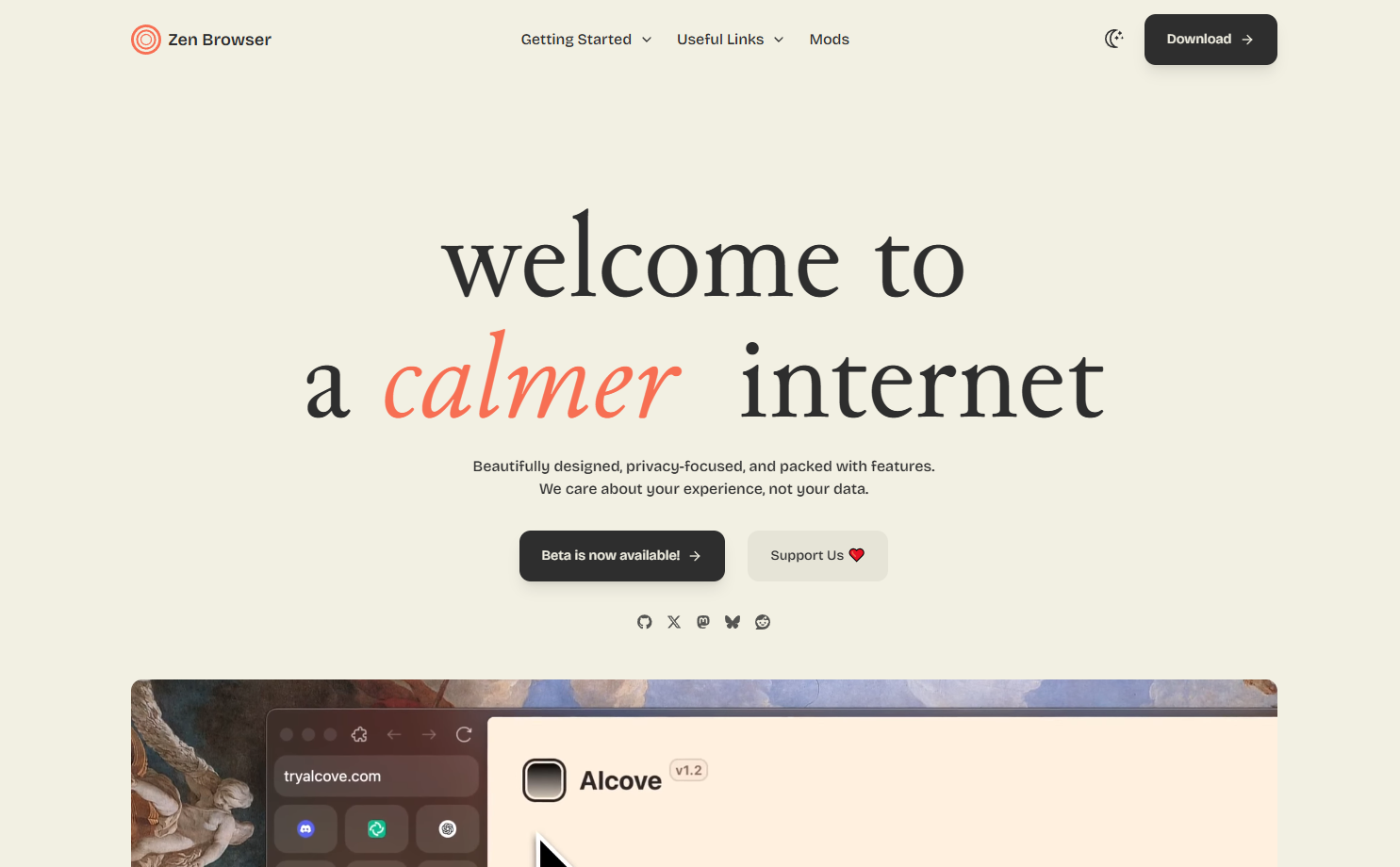
Zen Browser is also based on Firefox, open source and free, with design inspiration from the now‑discontinued Arc browser. Its core philosophy is to “reduce distractions and boost focus,” making it a great fit for users who handle a lot of multitasking.
Zen Browser’s layout differs from traditional browsers. The toolbar has been moved to a left sidebar, which contains the address bar, bookmarks, workspaces, and tab management. It may take some time to get used to, but once you adapt, productivity really does improve.
Currently, it’s desktop‑only (Windows, macOS, Linux), with no mobile version yet.
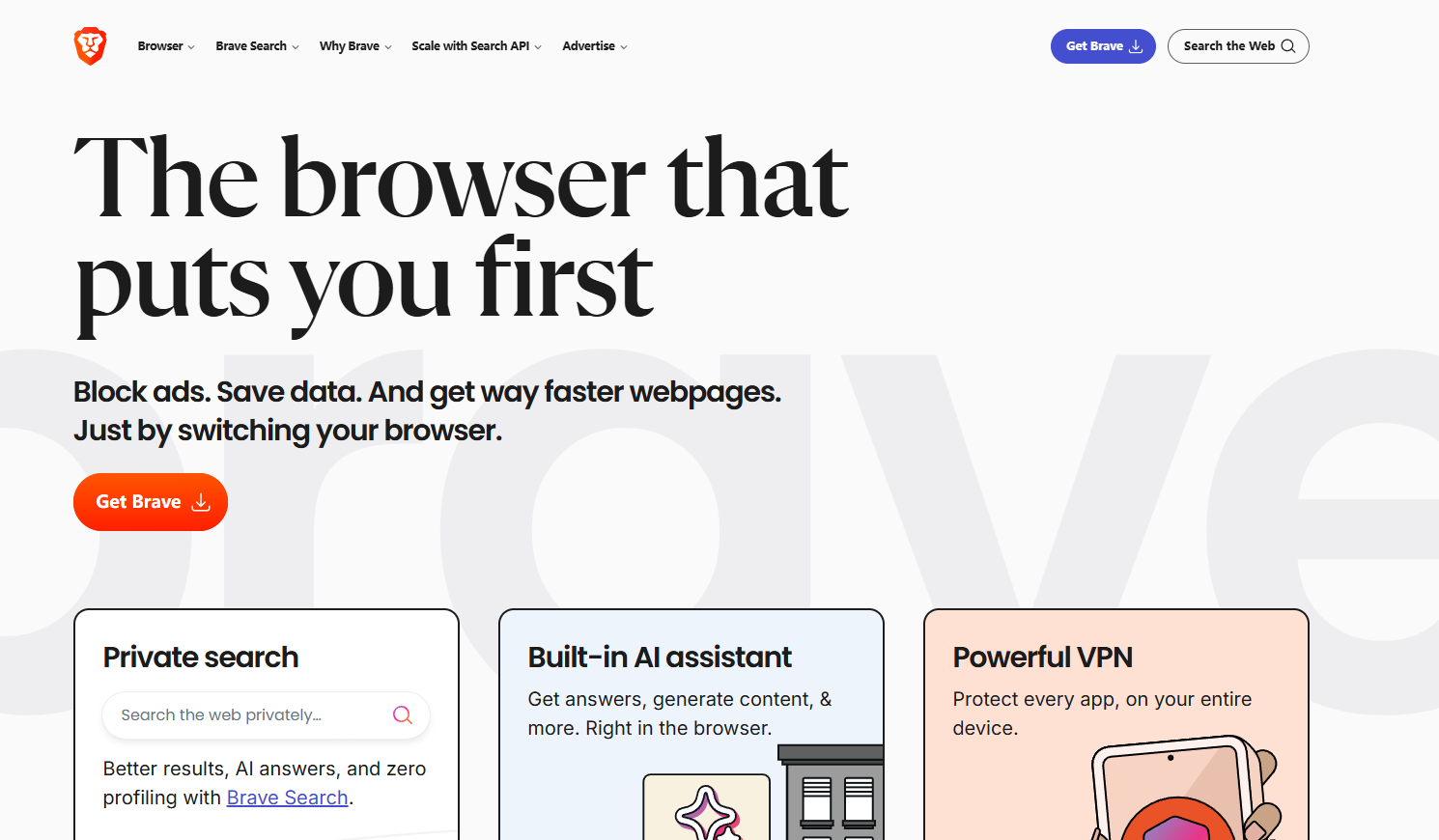
If you rely on the Chrome ecosystem but want stronger privacy, Brave is an ideal replacement. It’s built on Chromium but strips out Google’s tracking code and blocks ads and third‑party trackers by default.
When you visit privacy‑hostile sites, you can click the shield icon to the right of the address bar to see in real time how many ads and trackers have been blocked. This immediate feedback makes it very clear how much of your data was being targeted.
Brave supports all major platforms: Windows, macOS, Linux, Android, and iOS. It’s one of the few privacy‑focused browsers that truly offers a full, consistent experience across all platforms.

Opera GX is a browser specifically designed for gamers, based on Chromium. Its standout feature is the ability to limit the browser’s resource usage so you can better balance performance between gaming and browsing.
The interface is highly customizable. On first launch, you’re guided through selecting themes, wallpapers, and feature modules. For gamers who need multiple browser windows open but don’t want to sacrifice FPS, Opera GX is a very considerate option.
Currently available for Windows, macOS, Android, and iOS, with no Linux version yet.
![[8JXO$5RR43FVRY]WYODV7C.png](https://masmate.service-online.cn/production/files/0/1764733779316841813_56876.png)
Beyond being a search engine, DuckDuckGo also offers its own browser. Its core selling point is privacy: no ads, no tracking, and it blocks cookie consent pop‑ups and intrusive ads by default.
The interface is extremely minimalistic—this is both a strength and a weakness. If you like clean, simple design, you’ll find it refreshing. But if you’re used to a rich extension ecosystem, you may find it lacking, because DuckDuckGo Browser currently doesn’t support extensions.
Its desktop and mobile versions use different engines:
There’s currently no Linux version.
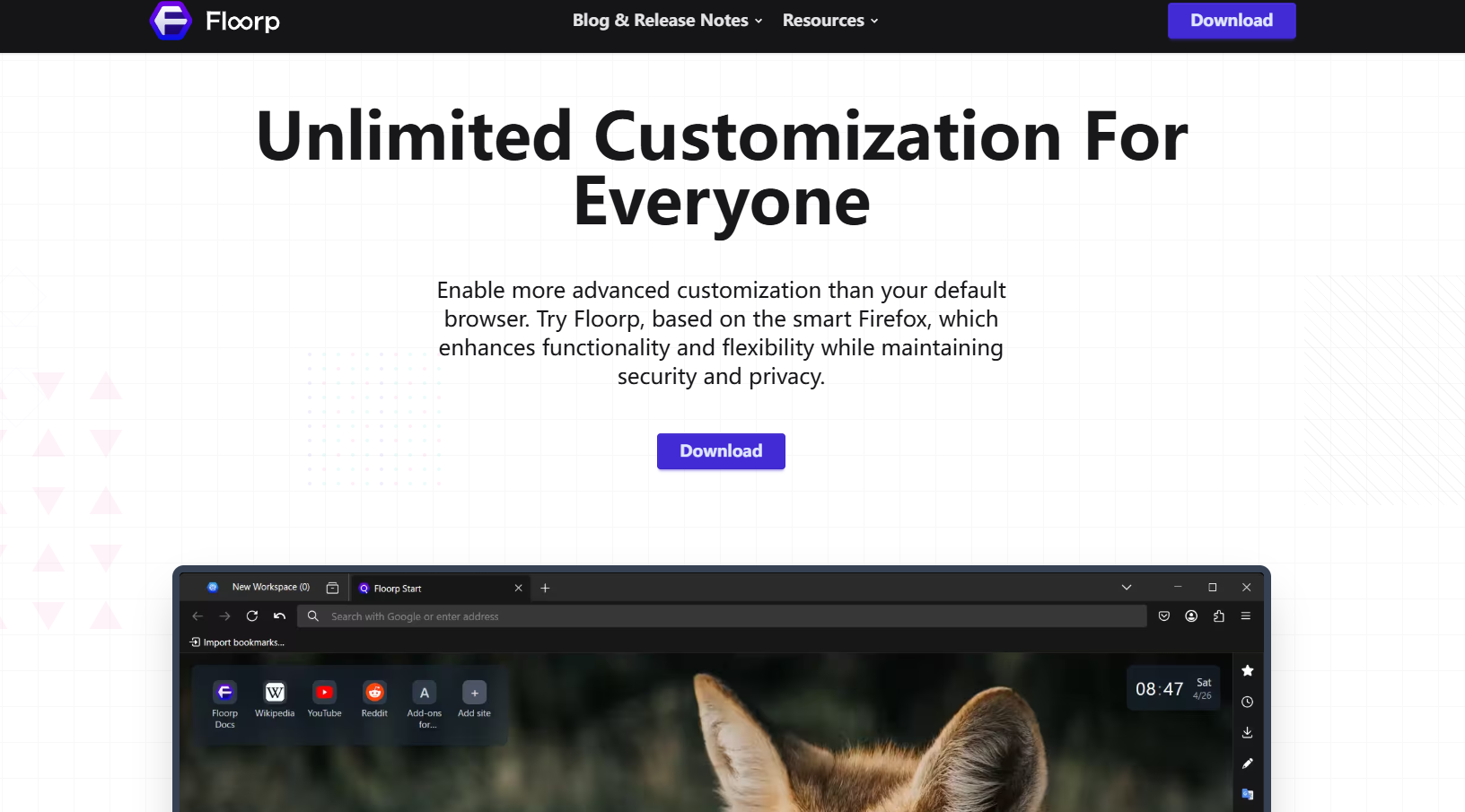
Floorp is an open‑source browser from Japan, based on Firefox. It removes Mozilla’s telemetry and adds several productivity‑boosting features.
Unlike most browsers, Floorp’s sidebar is on the right rather than the left, giving quick access to bookmarks, history, and more. To enable split view, simply right‑click a tab and choose “Split this tab.”
Available for Windows, macOS, and Linux, with no mobile app yet.
Opera One is Opera’s newest browser (released in 2024), built on Chromium. It’s designed to make browsing calmer and more comfortable. With a minimalist aesthetic, it aims to reduce distractions and improve your mental comfort while you’re online.
If you’re interested in its feature details, you can look up in‑depth review videos for a closer look.
Currently it’s available for Windows and macOS only.
LibreWolf is an open‑source browser based on Firefox and built for privacy and security enthusiasts. It completely removes telemetry, includes several privacy‑first search engines by default, and ships with content blocking enabled.
If you have very strict privacy requirements, LibreWolf is one of the few browsers that truly aims for “zero data collection.”
Supported on Windows, macOS, and major Linux distributions.
Waterfox is also based on Firefox. It looks almost identical to stock Firefox but completely disables telemetry and enables many privacy features out of the box.
For users who like Firefox’s interface and behavior but don’t want to be tracked, Waterfox is a straightforward, low‑friction replacement.
Available on Windows, macOS, Linux, and Android.
Vivaldi is based on Chromium and supports all major desktop and mobile platforms. Its reputation as “the most powerful browser” is well‑deserved—built‑in features include:
Vivaldi is extremely customizable; nearly every UI element can be tweaked. It also takes privacy seriously and blocks trackers and ads by default.
If you want a browser that boosts productivity while protecting your privacy, Vivaldi is absolutely worth trying.
Despite its huge market share, Chrome doesn’t prioritize privacy, and it’s very memory‑hungry. If you care about data privacy or want to reduce system resource usage, the browsers above are better options.
Browsers based on Chromium (such as Brave, Vivaldi, and Opera GX) can use extensions from the Chrome Web Store. Browsers based on Firefox support the Firefox extension ecosystem instead.
Mullvad Browser and LibreWolf offer the most comprehensive privacy protection. DuckDuckGo Browser and Brave also perform very well and are easier for most users to get started with.
Yes. All the browsers recommended in this article are either open source and free or free to use.
Brave, Opera GX, DuckDuckGo Browser, and Waterfox all have mobile apps available for Android and iOS.
Outline



_00000.png)