Learn how to find and join Telegram groups in 2025 — discover public, private, and nearby chats safely and efficiently with our step-by-step guide.
Telegram is known for its privacy features, end-to-end encryption, and secure messaging, but joining Telegram groups isn’t always straightforward.
Whether you’re searching for hobby communities, business discussions, or crypto groups, knowing how to find Telegram groups will make your experience smoother and safer.
Telegram offers two main types of groups:
Public groups are ideal for discovering communities, while private groups ensure more exclusivity and security.
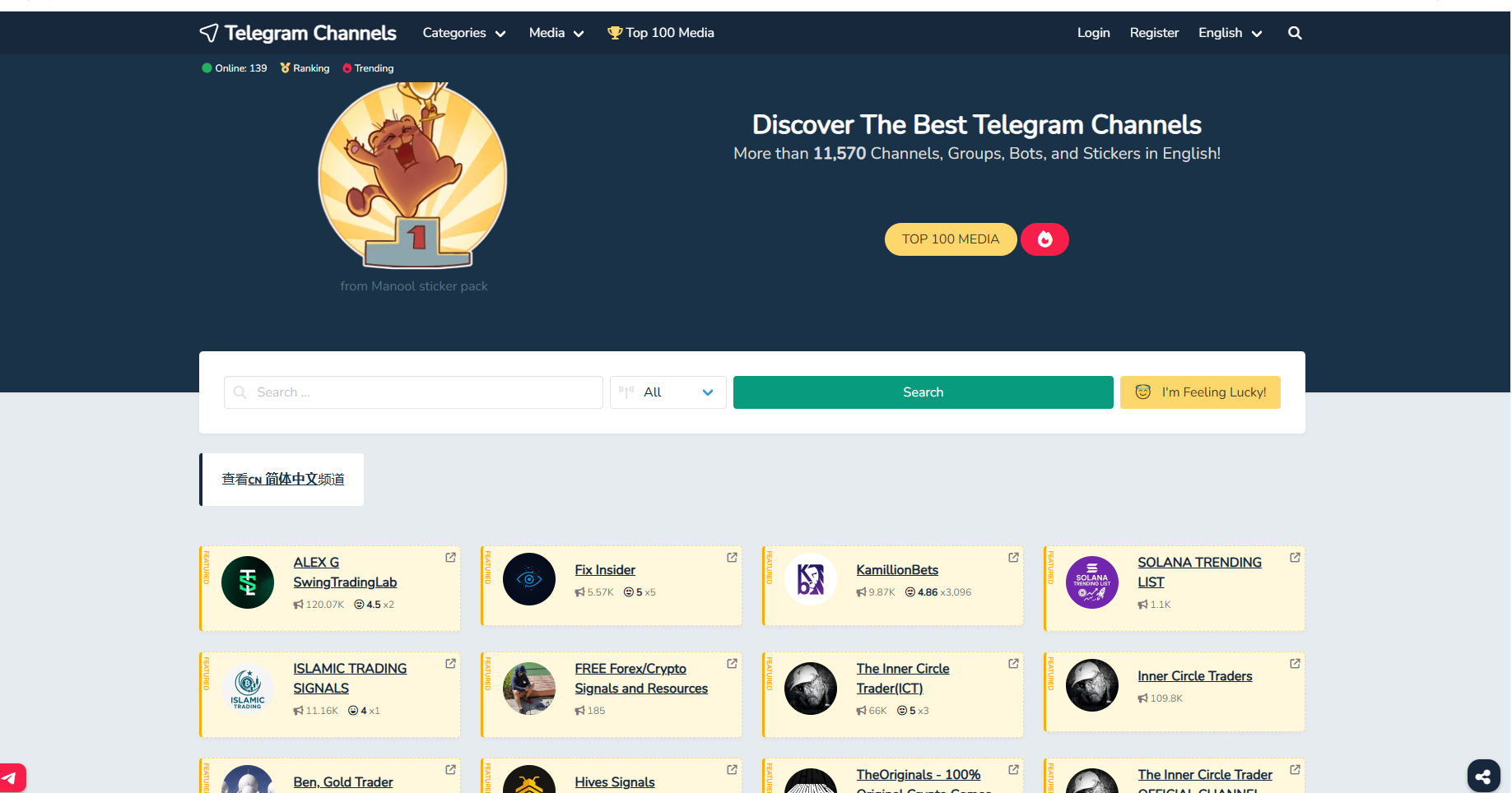
Step 1: Open the Telegram app (mobile or desktop).
Step 2: Tap or click the search bar at the top.
Step 3: Enter the group name or topic keyword (e.g., “crypto”, “travel”, “fitness”).
Step 4: Look for results under “Global Search” — these are discoverable public groups.
Pro Tip: If you’re browsing topics rather than specific names, use general keywords to see related global groups.
External link suggestion:
Telegram Official FAQ – Finding and Joining Groups
Private groups require an invite link from a member or administrator.
If you can’t locate the group publicly:
Important: Be cautious when joining links shared on third-party websites to avoid scams or spam content.
Telegram’s People Nearby feature helps users connect with local groups and individuals.
To enable this:
This is perfect for finding local clubs, meetups, and regional discussions.
1. How do I find Telegram groups by topic?
Use Telegram’s search bar and type a relevant keyword (e.g., “movies”, “crypto”, “tech”).
2. Can I join private Telegram groups without an invite?
No, private groups require an invite link shared by a member or admin.
3. How do I find nearby Telegram groups?
Enable the People Nearby feature in the menu and browse local users or groups.
4. Is it safe to join public groups?
Yes, but avoid suspicious links and verify group authenticity before joining.
5. Can I manage multiple Telegram accounts?
Yes, using tools like MasLogin Fingerprint Browser ensures each account runs securely and independently.
Finding the right Telegram groups can greatly enhance your experience — from connecting with like-minded people to discovering business opportunities.
With privacy tools, local discovery, and management solutions like MasLogin, you can enjoy secure, efficient, and multi-account Telegram operations in 2025.
Outline
_00000.png)