Thinking about making money through the Amazon Associates Program? Before you dive in, there are three crucial questions you absolutely must have answered: how to avoid using your Social Security Number (SSN), how to prevent your account from being banned, and how to quickly monetize within 24 hours. Many guides only tell you how to register an account, neglecting these critical details that could lead to your efforts being in vain.
This article will guide you through setting up your Amazon Associates marketing system from scratch using real-life scenarios and actionable steps, and then leverage MasLogin Anti-detect Browser for secure multi-account operations, avoiding risks of account linkage or IP risk control bans.
What is the Amazon Associates Program? An In-depth Look at Real Earnings Logic
The Amazon Associates Program is essentially a recommendation commission model: you promote products on Amazon, and when someone places an order through your unique link, you earn a commission. This is a classic "win-win" model – you drive traffic and sales for Amazon, and Amazon provides you with cash rewards.
Common Scenario Example
Suppose someone asks you: "What's the model of the camera you use in your video?"
- Traditional Approach: Directly reply with "Canon 90D."
- Affiliate Marketing Approach:
Key Advantage: If, after clicking your link, they not only buy the camera but also happen to pick up other items (like cookware or books), you'll earn commissions on all those items – as long as these actions occur within 24 hours of clicking the link.
The Real Dilemmas of Amazon Associates: Low Commissions and Strict Rules
Low Commission Rates
Amazon's affiliate commissions are on the lower side compared to industry standards (ranging from 1% to 10% across different categories; you can check the official commission schedule for specifics). For example:
- Electronics: approximately 1%–4% commission.
- Home decor: approximately 8%–10% commission.
Why Still Choose Amazon?
- Over 310 million users globally, with 200 million being Prime members.
- High user trust and a convenient payment process (credit card information is already saved).
- Conversion rates far higher than niche platforms.
In simple terms: it's better to earn stable income with low commissions than high commissions with no sales.
How to Register an Amazon Associates Account: A Complete Guide to Avoiding SSN Usage
Step 1: Create an Account and Fill in Basic Information
- Visit the Amazon Associates official website and click "Sign Up."
- Enter your personal information and set up an Associate ID (customizable, used to identify your account).
- Provide your website/social media links:
Step 2: Select Payment Method (Crucial Step)
- On the "Payment and Tax Information" page, choose your payout method: Check or Amazon Gift Card. The minimum withdrawal amount is $100.
- Tax Information (Key Point): On the "Provide Tax Information" page, select "Individual." In the "US Taxpayer Identification Number" dropdown menu, choose "EIN (Employer Identification Number)" instead of SSN.
Step 3: How to Apply for an EIN (Employer Identification Number)
Who is this for?: U.S. residents (non-U.S. users should consult local tax regulations).
- Visit the IRS official website and search for "Employer Identification Number."
- Follow the instructions to complete the online application (it's completely free).
- You will typically receive your EIN on the same day, which you can use to complete the Amazon Associates tax verification in place of an SSN.
Why do this?
Using an EIN helps avoid sharing your Social Security Number across multiple platforms, reducing the risk of identity theft.
The 180-Day Trial Period: How to Avoid Getting Kicked Out of the Associates Program
Amazon Associates has a strict "Trial Period Rule":
- Requirement: Within 180 days of registration, you must generate at least 3 qualifying sales.
- Consequences of Failure: Your account will be closed, and all previously generated affiliate links will become invalid.
- Reapplication is possible: but your previous data and links cannot be recovered.
What Constitutes a "Qualifying Sale"?
- Buyer Must Be a New Customer: Amazon detects the buyer's relationship with you. Purchases made by friends or family do not count as qualifying sales. This remains true even if you use a VPN or change your IP address (Amazon's risk control systems can identify this).
- 24-Hour Purchase Window: After a user clicks your affiliate link, they must complete their purchase within 24 hours. If the time limit is exceeded, you will not receive a commission.
- "Last Click Attribution" Rule: If a user clicks your link first, and then later clicks on another affiliate's link, the commission goes to the owner of the last clicked link.
MasLogin in Practice: Securely Operating Multiple Accounts with an Anti-detect Browser
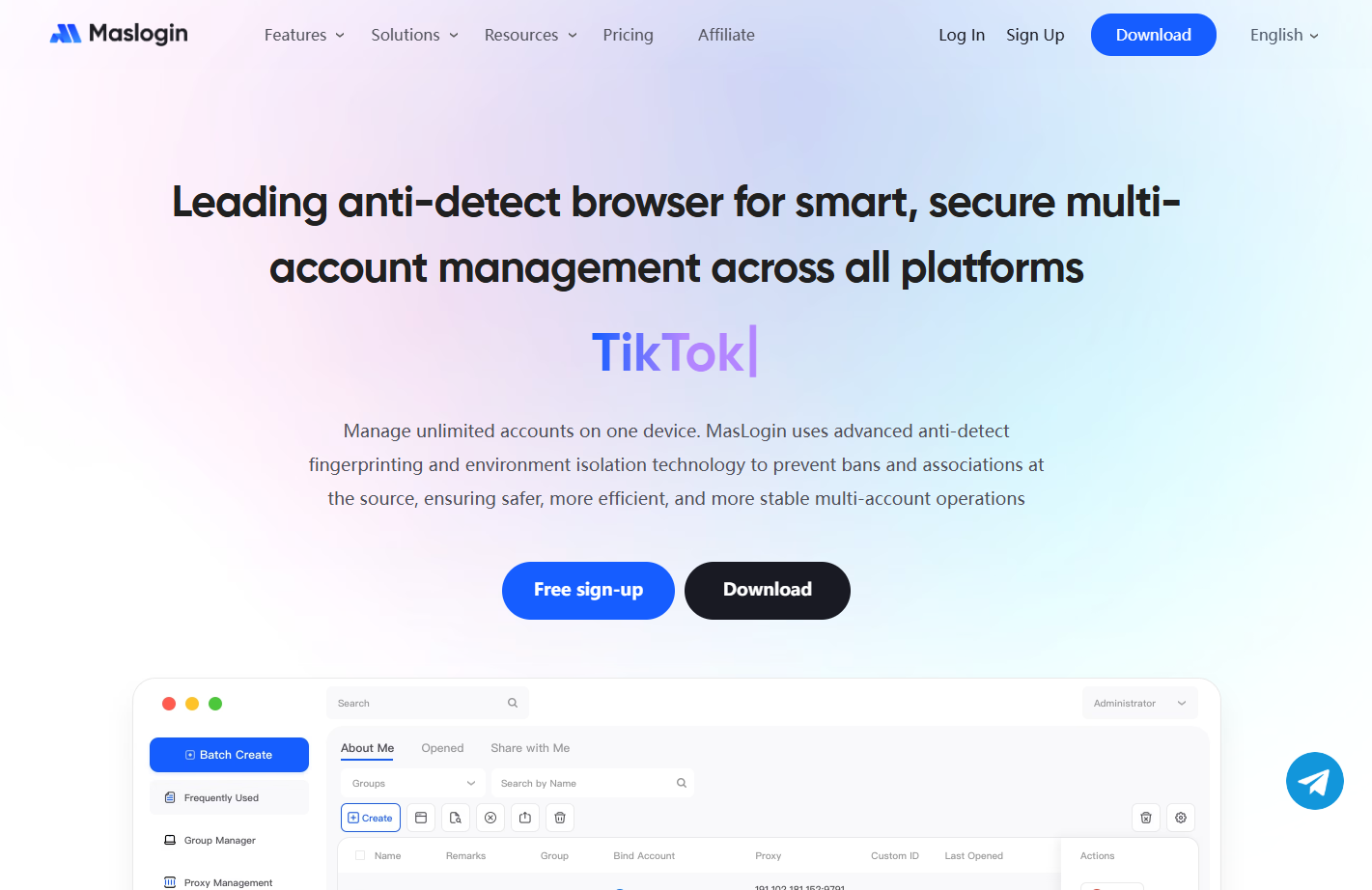
In Amazon Associates promotion, multi-account operation is a common strategy (e.g., creating separate accounts for different product categories or regions). However, using a standard browser to manage multiple accounts directly can easily trigger Amazon's risk control mechanisms, leading to account linkage bans.
Problem Scenario: Why Do Accounts Get Banned?
Suppose you log into 3 Amazon Associates accounts on the same computer:
- Amazon detects the same browser fingerprint (like Canvas, WebGL, fonts, etc.), IP address, and Cookies.
- The system determines these accounts are operated by the same person, triggering "account linkage" risk control and resulting in a complete ban.
MasLogin Solution: One Computer, Multiple Isolated Environments
MasLogin Anti-detect Browser uses virtual browser environment isolation technology to create independent digital fingerprints for each account, preventing platform linkage.
Specific Operational Steps
Step 1: Download and Install MasLogin
![P@E]KBFN9[@X_E]CS3QOGJA.png](https://masmate.service-online.cn/production/files/0/1765533360465419605_39520.png)
- Visit the MasLogin official website and download the client.
- Register an account and log in (new users usually have free trial credits).
Step 2: Create an Isolated Environment for Each Amazon Associates Account
- Click "Create Browser Environment."
- Configure the following parameters:
Step 3: Log In and Operate Each Account
- Open the corresponding browser environment in MasLogin.
- Access the Amazon Associates backend, log in to your account, and generate affiliate links.
- After closing the environment, cookies and cache are saved independently, and the session will automatically resume the next time you open it.
Risk Control Key Points: Team Collaboration and Data Security
If you manage multiple accounts with team members:
- Utilize MasLogin's team collaboration features:
- Regularly check account health (refer to the MasLogin Help Center for best practices).
Frequently Asked Questions (FAQ)
Can I use my affiliate link to buy products myself?
No. Amazon will detect this as "self-promotion," which doesn't count as a qualifying sale and could even lead to account suspension.
If a friend/family member buys through my link, will I get a commission?
No. Amazon's risk control system can identify the buyer's relationship with you (specific technical details are not disclosed, but real-world tests show it's ineffective).
Can I directly send affiliate links in an email?
Not recommended. Amazon cannot track the email source, and you might not receive a commission. It's suggested to use public webpages (like a blog or social media profile) as an intermediary.
What happens if I don't reach 3 sales within 180 days?
Your account will be closed, but you can reapply. Note: All previously generated affiliate links will become invalid and need to be regenerated.
Will Amazon detect MasLogin?
No. MasLogin simulates real user browser fingerprints and network environments. As long as you configure proxy IPs and fingerprint parameters correctly, the platform cannot identify that you are using a multi-account management tool. The key is to avoid frequently switching accounts under the same IP.